Color & Tone
These nodes handle everything about colour and brightness: matching one image to another, shaping contrast with curves, grading with a Camera Raw style panel, selecting by tone or colour, and saving or applying LUTs. Use them to finish a retouch, to bring AI output back to a reference photo, or to build a repeatable look.
-
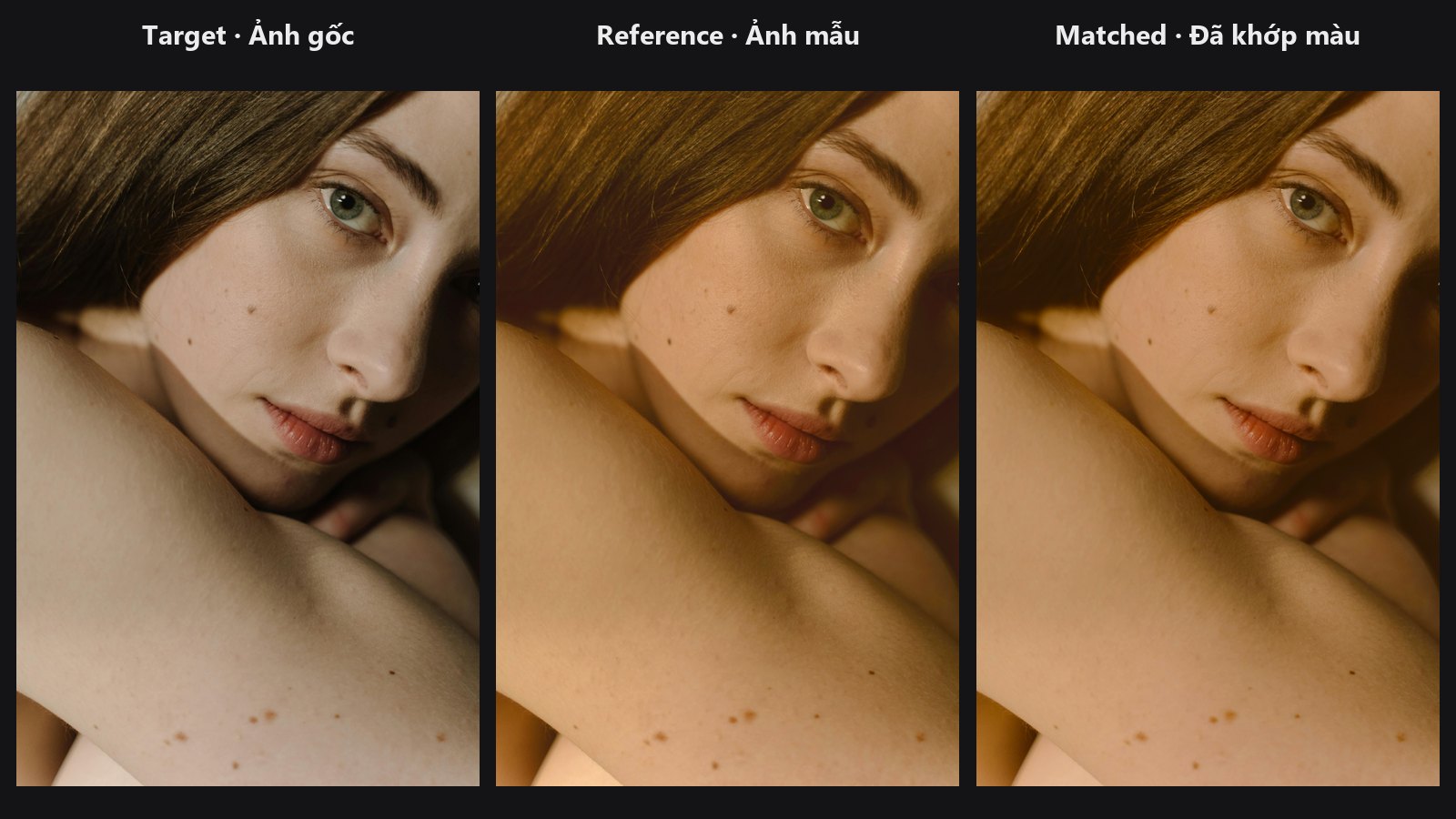
Pull the colours of one image toward a reference in LAB space.
-
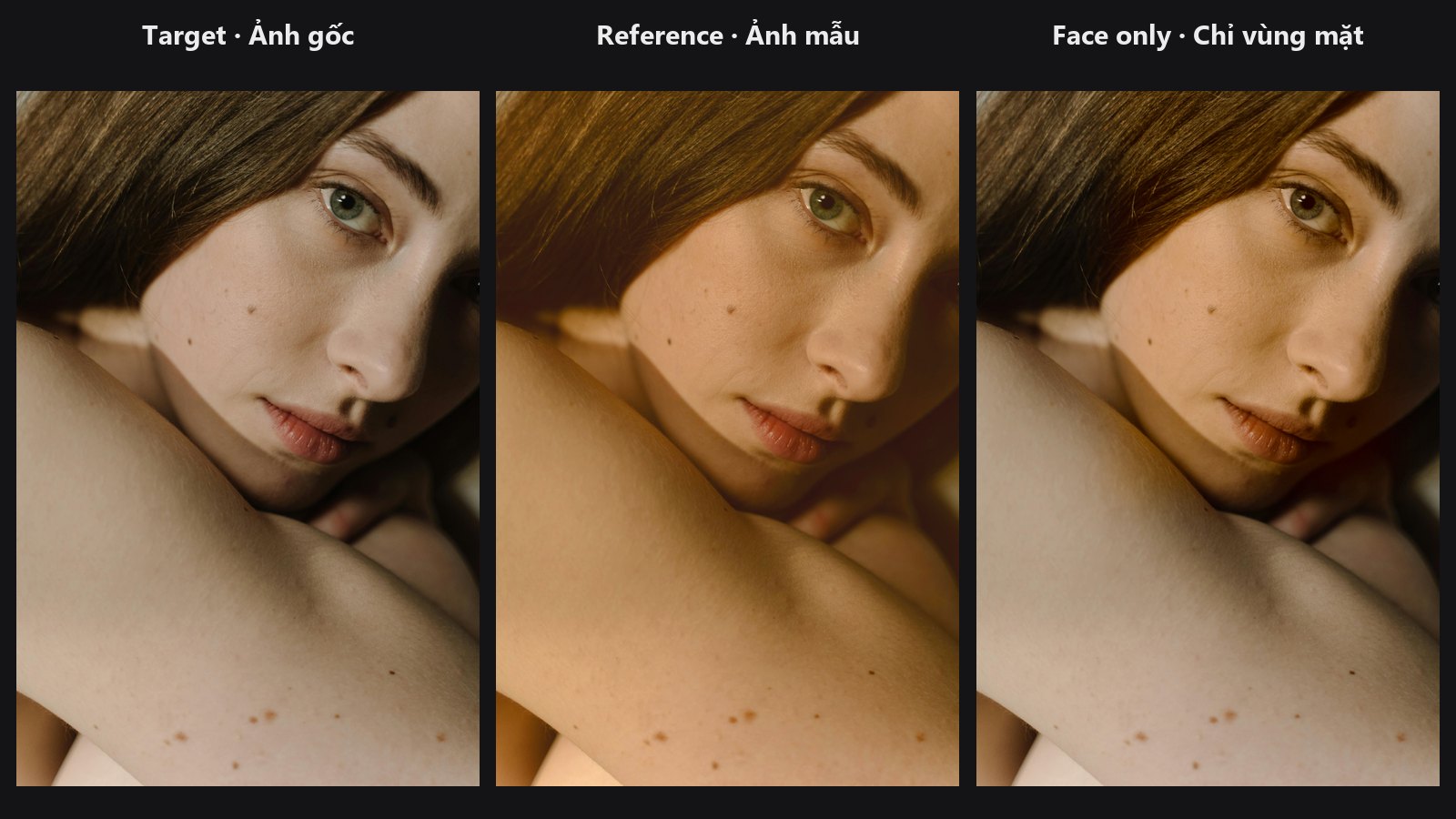
Match one masked region to another, even across different image sizes.
-
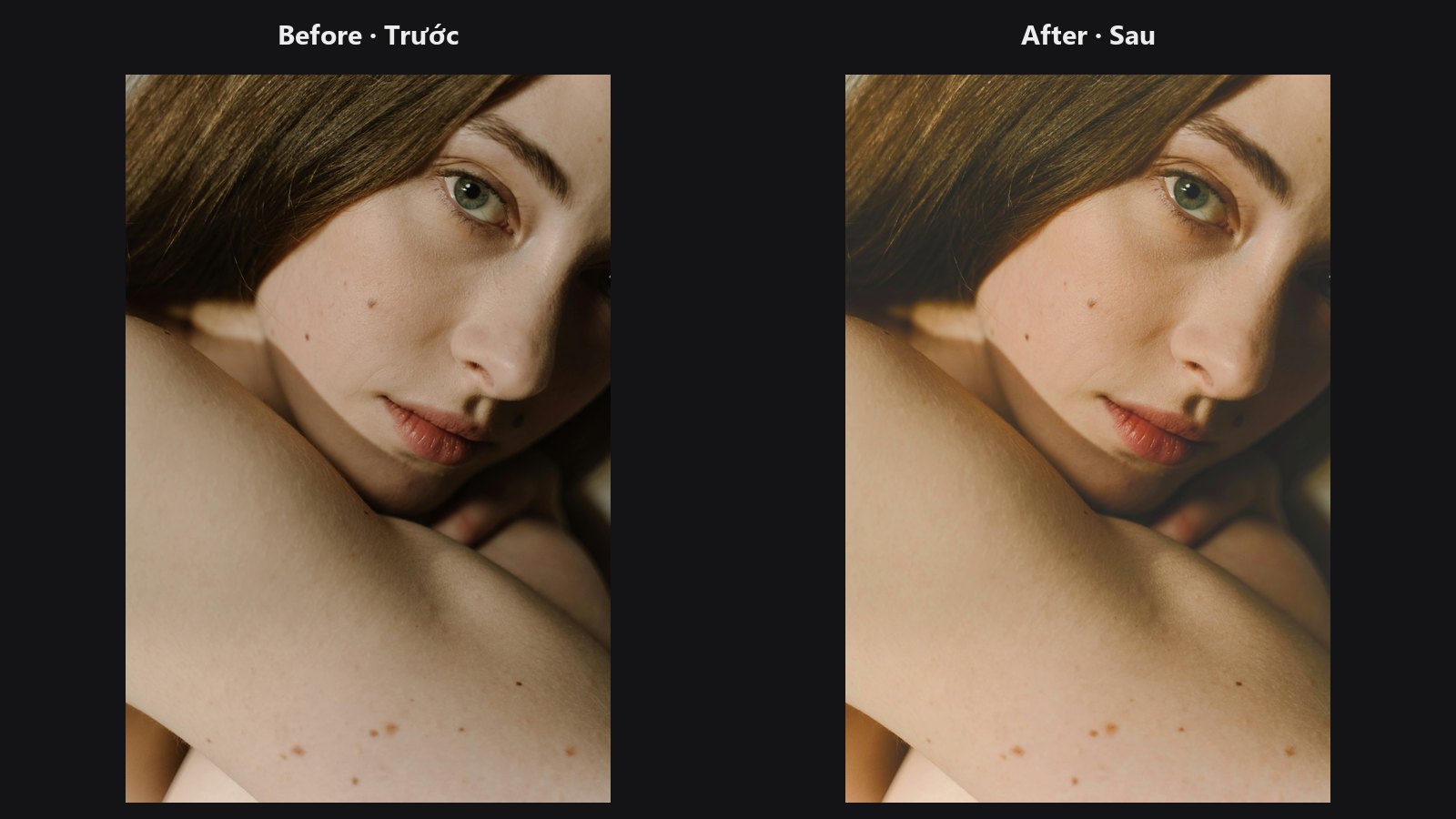
Camera Raw style Basic, HSL, Color Grading and Gray Mix in one node.
-
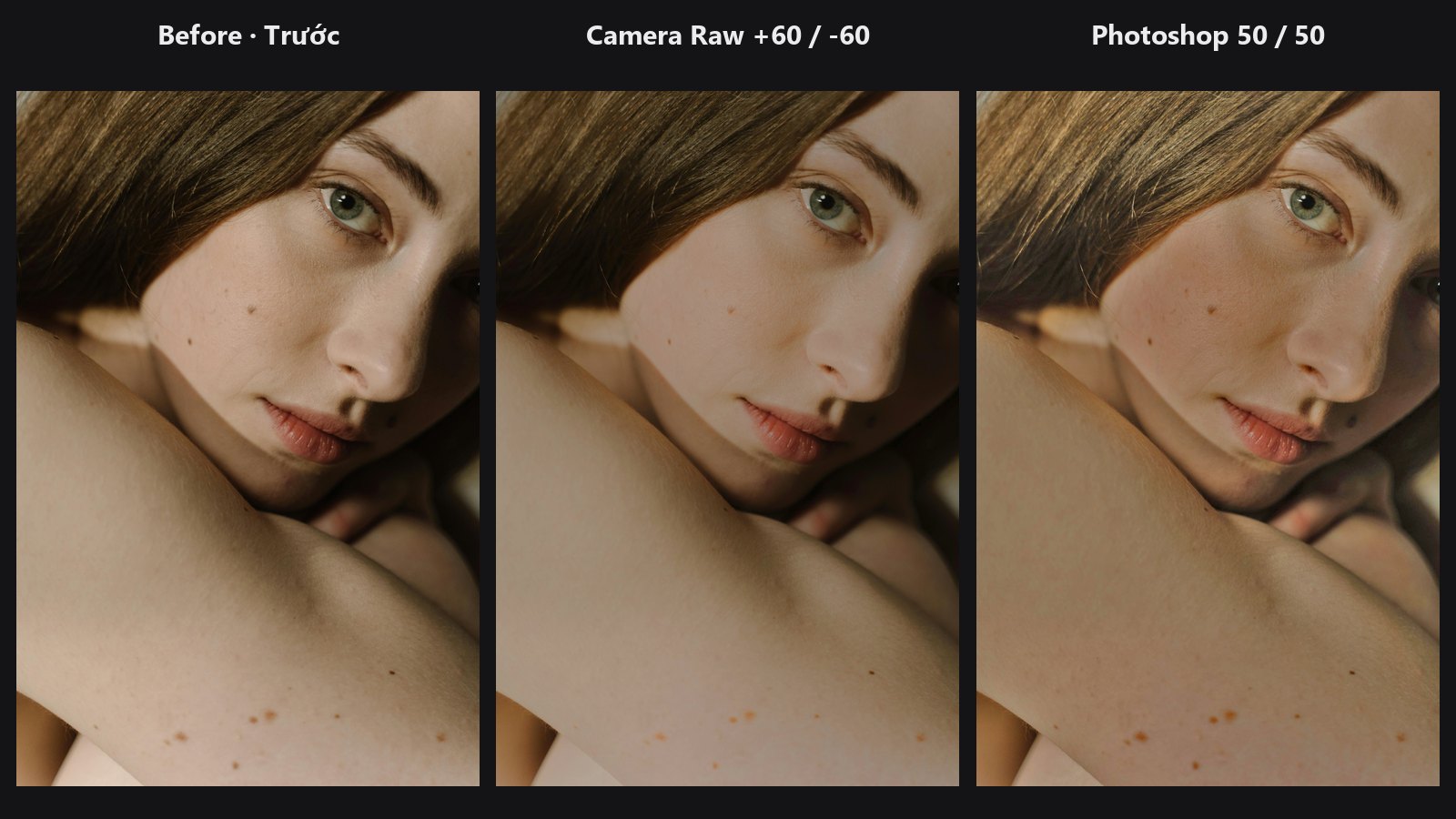
Lift shadows and recover highlights without halos, Camera Raw or Photoshop style.
-
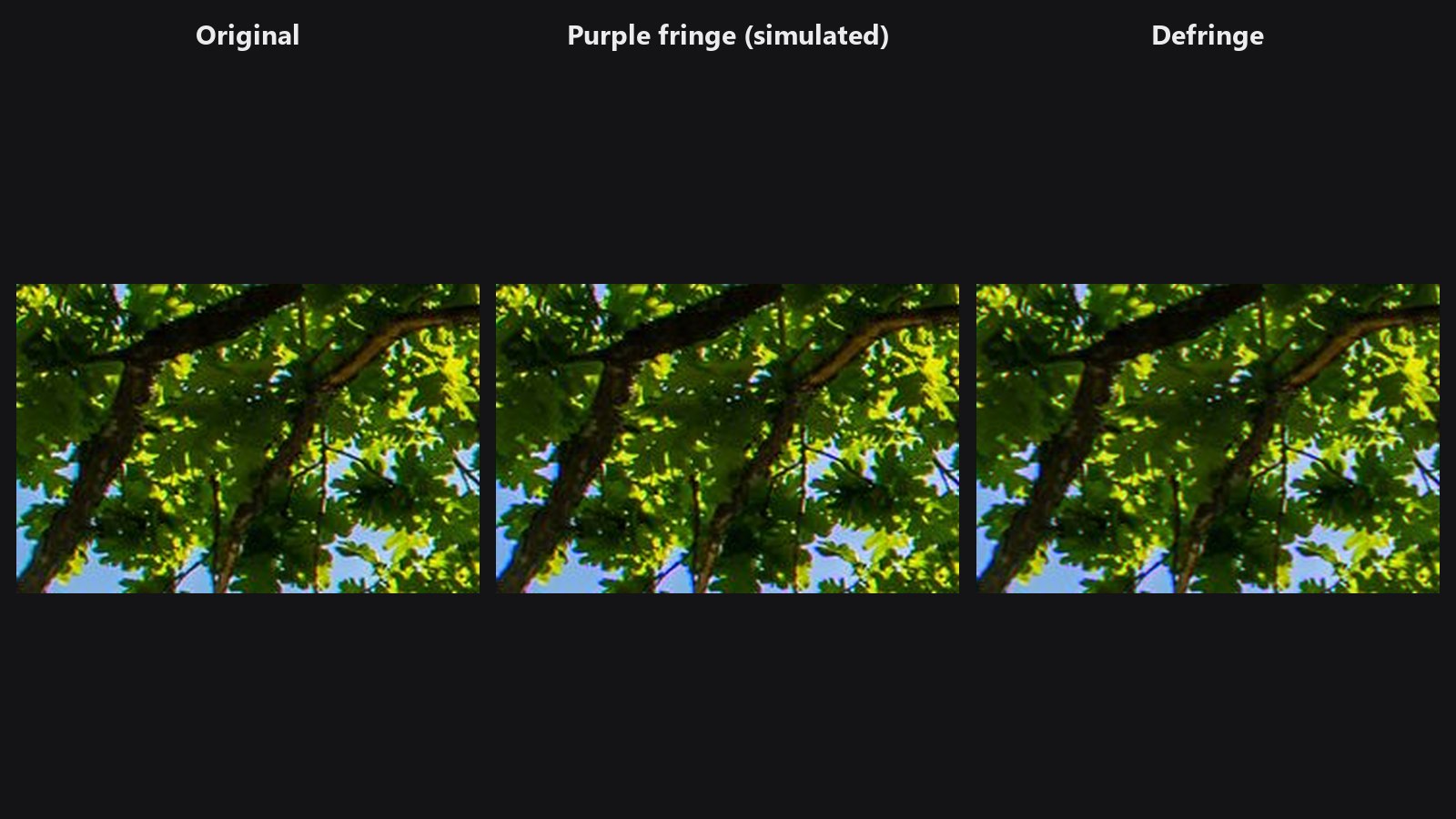
Removes purple and green fringes along high-contrast edges, and lateral CA.
-
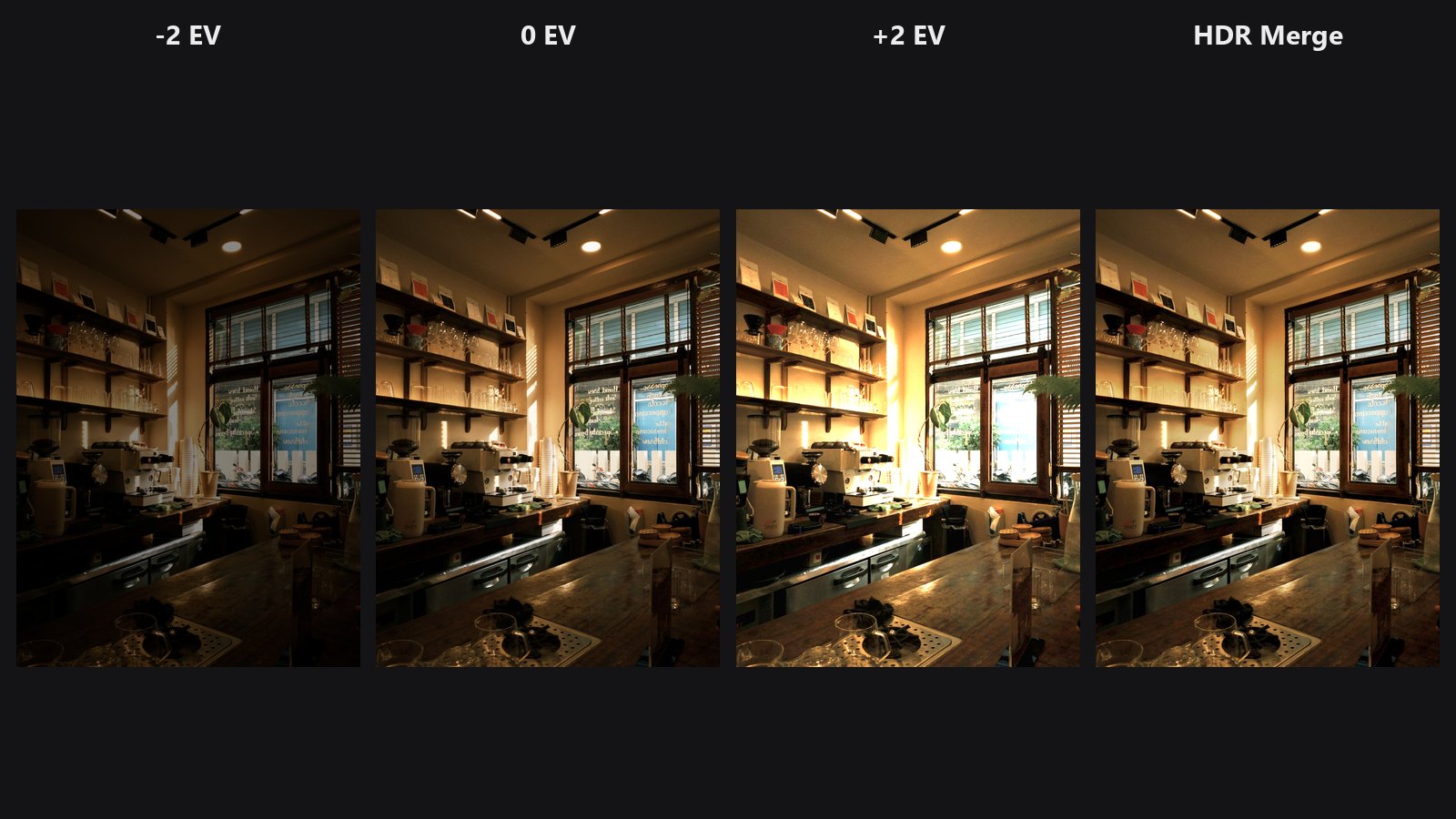
Fuses bracketed exposures into one image with detail in shadows and sky.
-
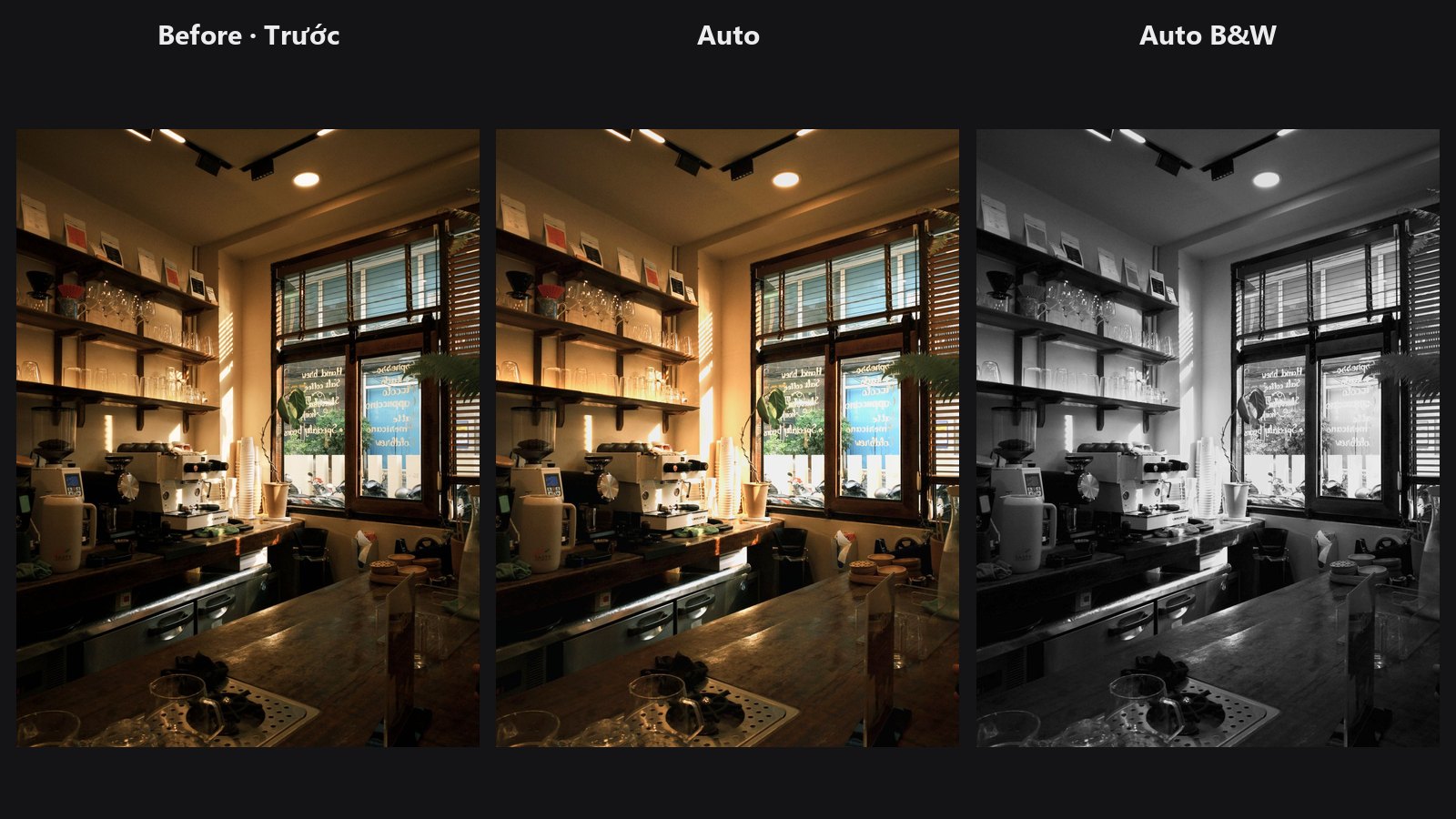
One click: exposure, Whites/Blacks, Highlights/Shadows and colour cast, with the settings as a ColorLab preset.
-
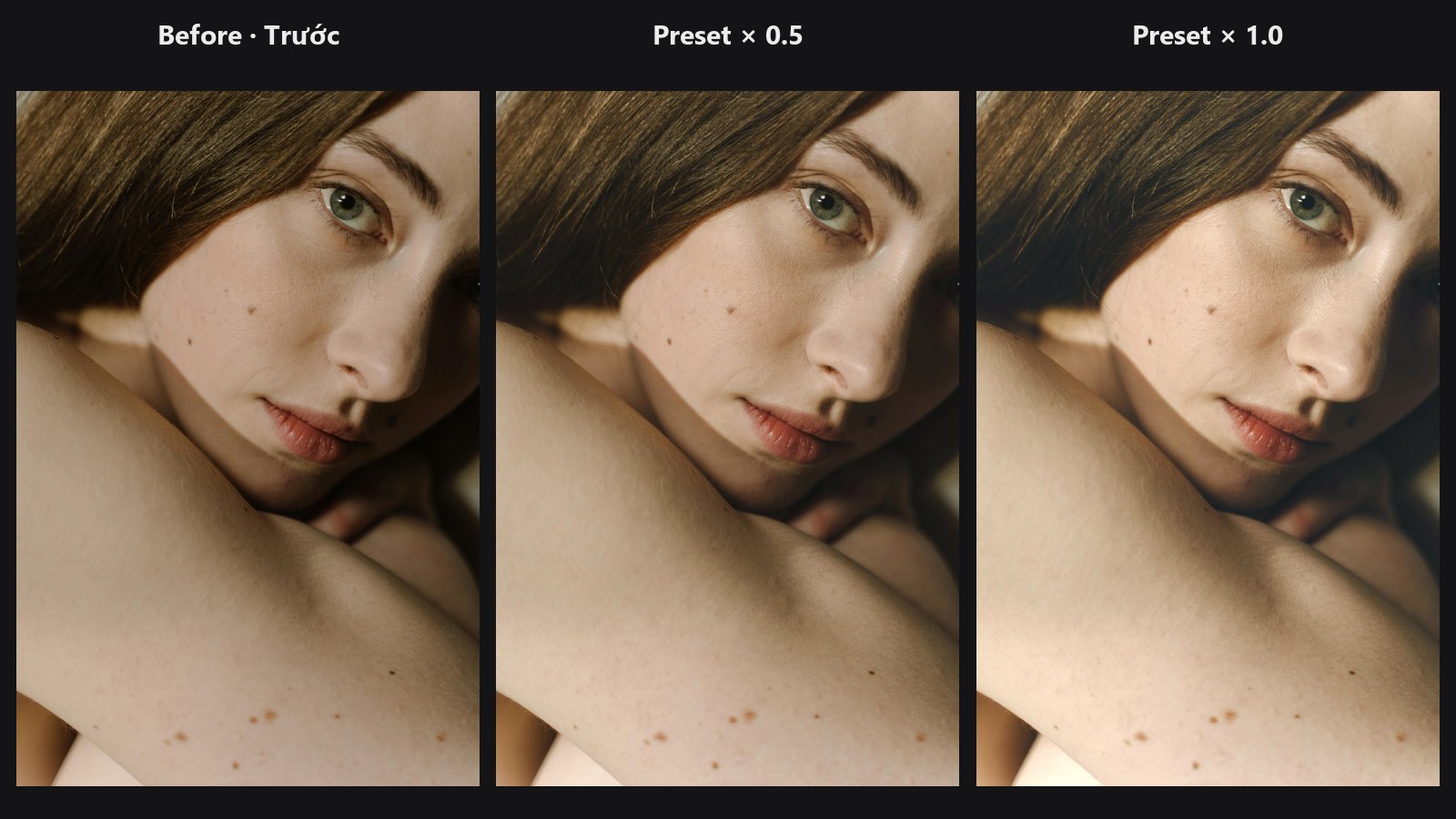
Put a ColorLab look on any photo or batch, with strength and mask.
-
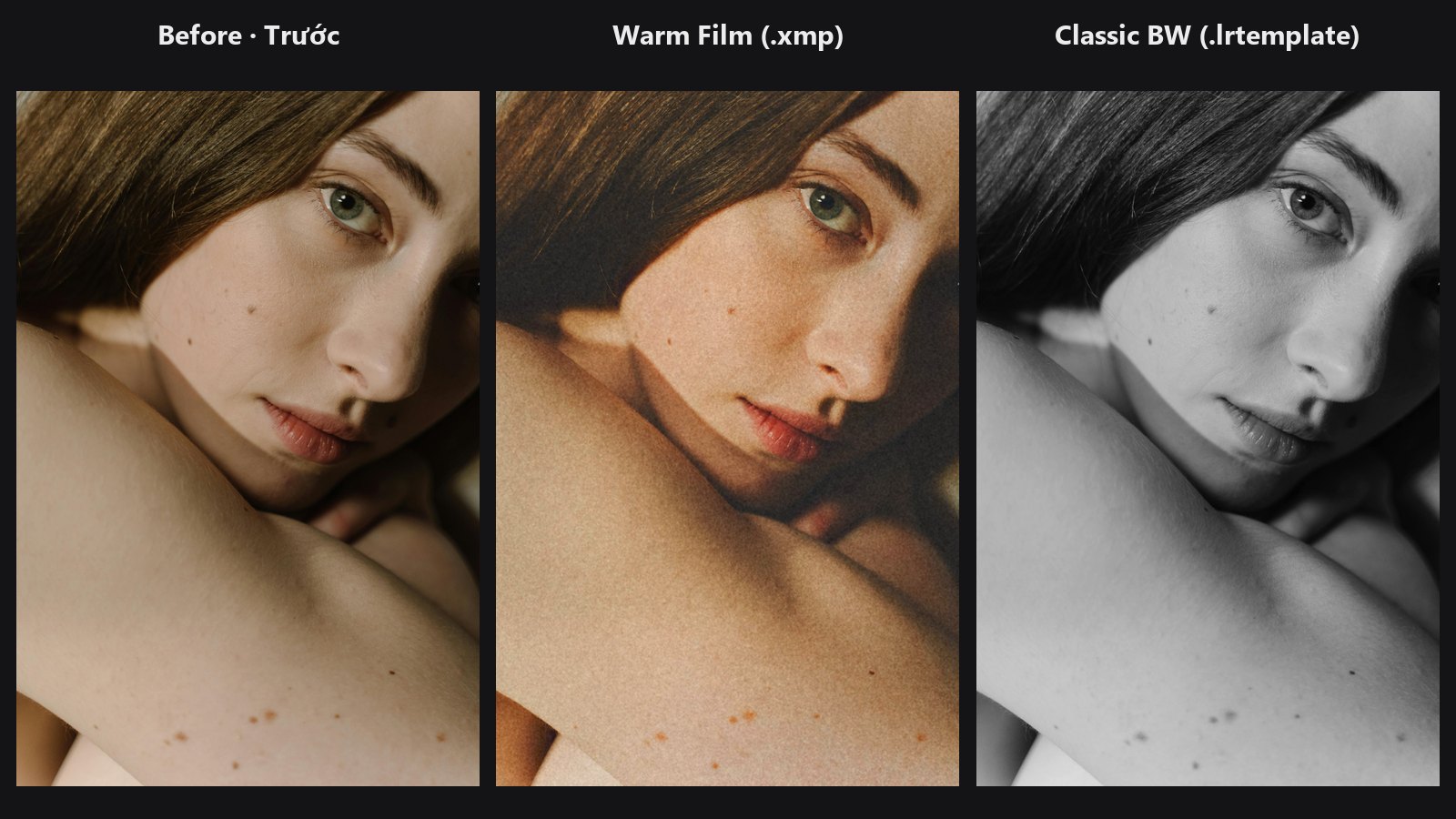
Your Lightroom / Camera Raw presets with a thumbnail browser and a report.
-
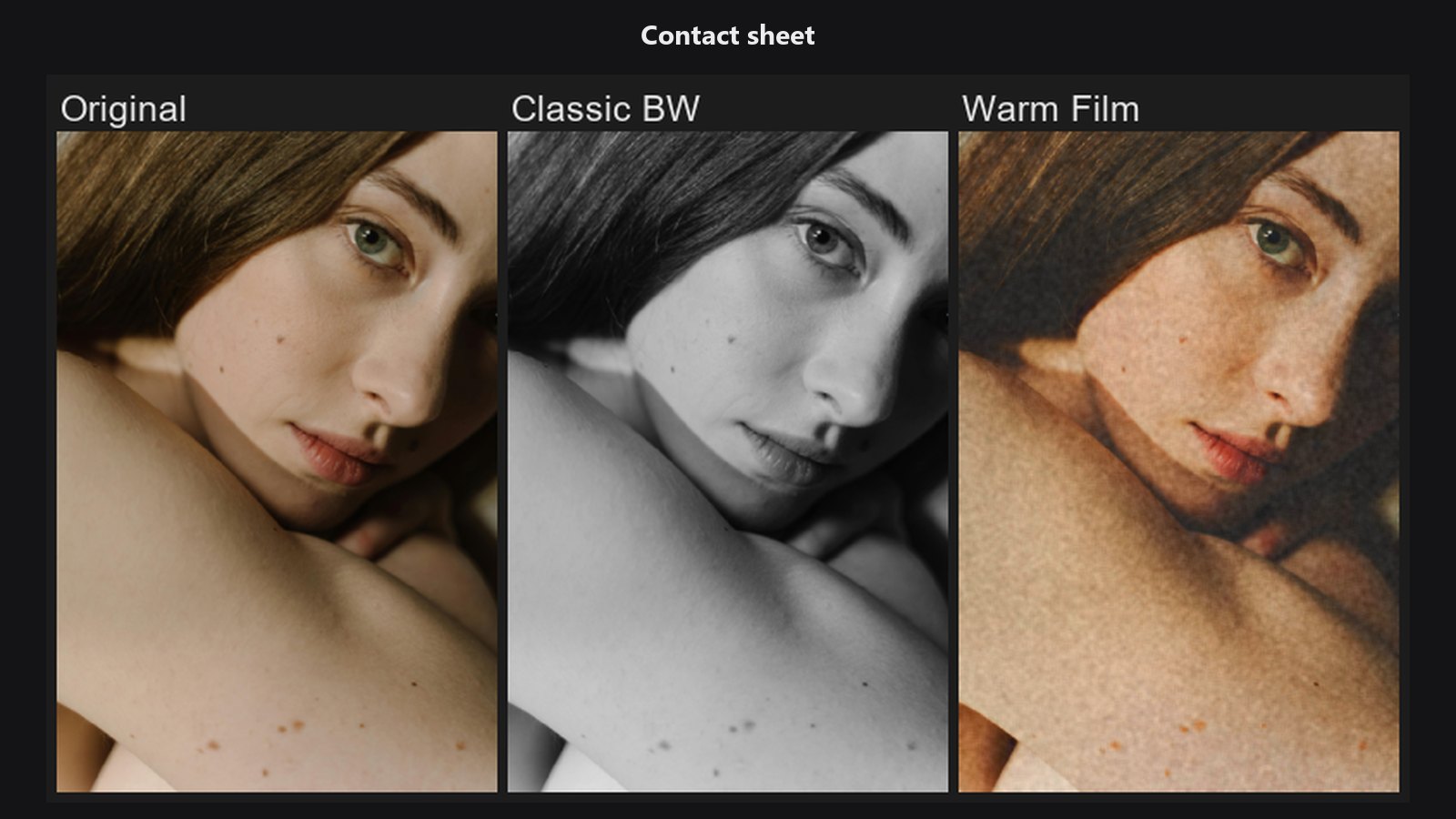
Lightroom Preset Contact Sheet
Compare a whole preset collection on one photo.
-
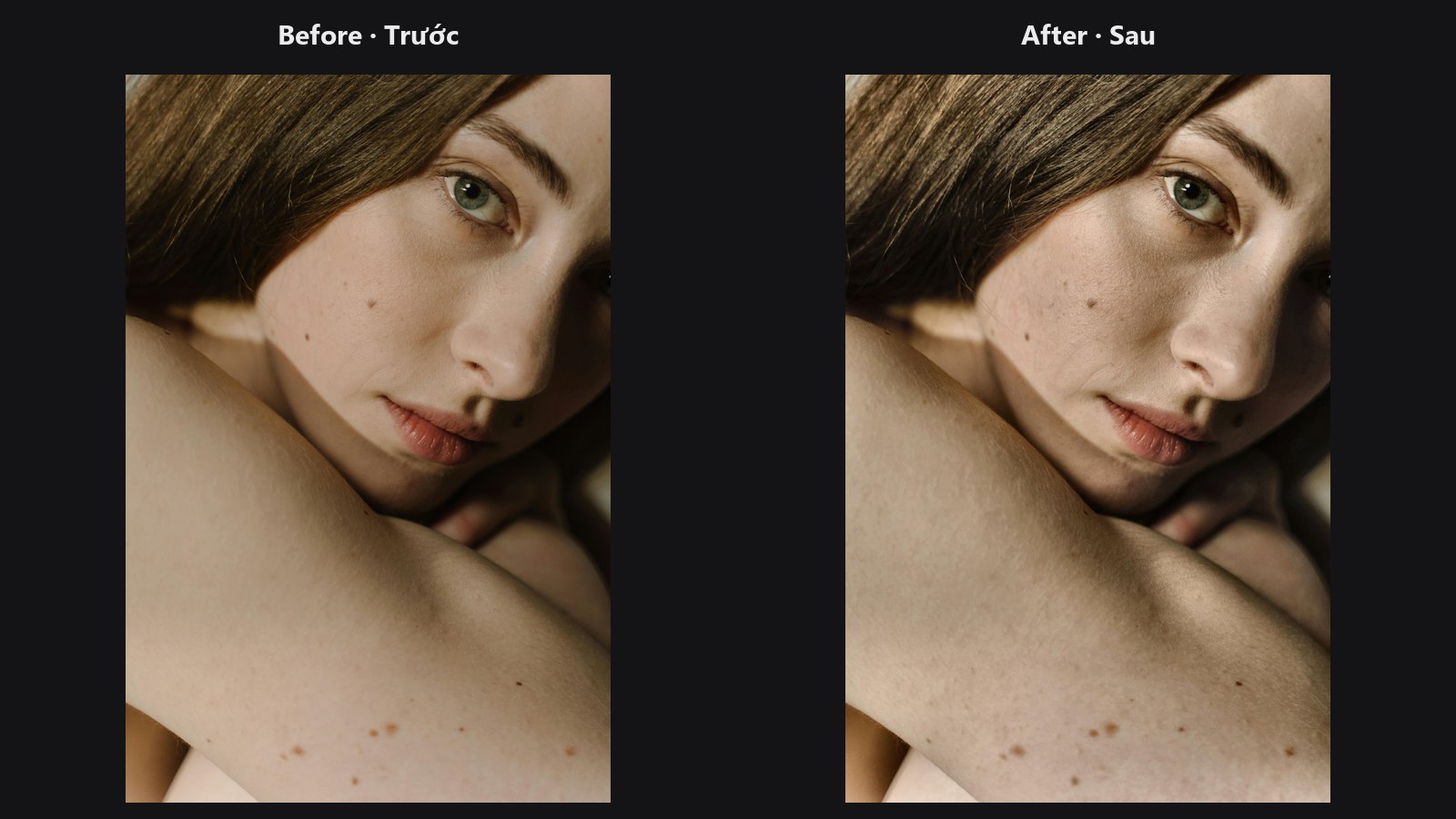
Adaptive local contrast on lightness only; colours stay intact.
-
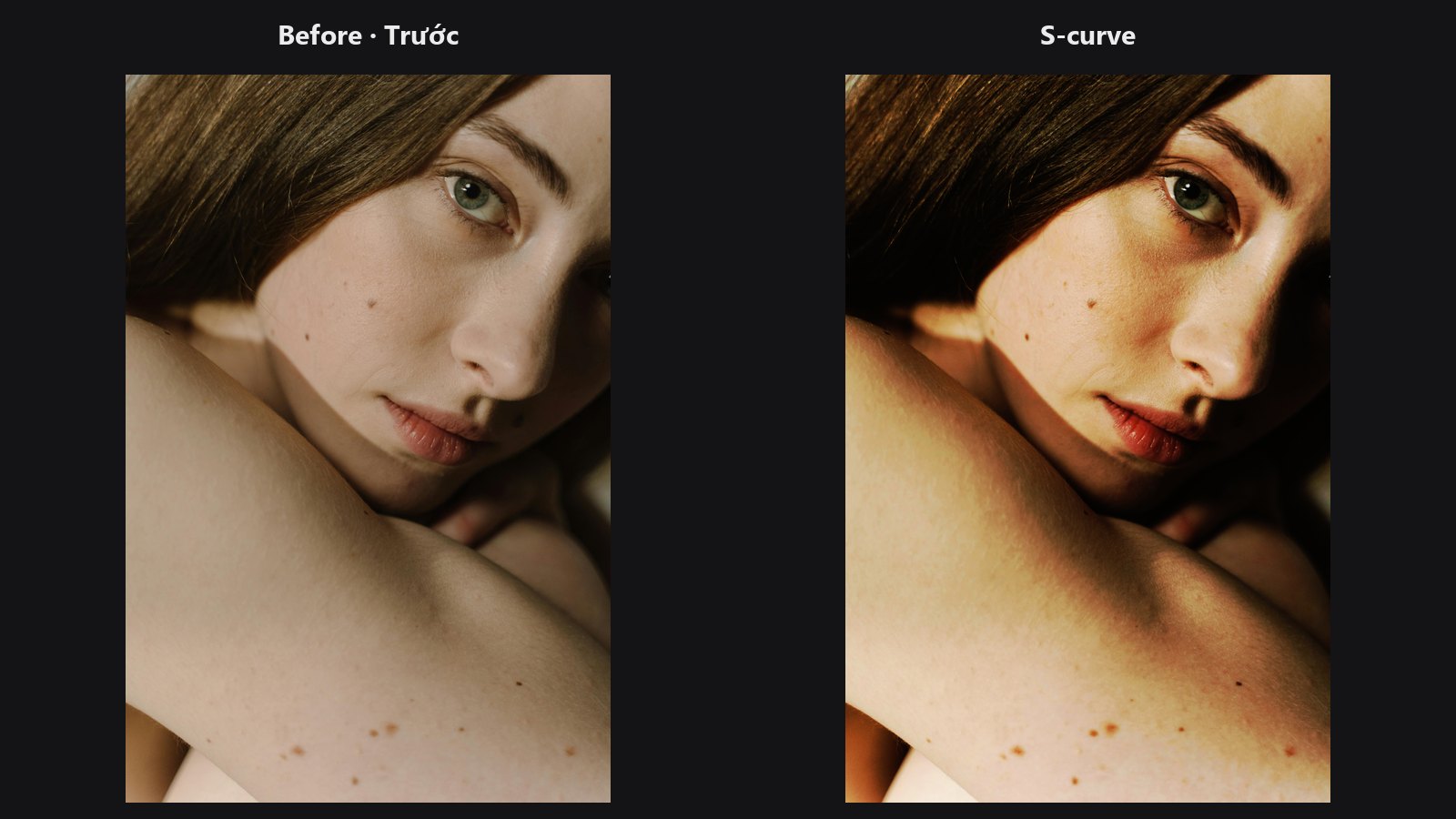
Eight-point curves for contrast and colour balance, with presets.
-
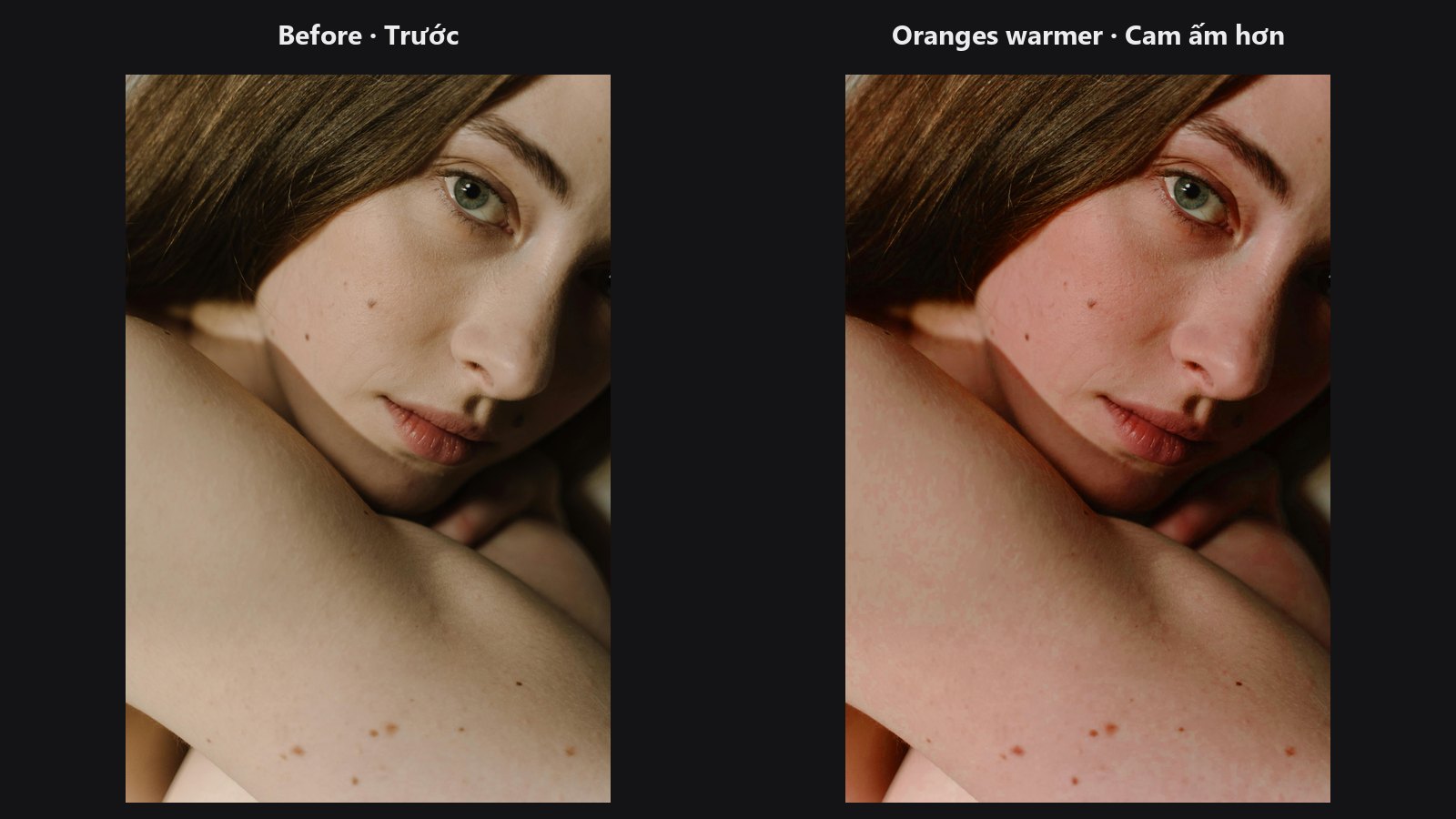
Shift hue or saturation inside one chosen colour band.
-
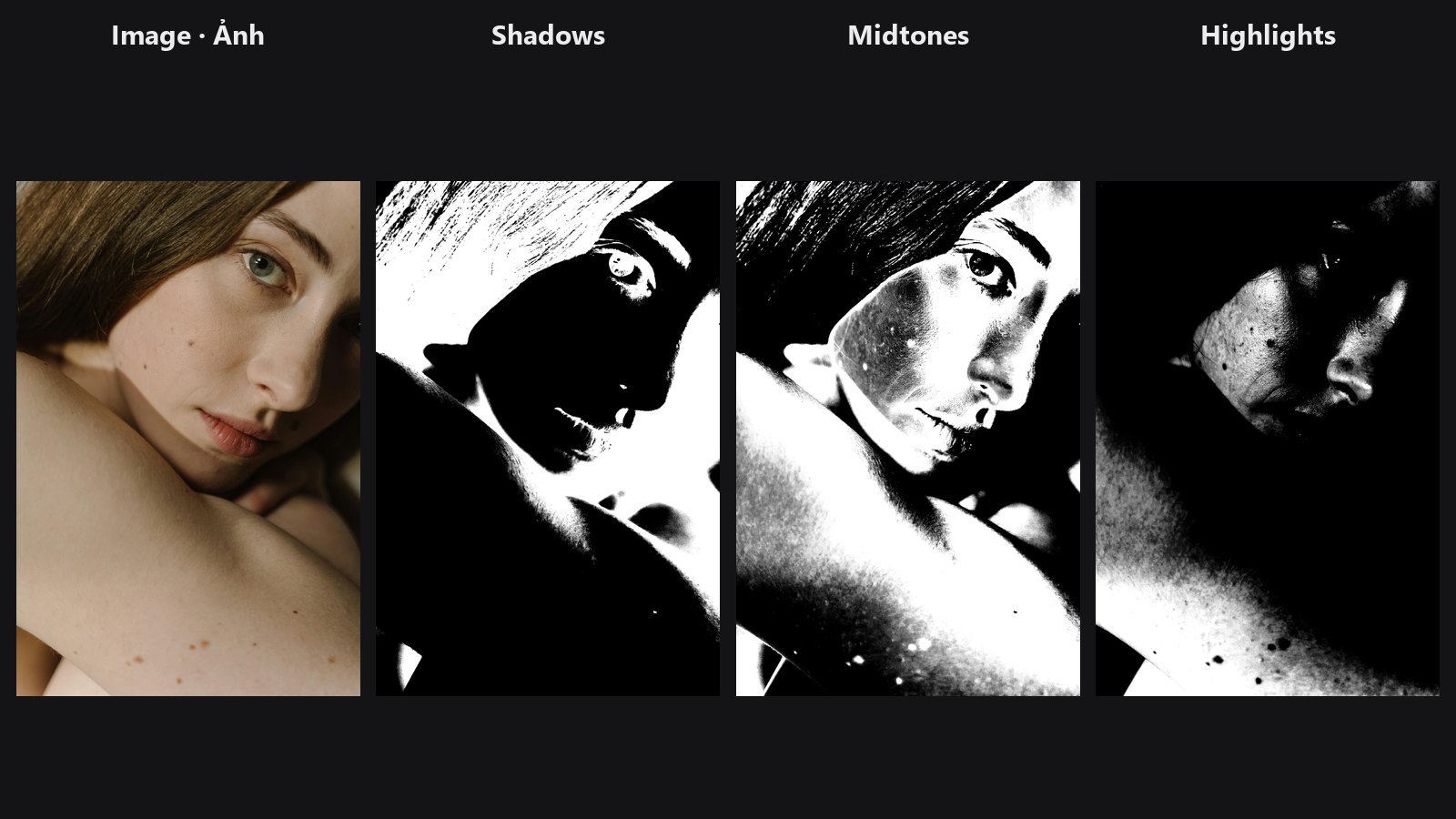
Soft shadow, midtone and highlight masks from image brightness.
-
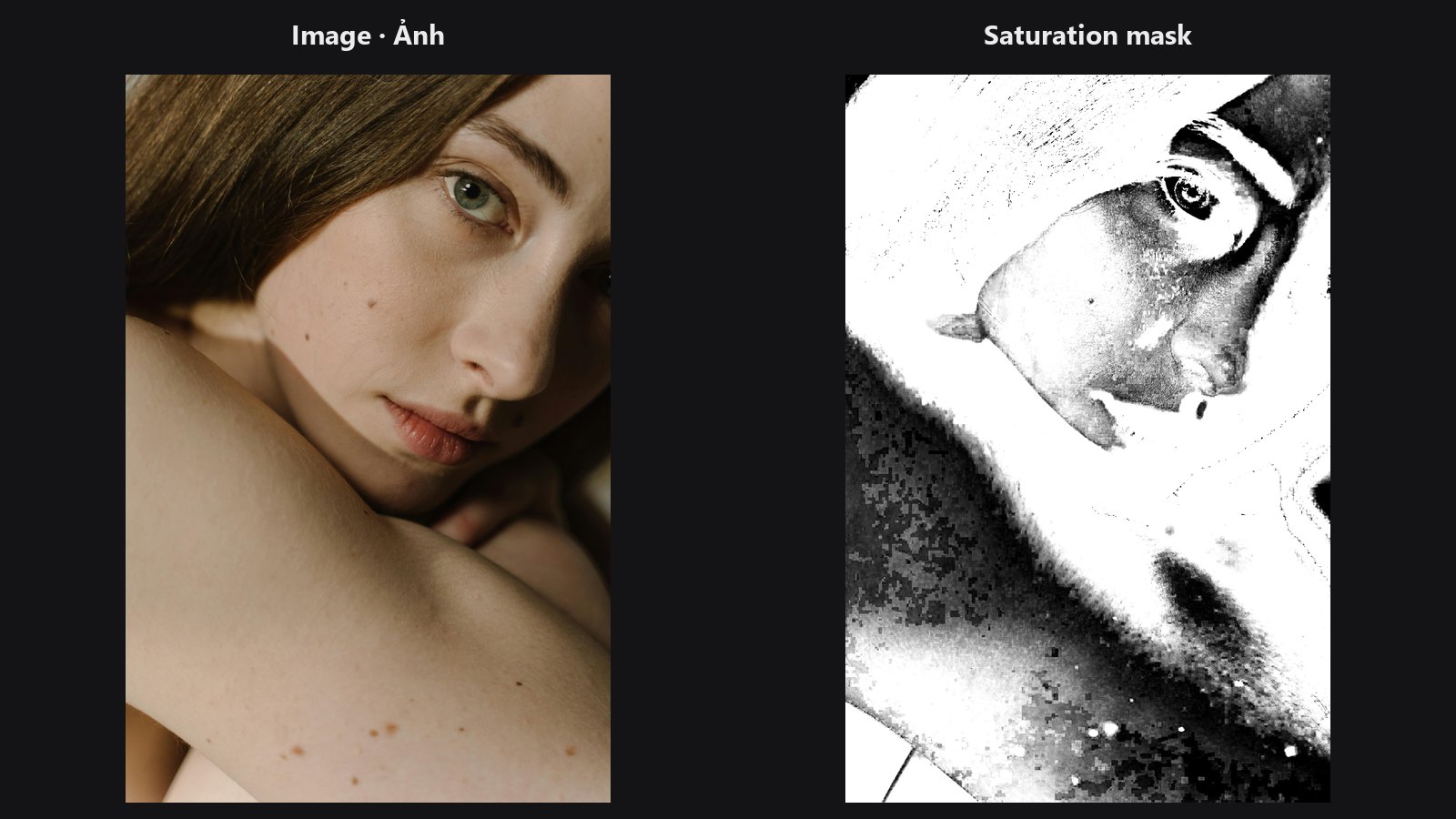
Mask the pixels whose colour strength falls inside a range.
-
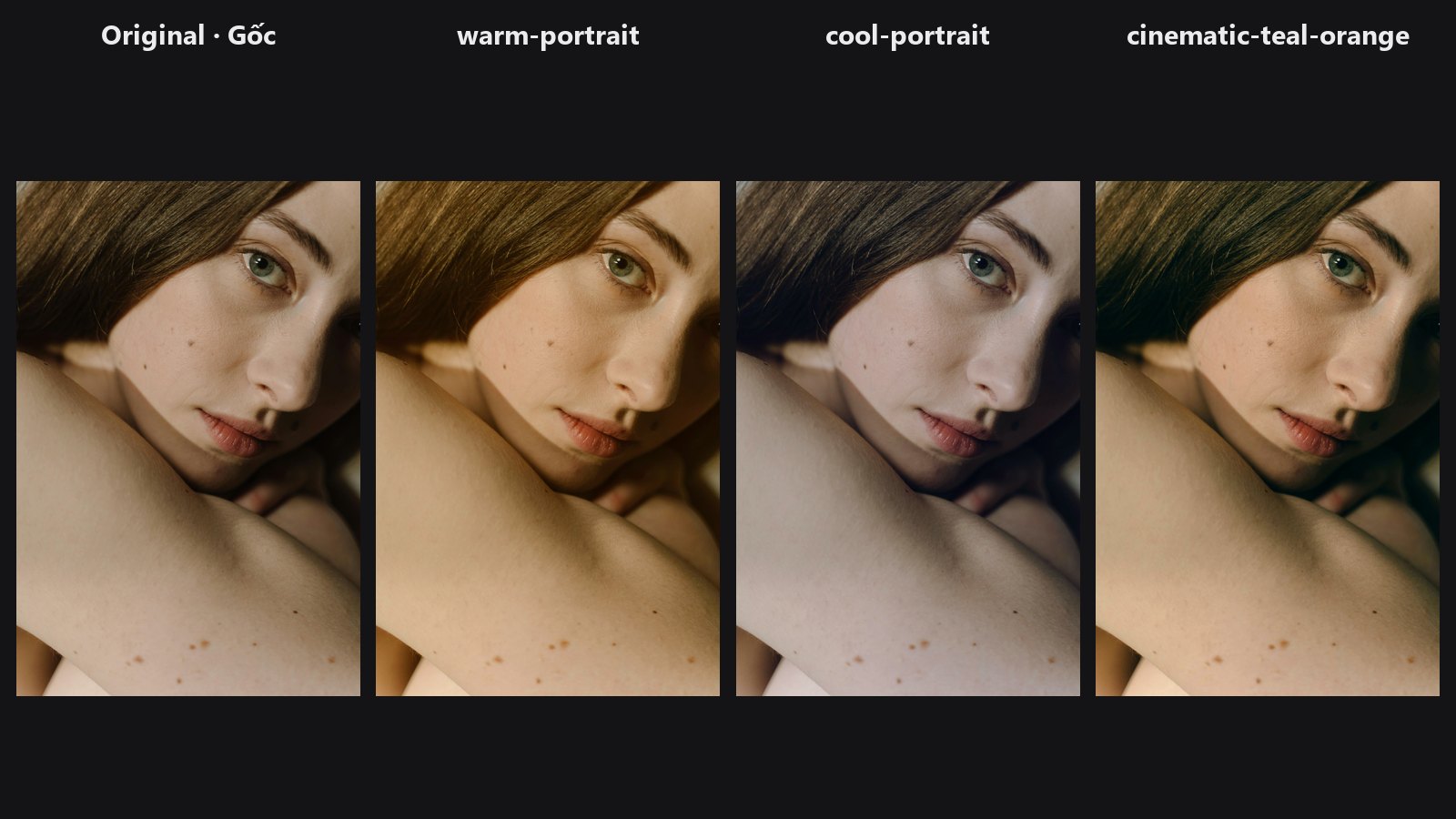
Apply a bundled colour look from a dropdown with an intensity slider.
-
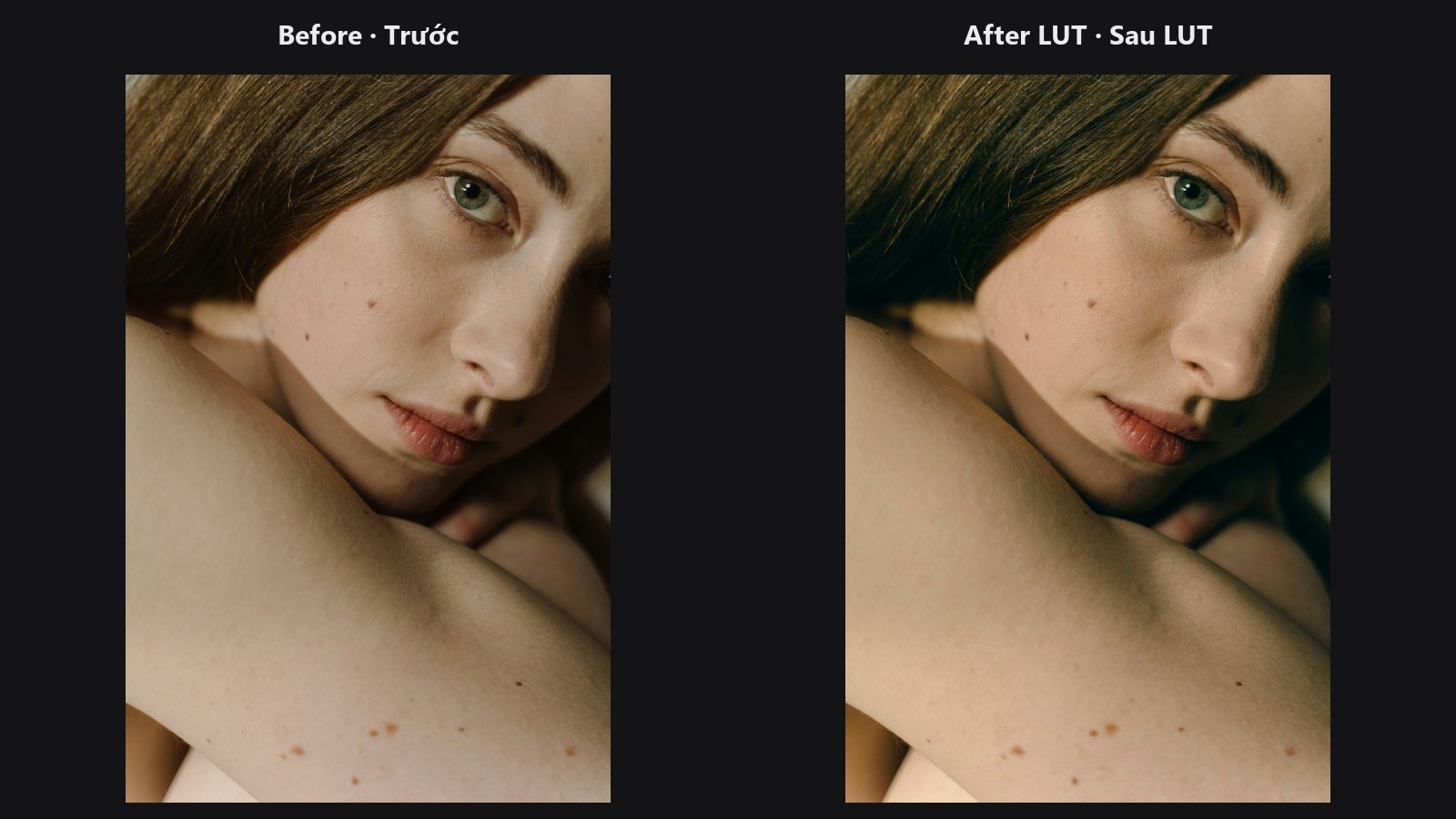
Load any
.cubeLUT and apply it, with strength and optional mask. -
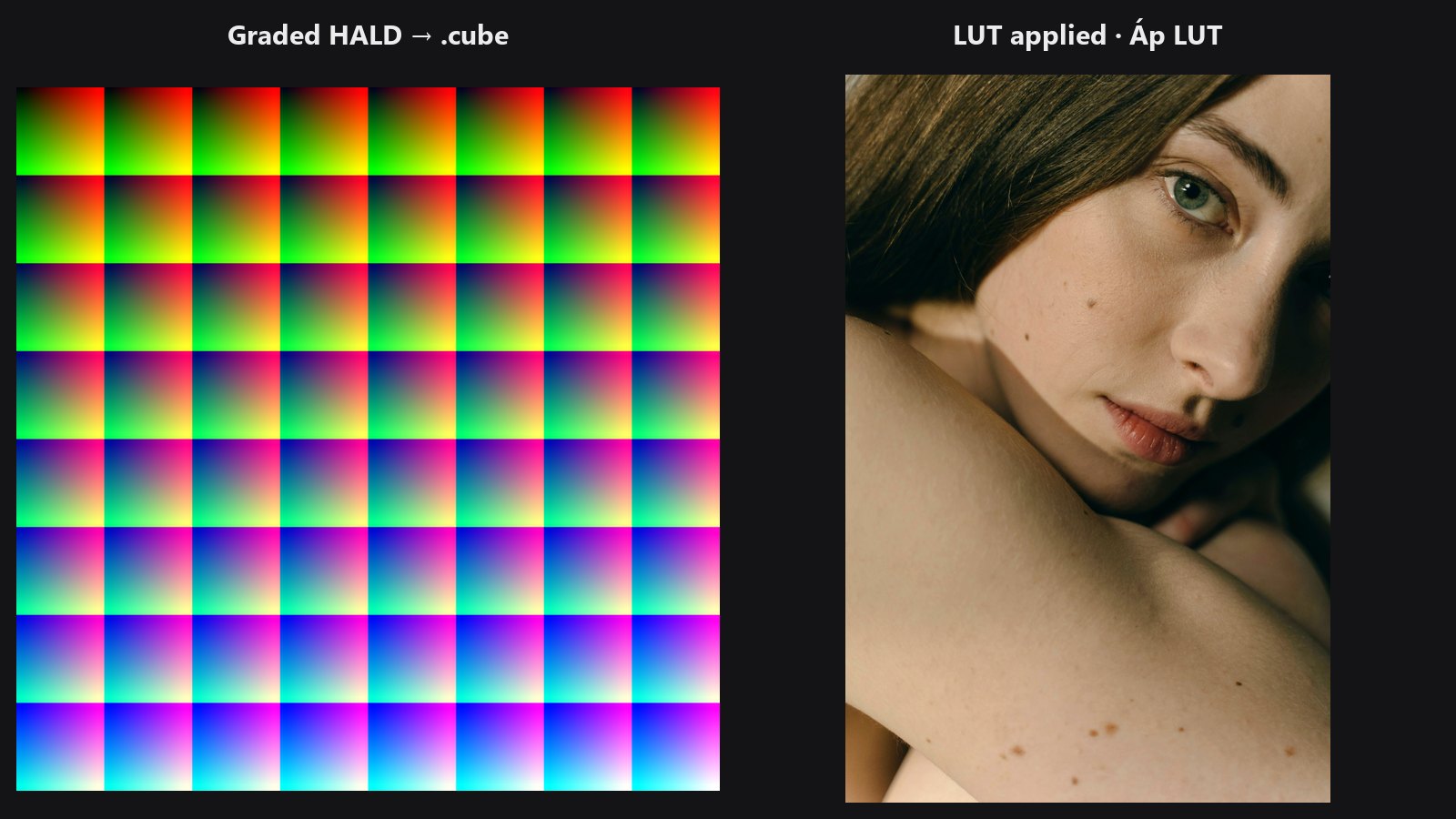
Save a graded chart as a portable
.cubeLUT. -
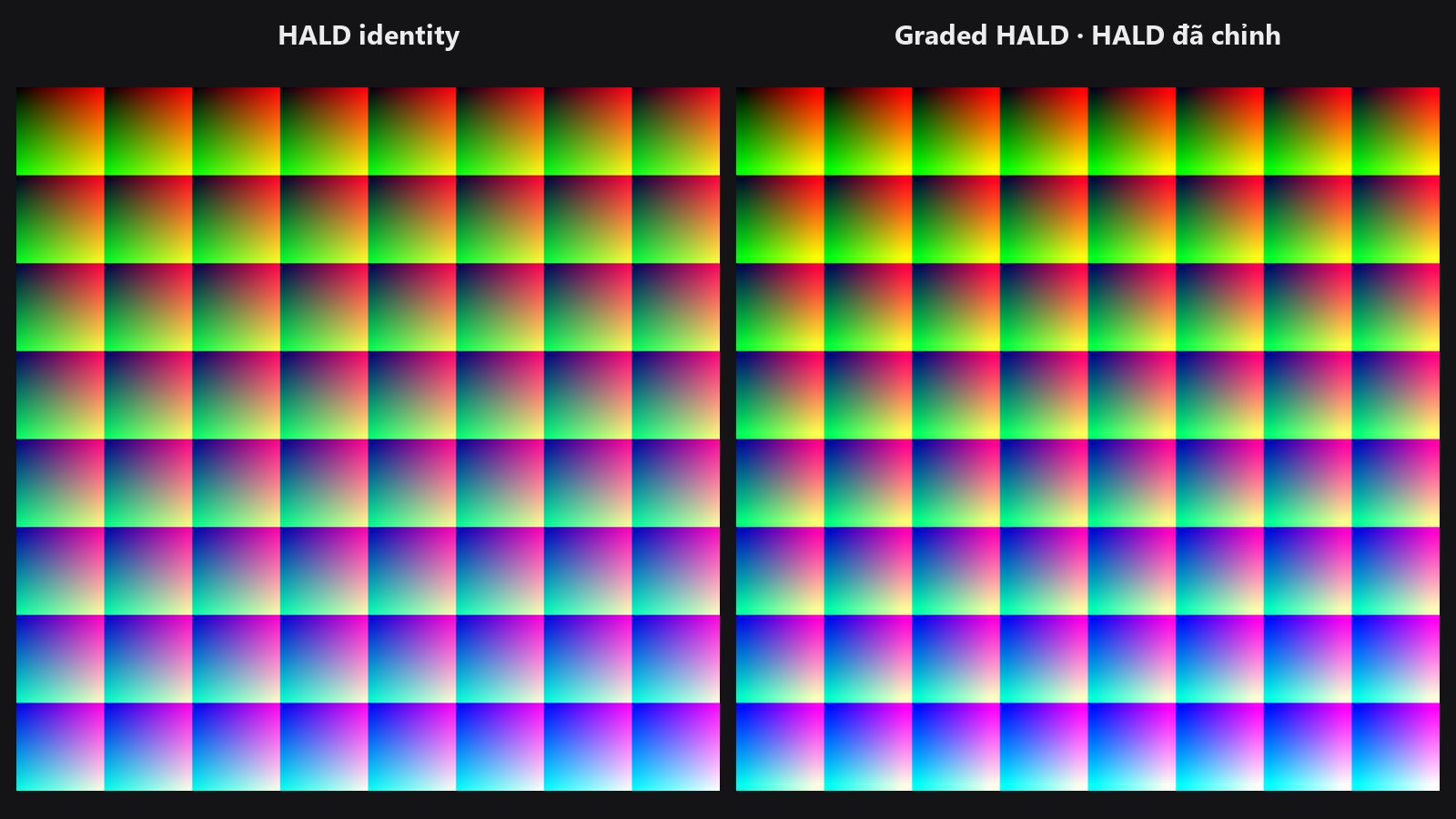
Generate the neutral colour chart you grade and bake into a LUT.
-
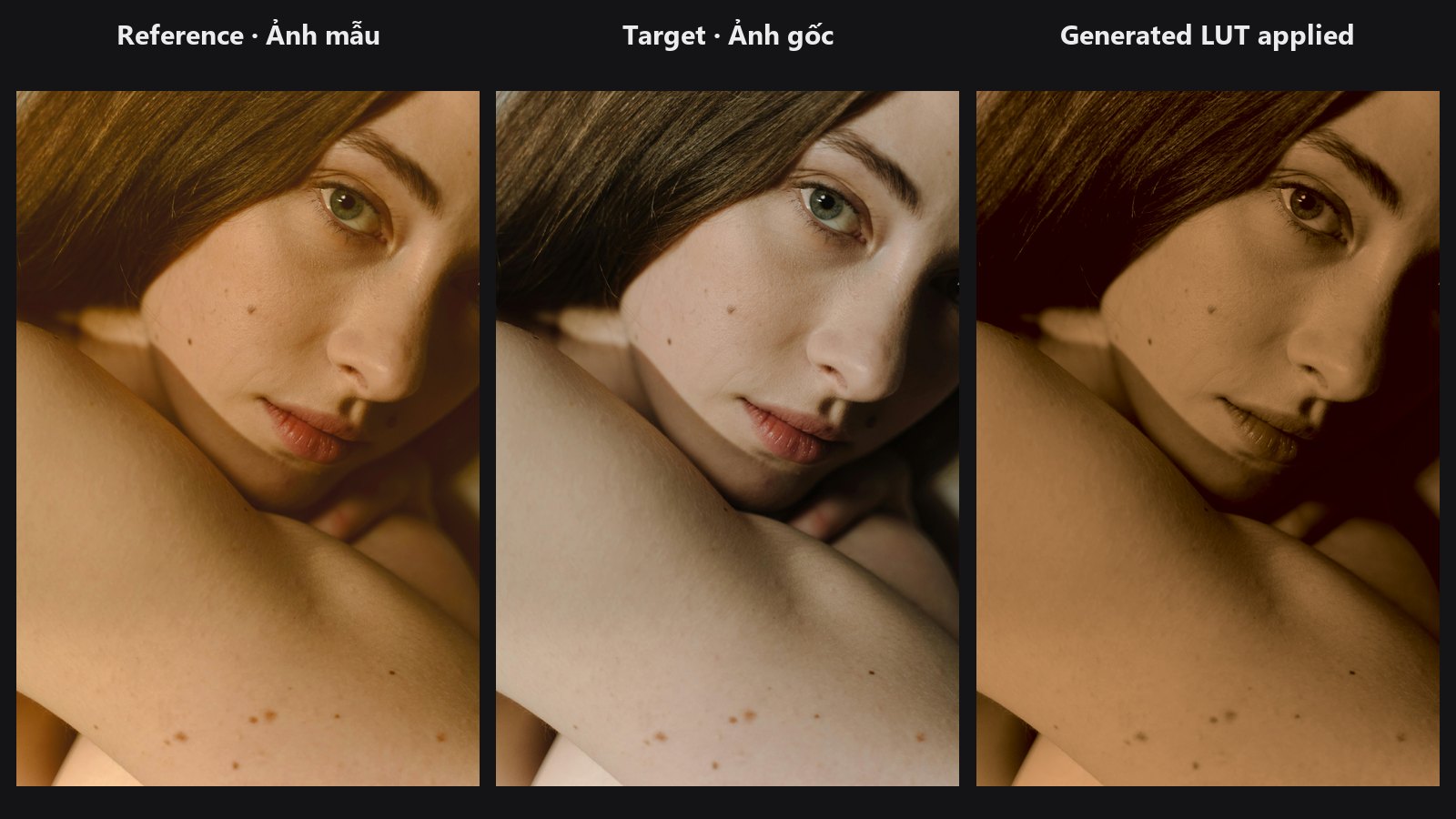
Build a LUT automatically from the colour and tone of a reference image.
-
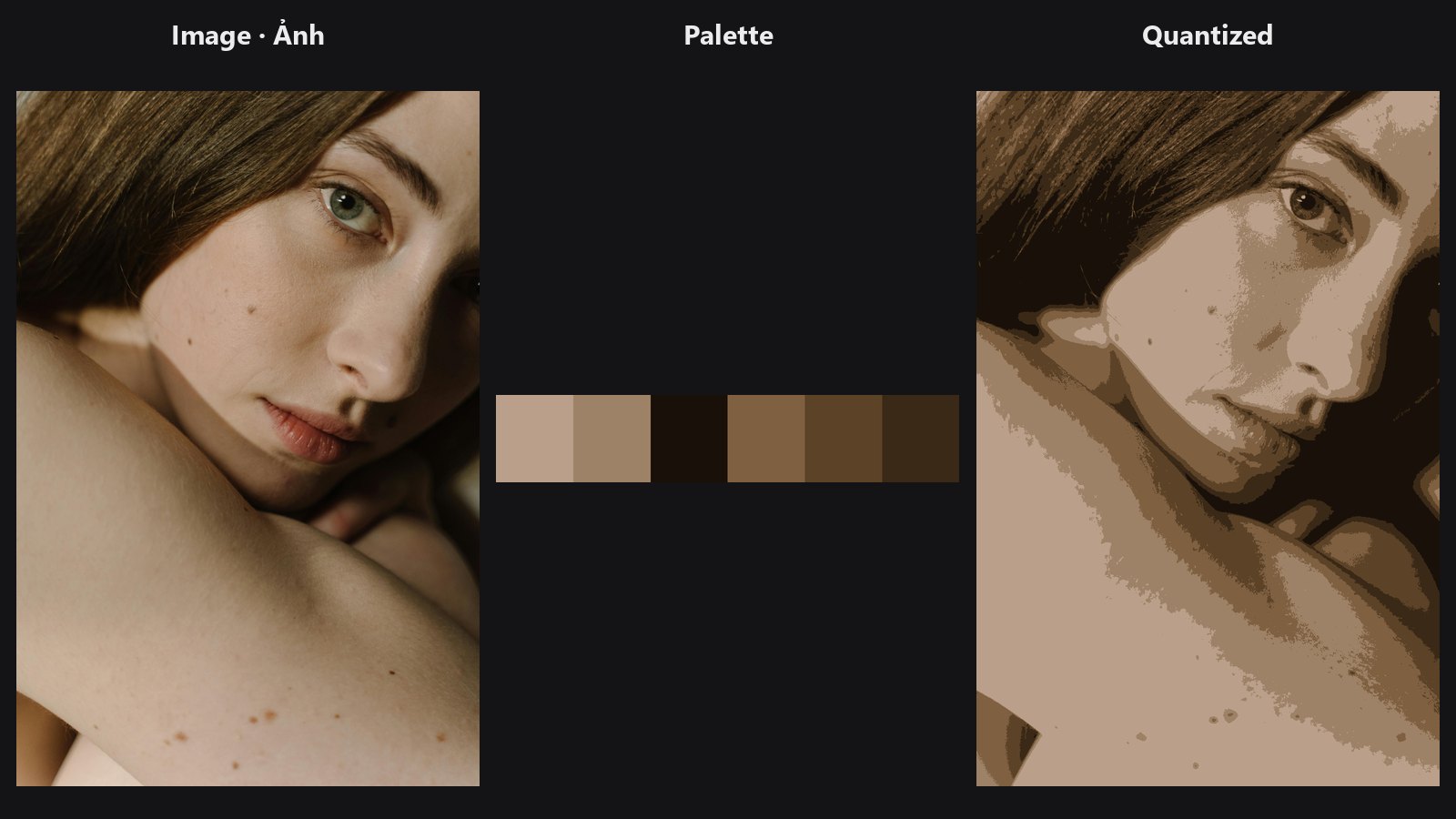
Pull the 2–16 dominant colours as swatches and HEX codes, plus a flat-colour (posterised) version.
Typical chains
- Match and finish: Load Image → Color Matcher → Tone Curve → ColorLab → Preview Image
- Grade only the shadows: Load Image → Luminosity Masking → use
mask_shadowsas the mask of Tone Curve or Hue/Saturation per Range - Bake a look into a LUT: HALD Identity → Tone Curve / ColorLab → LUT Export, then reuse it with LUT Import