Looks
Looks are finished creative grades you can audition in one step. Instead of building a long colour chain, you pick a style from a dropdown, set how strong it is, and compare. This is the fastest way to find a direction before you refine it with the colour tools.
-
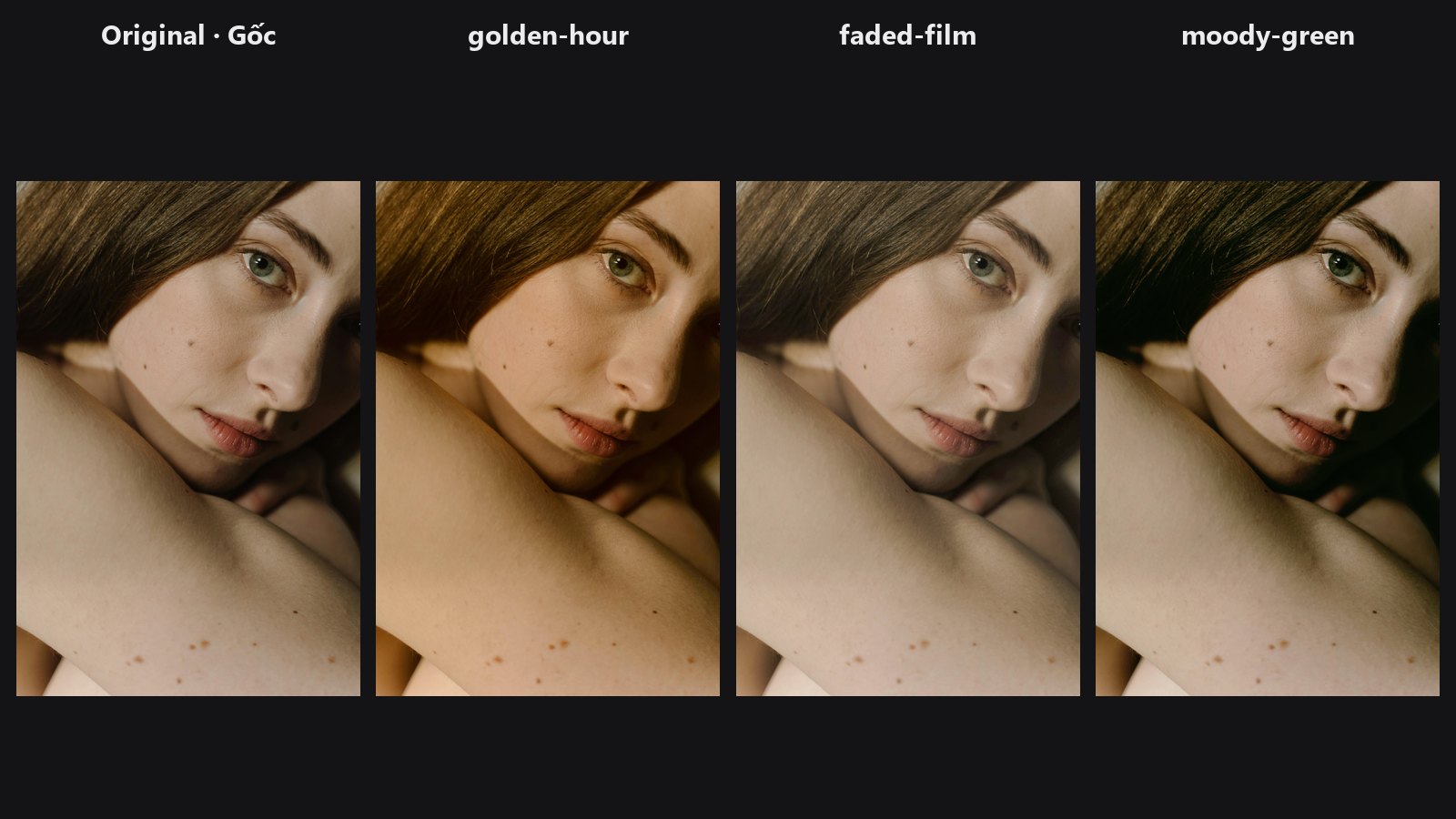
Six ready-made looks (teal and orange, golden hour, faded film and more) with an intensity slider and optional skin protection.
For .cube LUT based looks see LUT Preset, LUT Import and Tone Match LUT in the colour group.
Typical chains
- Quick audition: Load Image → Look Select → Preview Image
- Look with fine control: Look Select → Tone Curve → Preview Image
- Copy a reference's feel: Tone Match LUT → LUT Import on your photo
- Build and save your own look: HALD Identity → colour nodes → LUT Export