Geometry
Geometry nodes fix the shape and position of the picture before you start retouching: straighten lens distortion, line up two shots, or bring a face into a standard upright frame. Doing this first keeps later edits predictable.
-
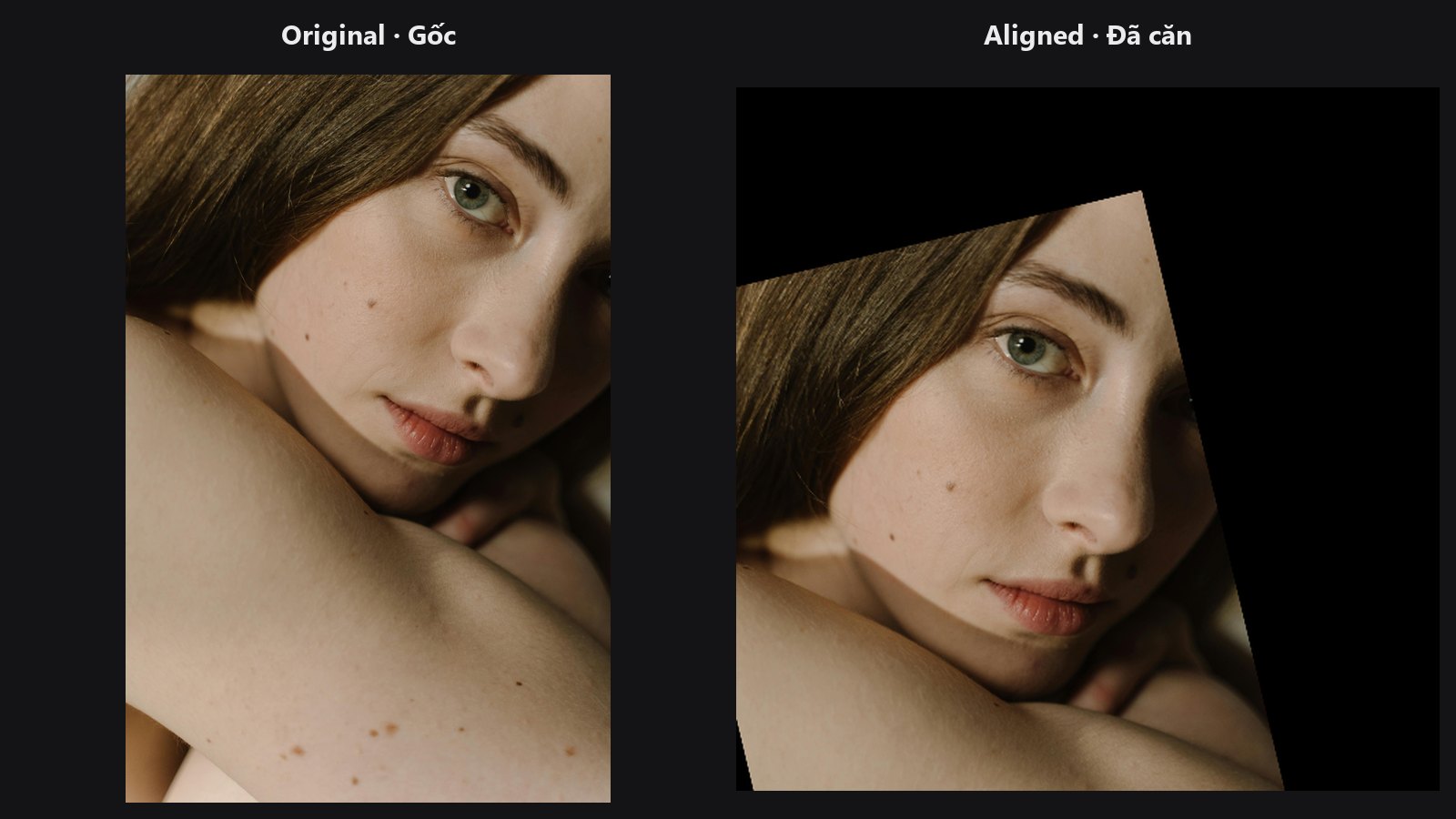
Rotates, scales and crops a face to a standard square from five landmarks.
-
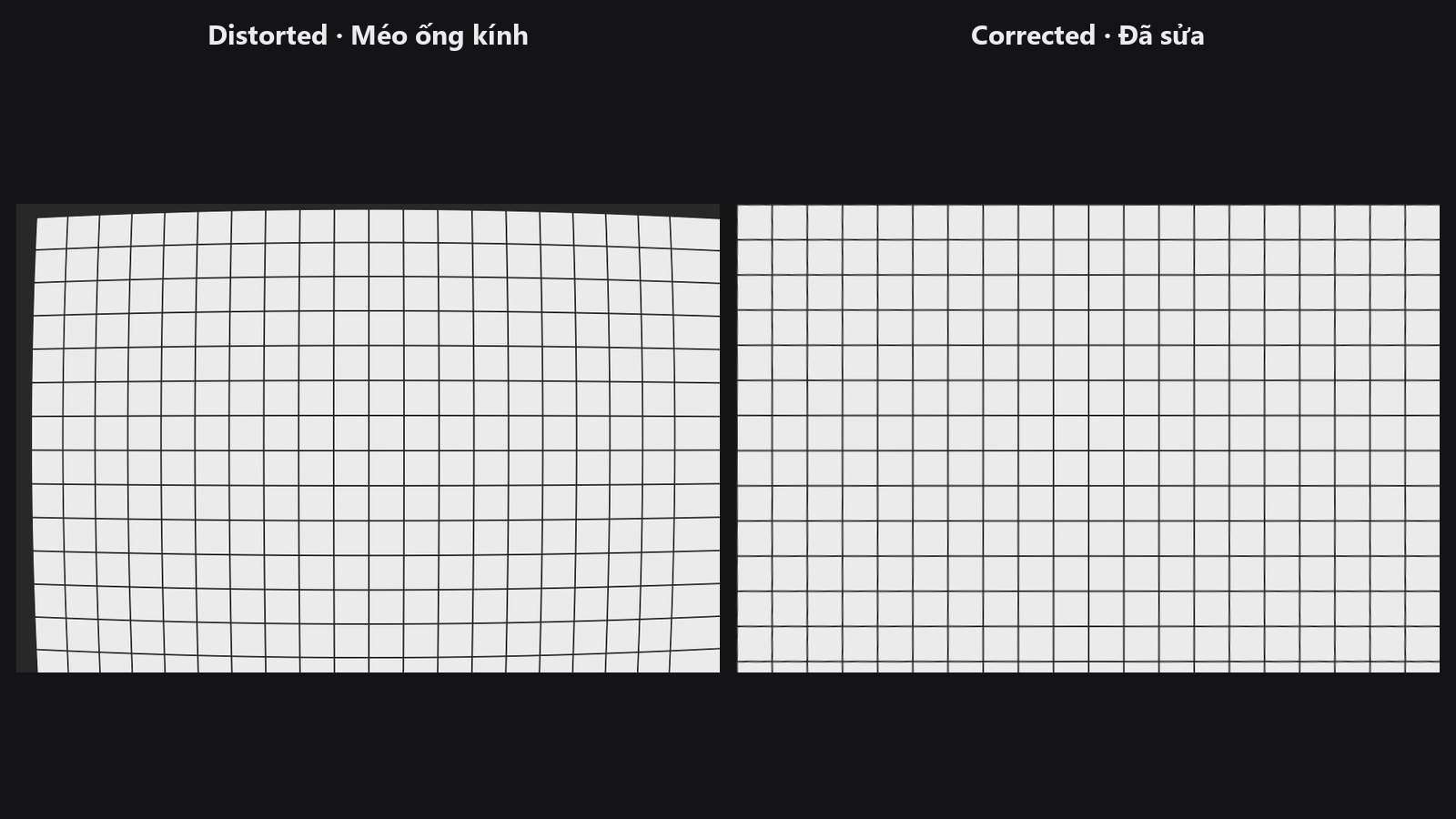
Corrects (or adds) barrel and pincushion distortion with lens presets.
-
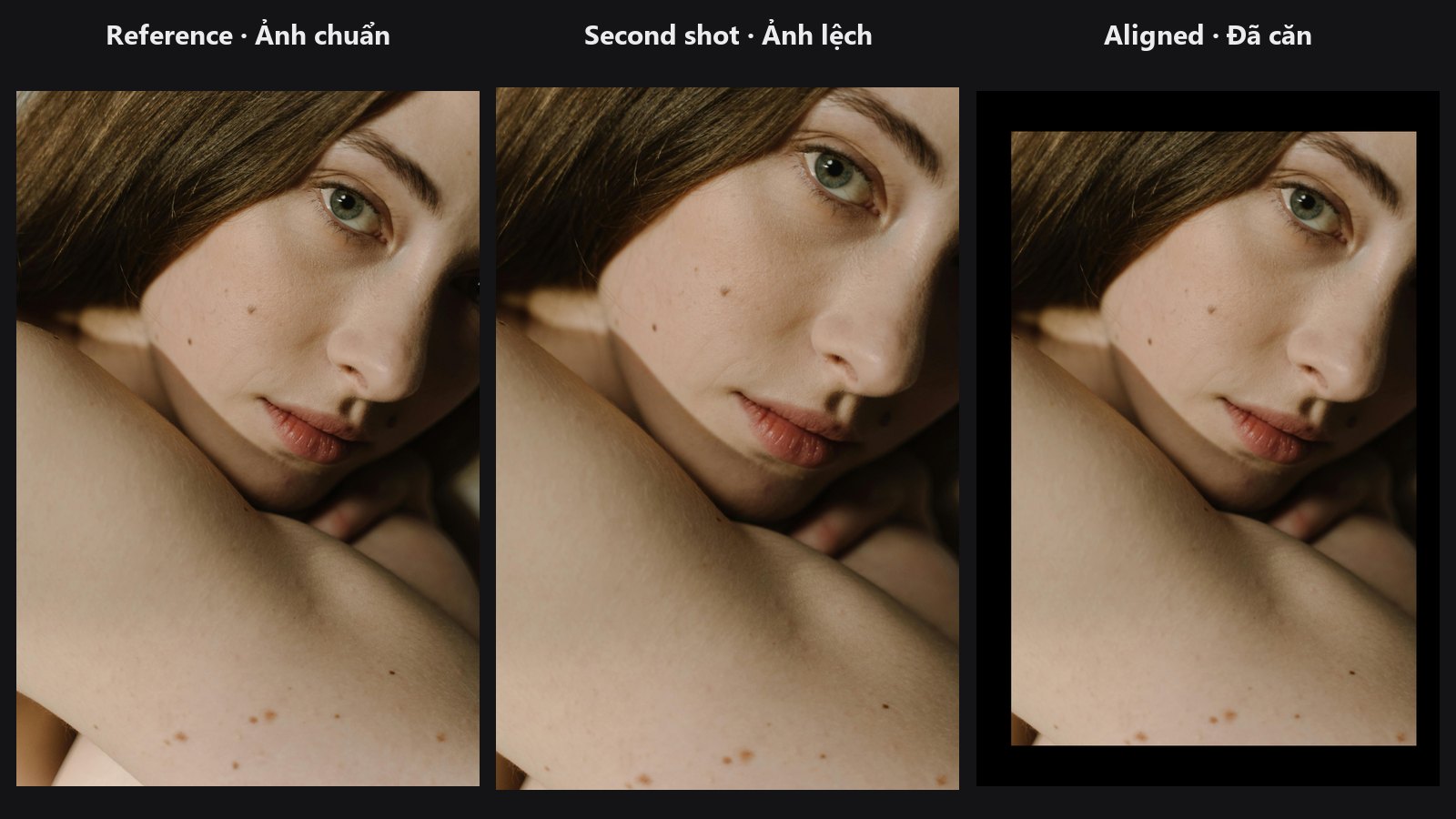
Matches features between two photos and warps one onto the other.
-
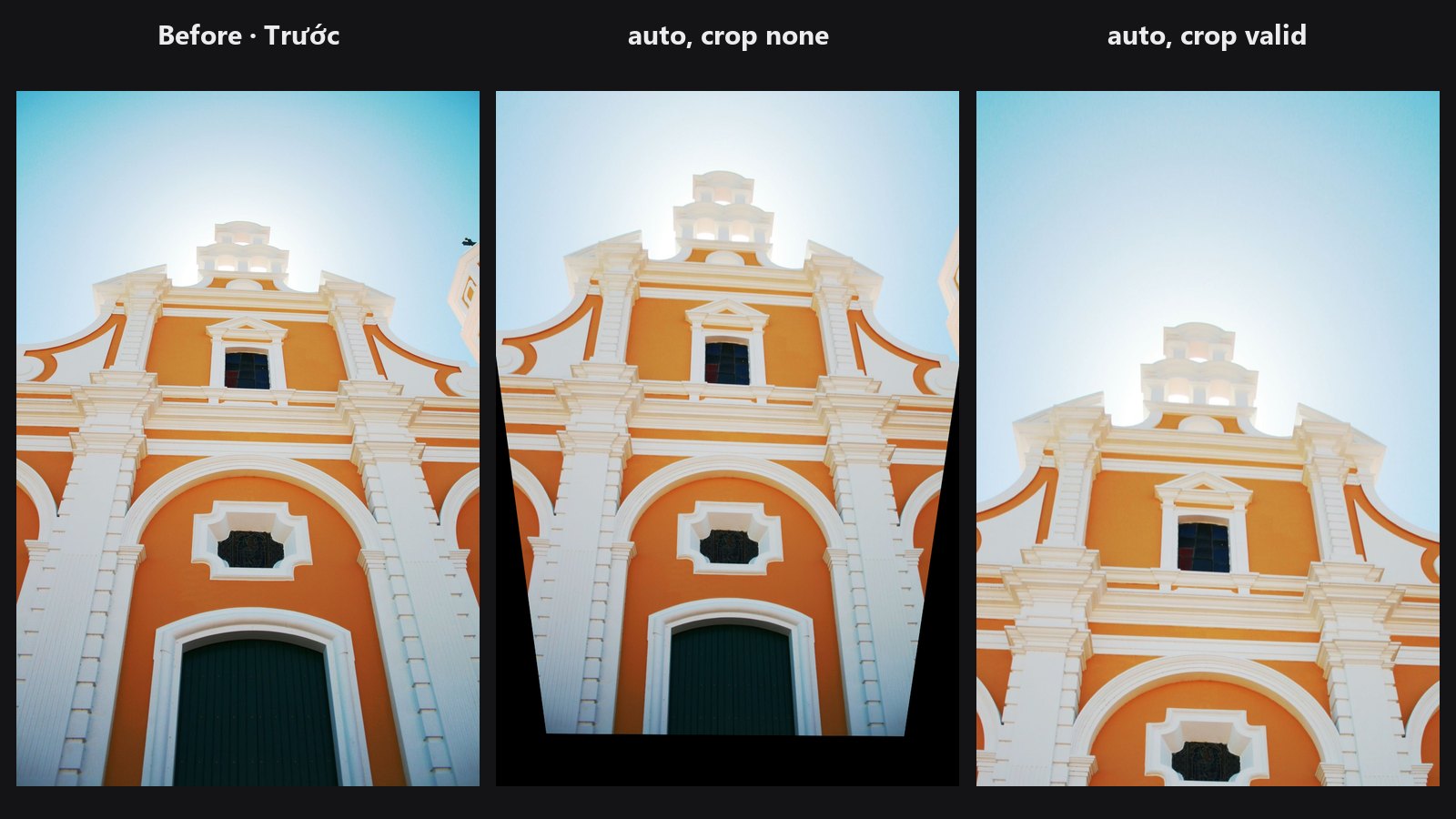
Levels the horizon and makes converging building lines parallel.
Typical chains
- One-click base edit: Load Image → Auto: Upright → Auto: Tone & White Balance →
params_json→ ColorLab to fine-tune - Wide-angle portrait to face edit: Load Image → Lens Distortion → Face Detect Lite → Facial Aligner → edit → Unwrap Face
- Match two shots: Auto Align → Color Matcher → Layer Add