Masks
Masks decide where an edit happens: which pixels get smoothed, graded, replaced or cut out. This group covers the whole life of a mask, from cleaning up a rough AI selection, to softening and tightening its edge, to extracting a hair-quality cutout, to checking the result.
Mask basics in plain language
- Binary mask: each pixel is either fully selected (1) or not at all (0). Fast and simple, but edges look hard and cut-out.
- Soft mask / alpha matte: pixels along the edge hold in-between values, such as 0.5 for a pixel that is half subject, half background. This is what makes hair and fur blend into a new background.
- Feather: a controlled soft transition across the edge. It hides the seam, but a plain blur can also eat into the subject.
- Trimap: a hint map with three values,
0= sure background,0.5= unknown,1= sure subject. Matting only has to solve the grey band, which is why hair edges come out so much better than with a simple threshold. - Closed-form matting: a method that solves the whole soft alpha at once, using the photo's own colours as a guide. It powers Alpha Matte.
- Guide image: the original photo, given to a mask node so the edge can follow real boundaries in the picture.
Pick the right mask tool
| Your problem | Use this node |
|---|---|
| The mask has small floating specks or tiny holes | Mask Cleanup |
| The edge is hard and looks like a sticker | Sub-Pixel Mask Refiner |
| The edge is jagged or wobbly but the shape is right | Mask Edge Smoother |
| The mask edge sits a few pixels off the real subject edge | Edge-Aware Mask Refiner |
| Hair, fur or glass needs real transparency | Trimap Builder, then Alpha Matte |
| The mask is too big or too small by a few pixels | Mask Morphology (dilate or erode) |
| You need only an outline band around the edge | Mask Morphology (gradient) |
| You want to add, subtract or overlap two masks | Mask Combine |
| You want a mask of only the sharp, textured areas | Detail Mask |
| You want a mask of shadows, midtones or highlights | Luminosity Masking |
| You want to see what the mask actually covers | Mask Preview |
| You want to measure how much an edit changed the image | QA Image Diff |
-
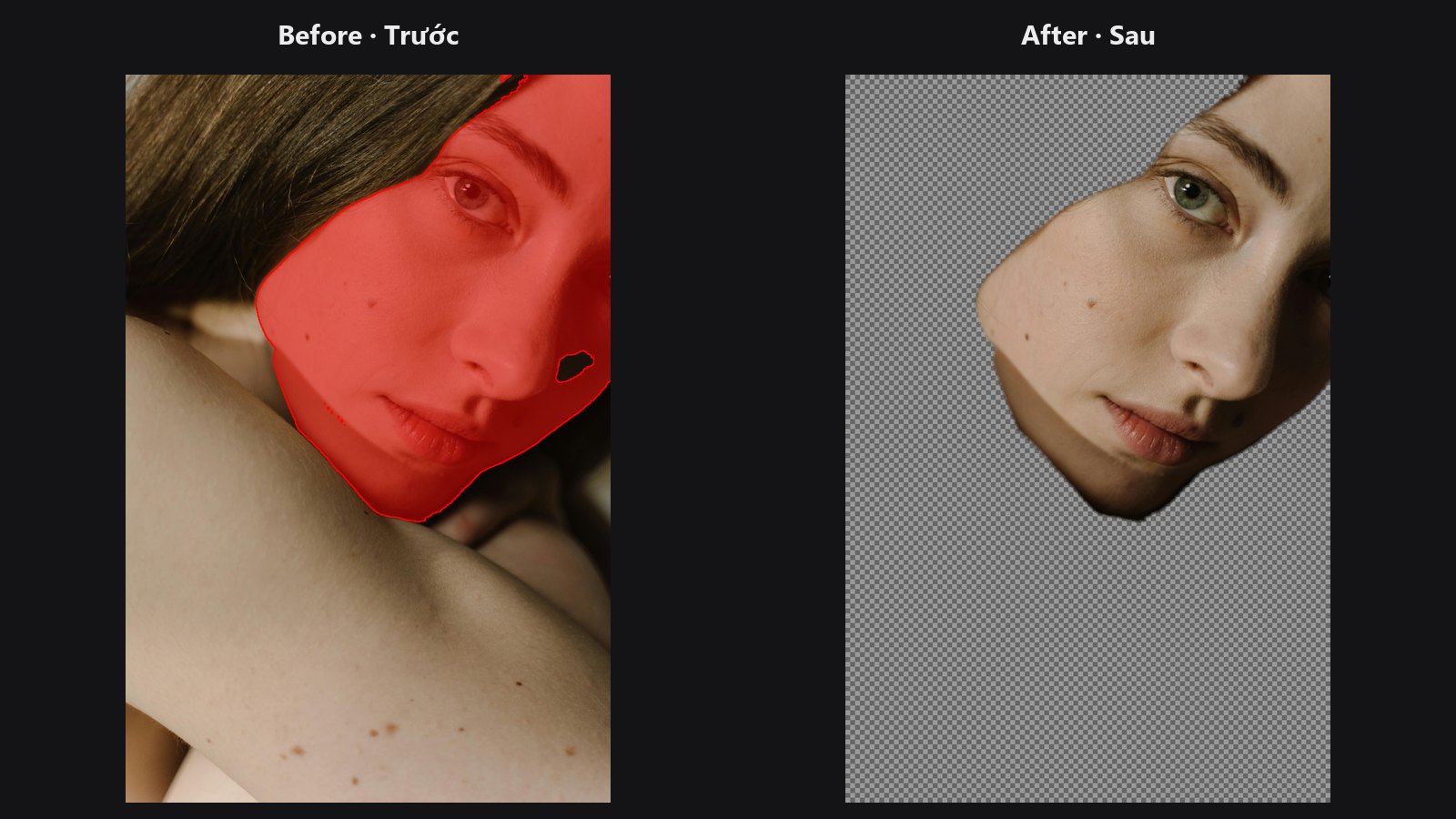
Removes specks, fills small holes and feathers by distance.
-
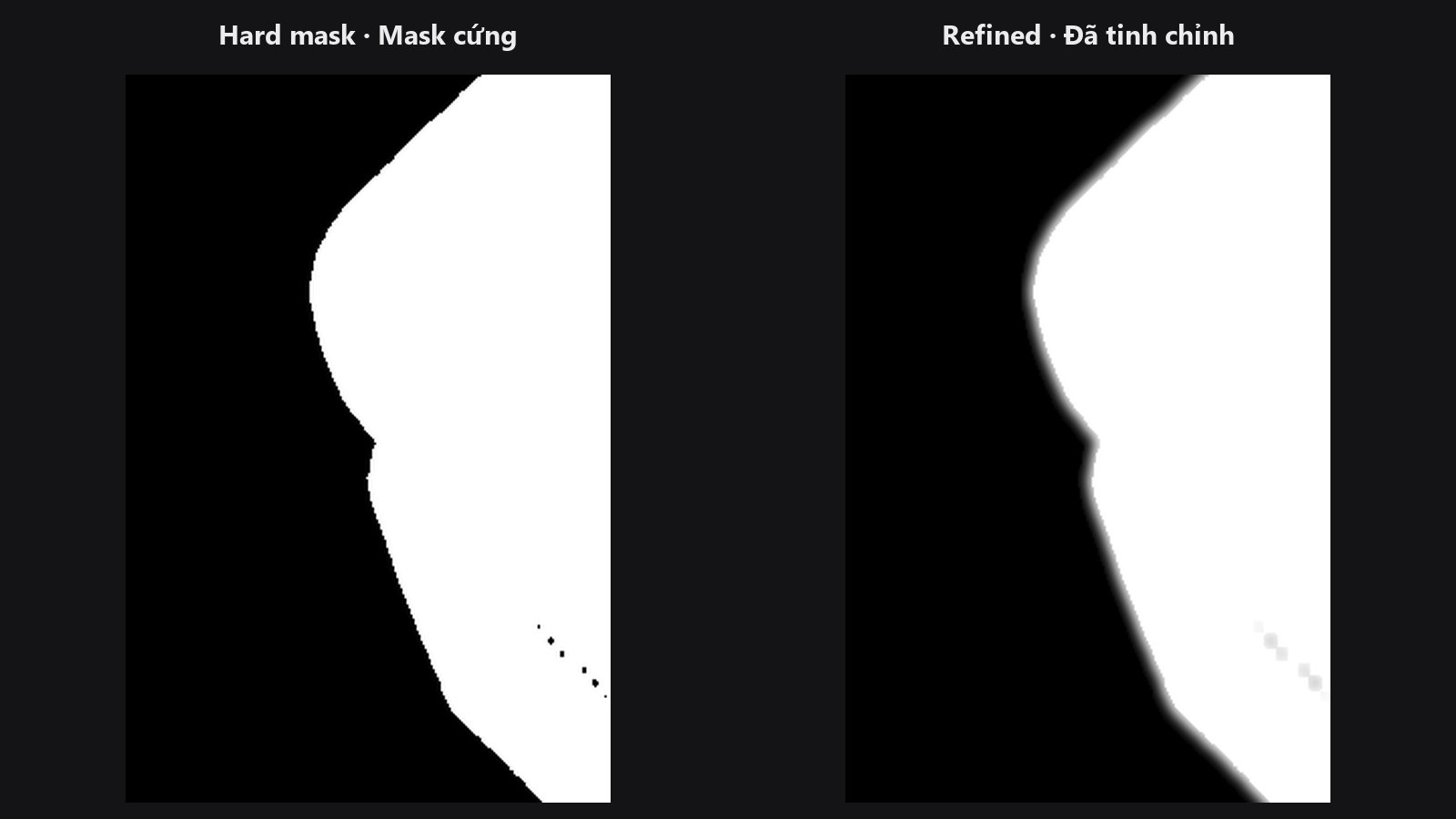
Turns a hard mask into a feathered one that stays solid inside.
-
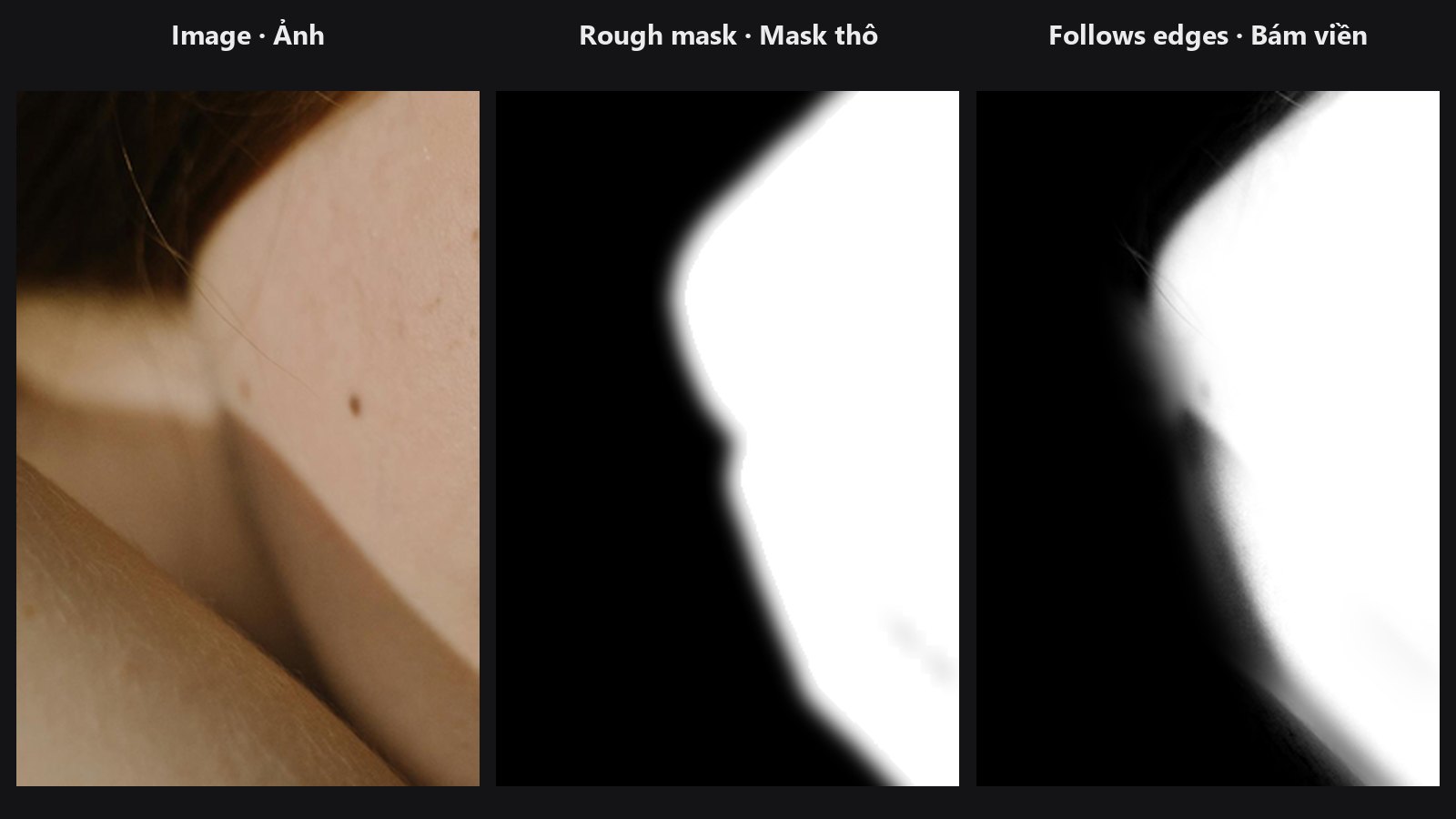
Snaps the mask edge onto the real edges of your photo.
-
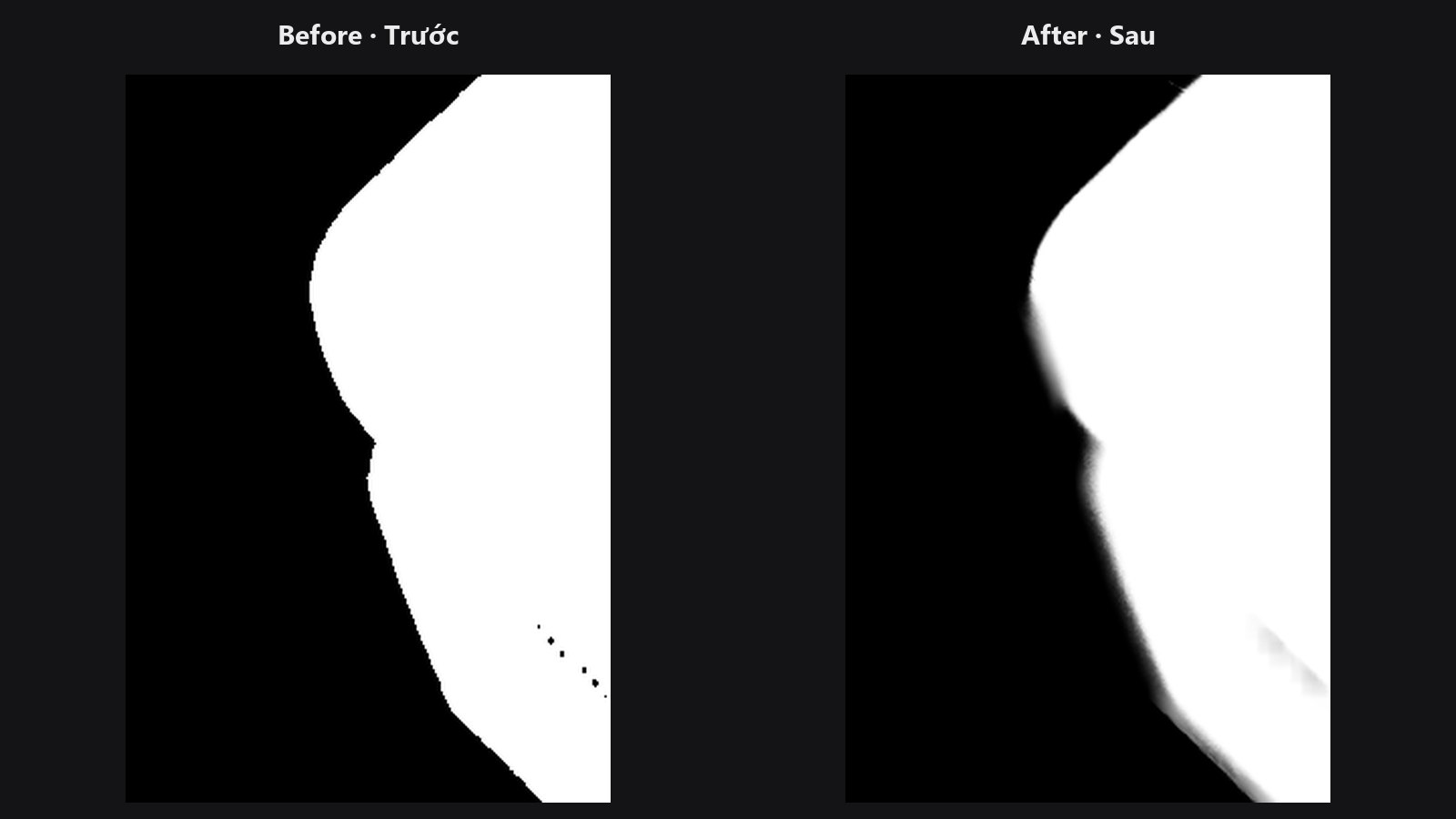
Smooths jagged edges with a bilateral filter, optionally photo-guided.
-
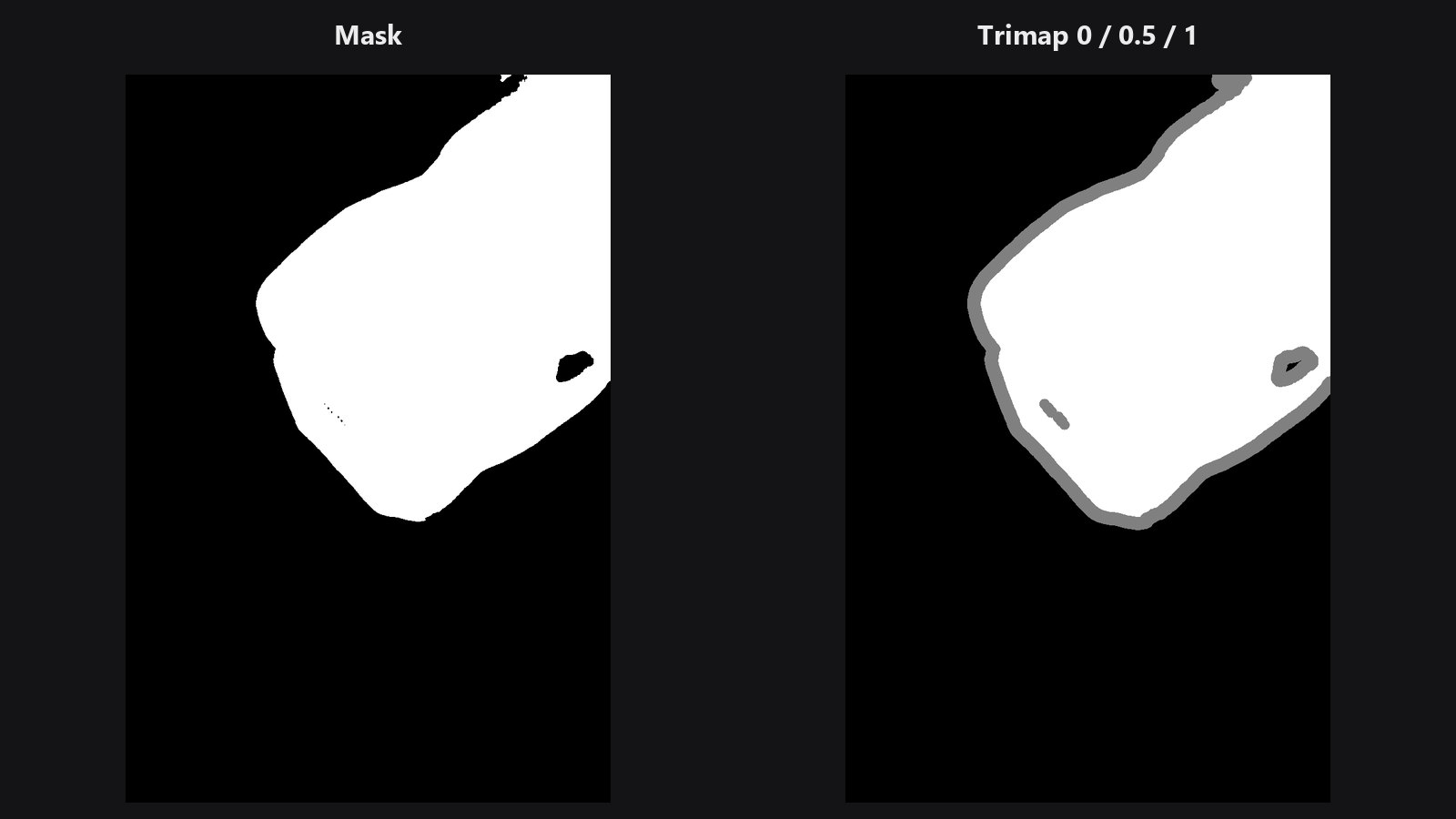
Makes the sure-subject, unknown and sure-background map for matting.
-
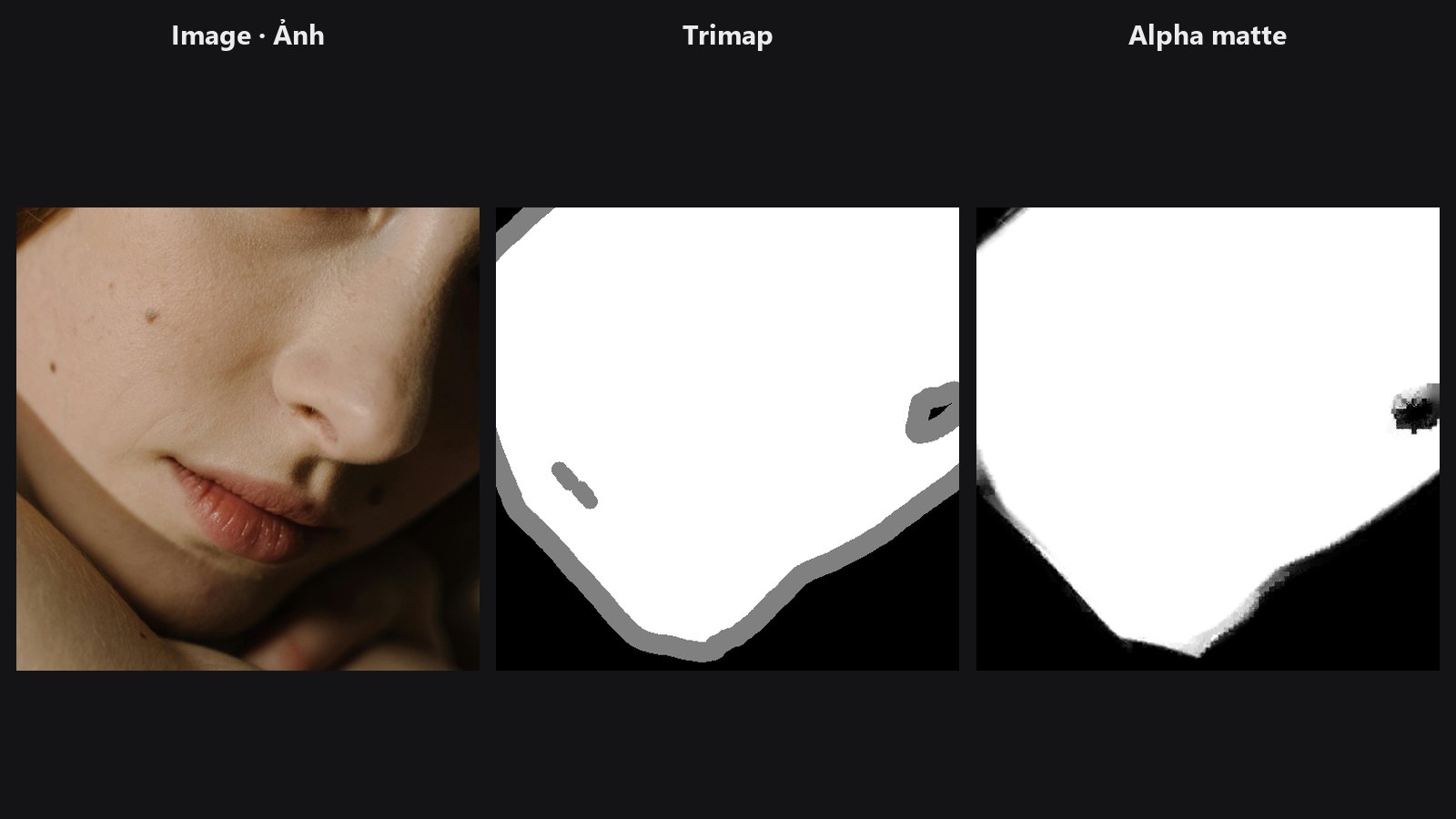
Hair-quality soft alpha from a trimap and the photo.
-
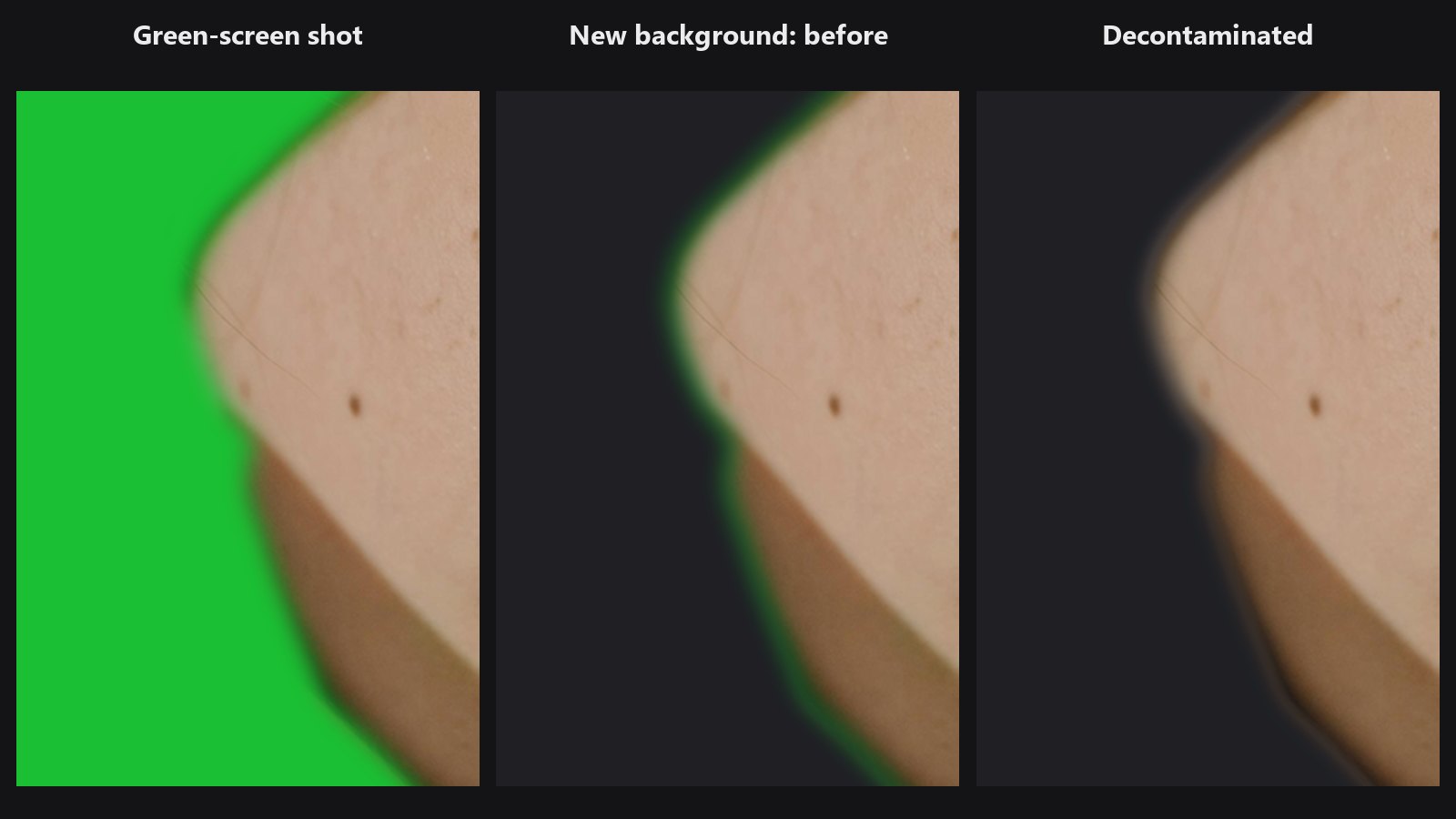
Removes green-screen or sky colour from a cut-out's soft edges.
-
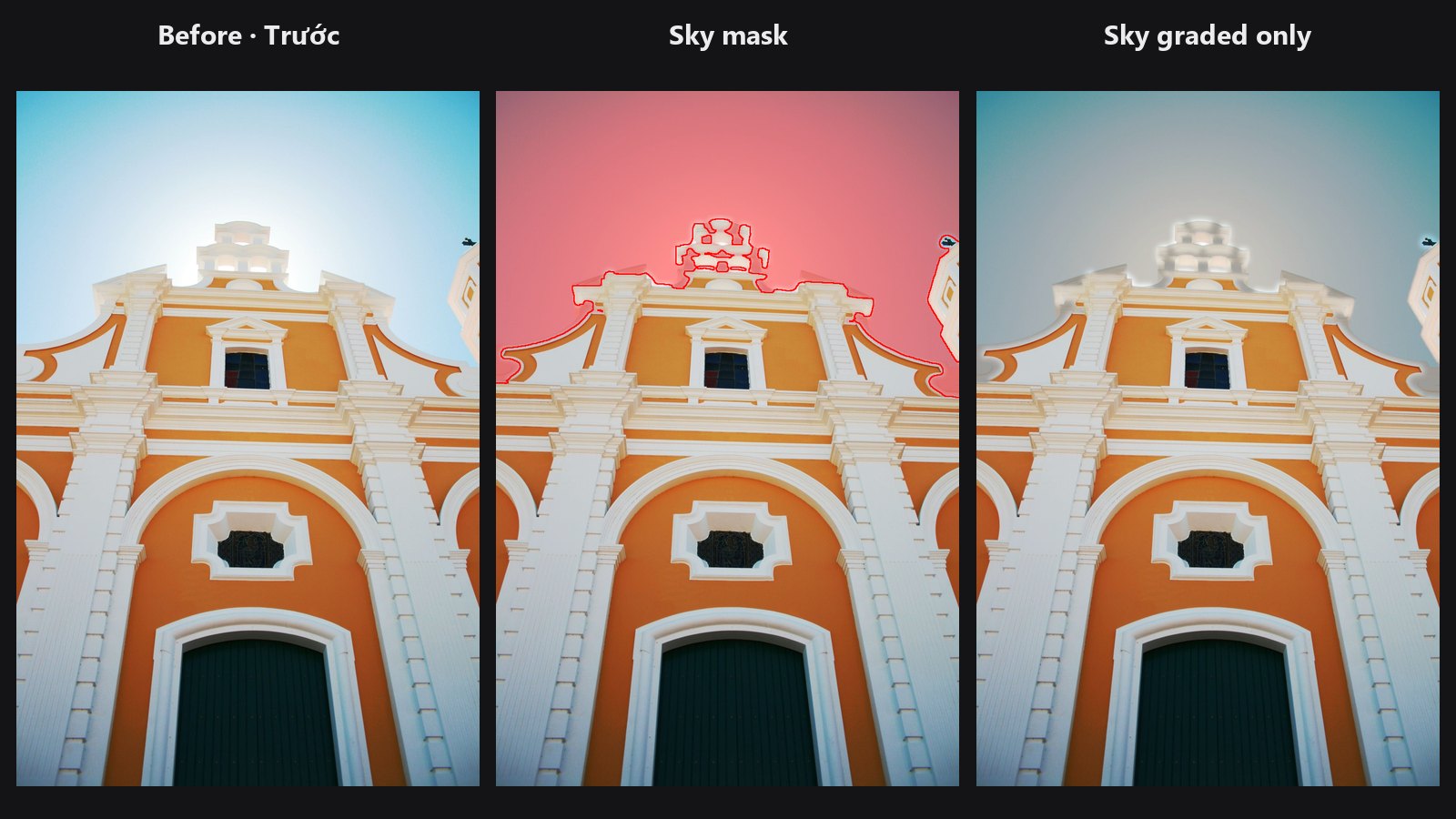
Soft mask of the sky without an AI model.
-
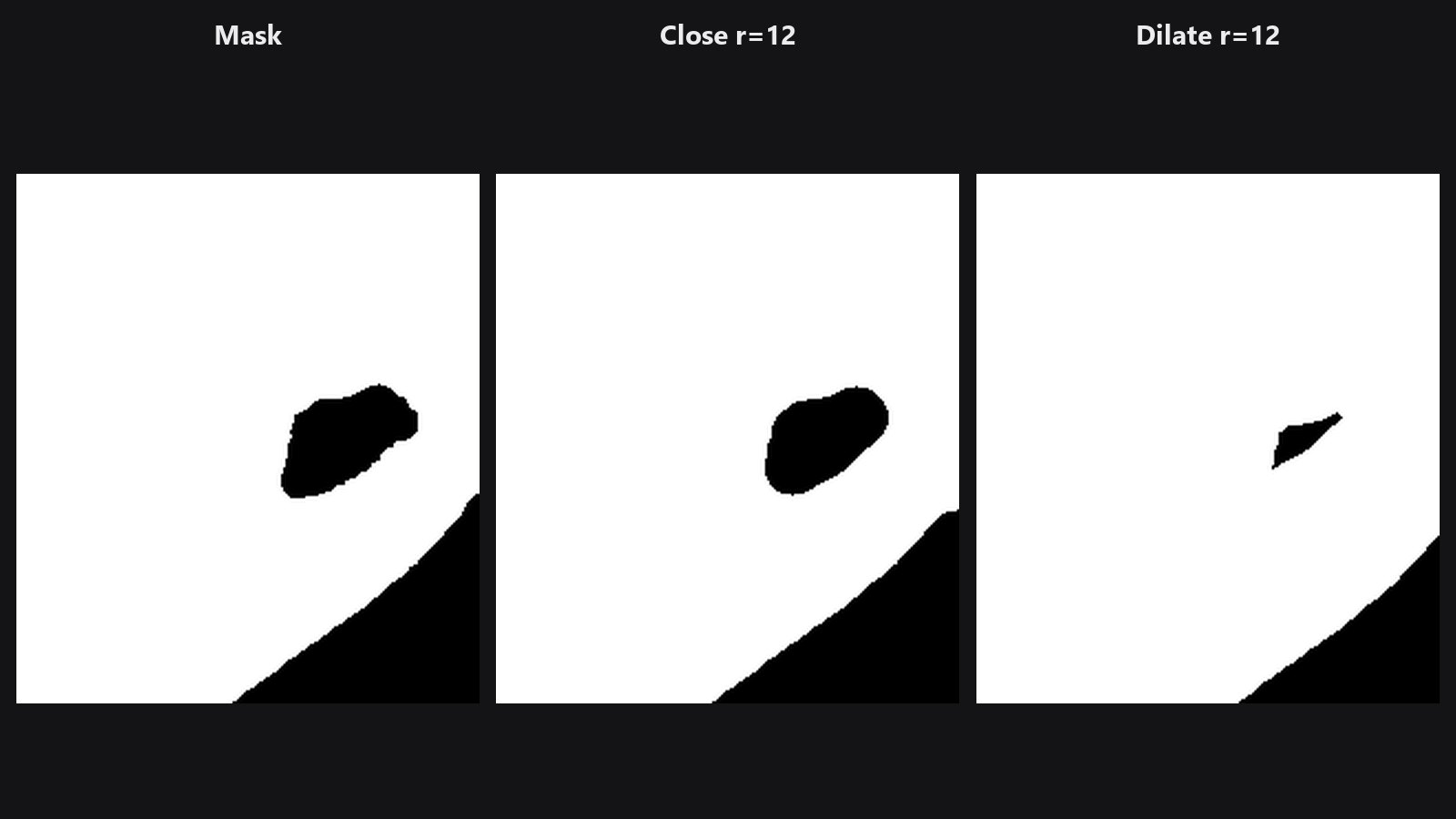
Grows, shrinks, closes or outlines a mask.
-
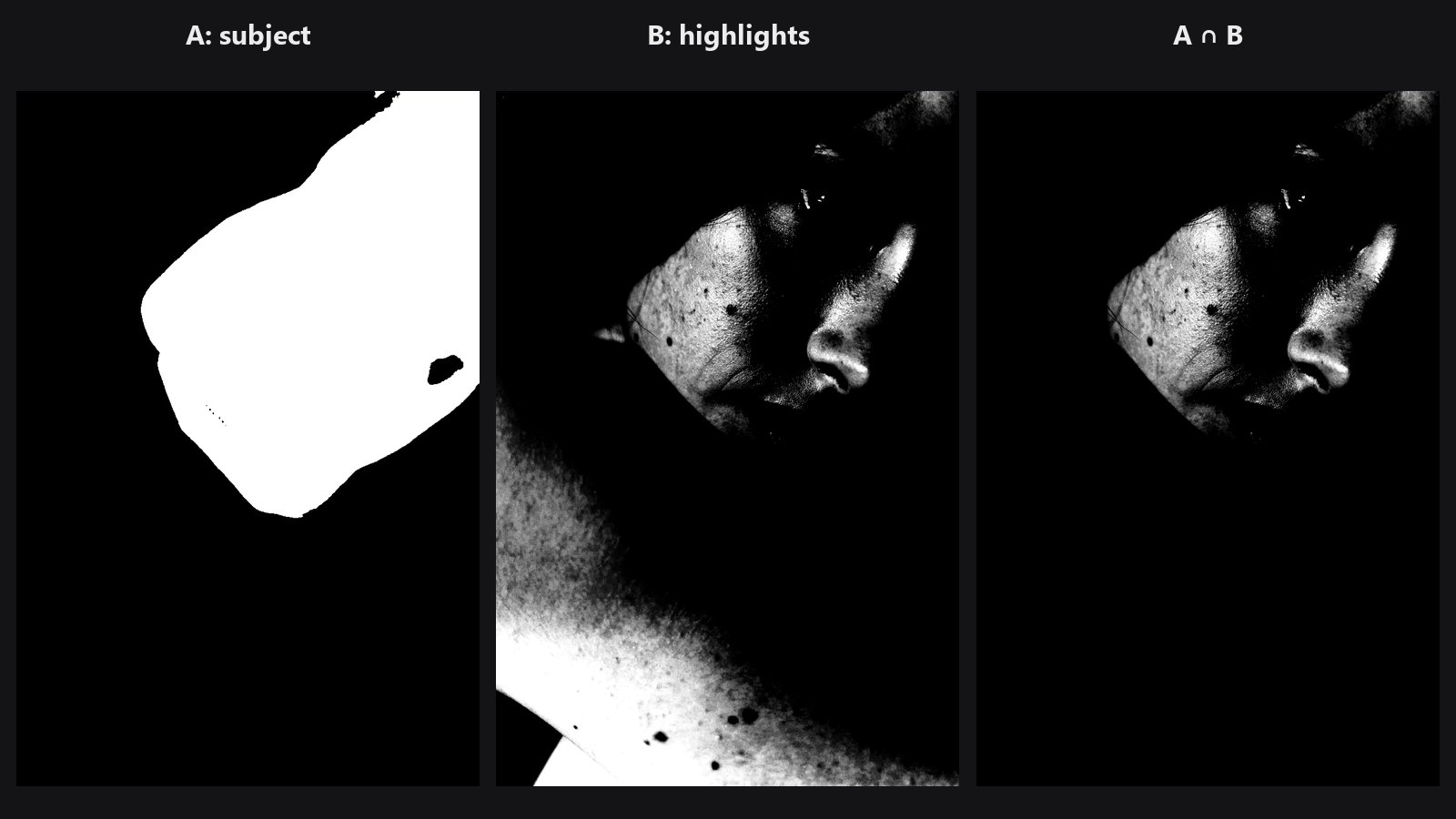
Adds, subtracts, intersects or multiplies two masks.
-
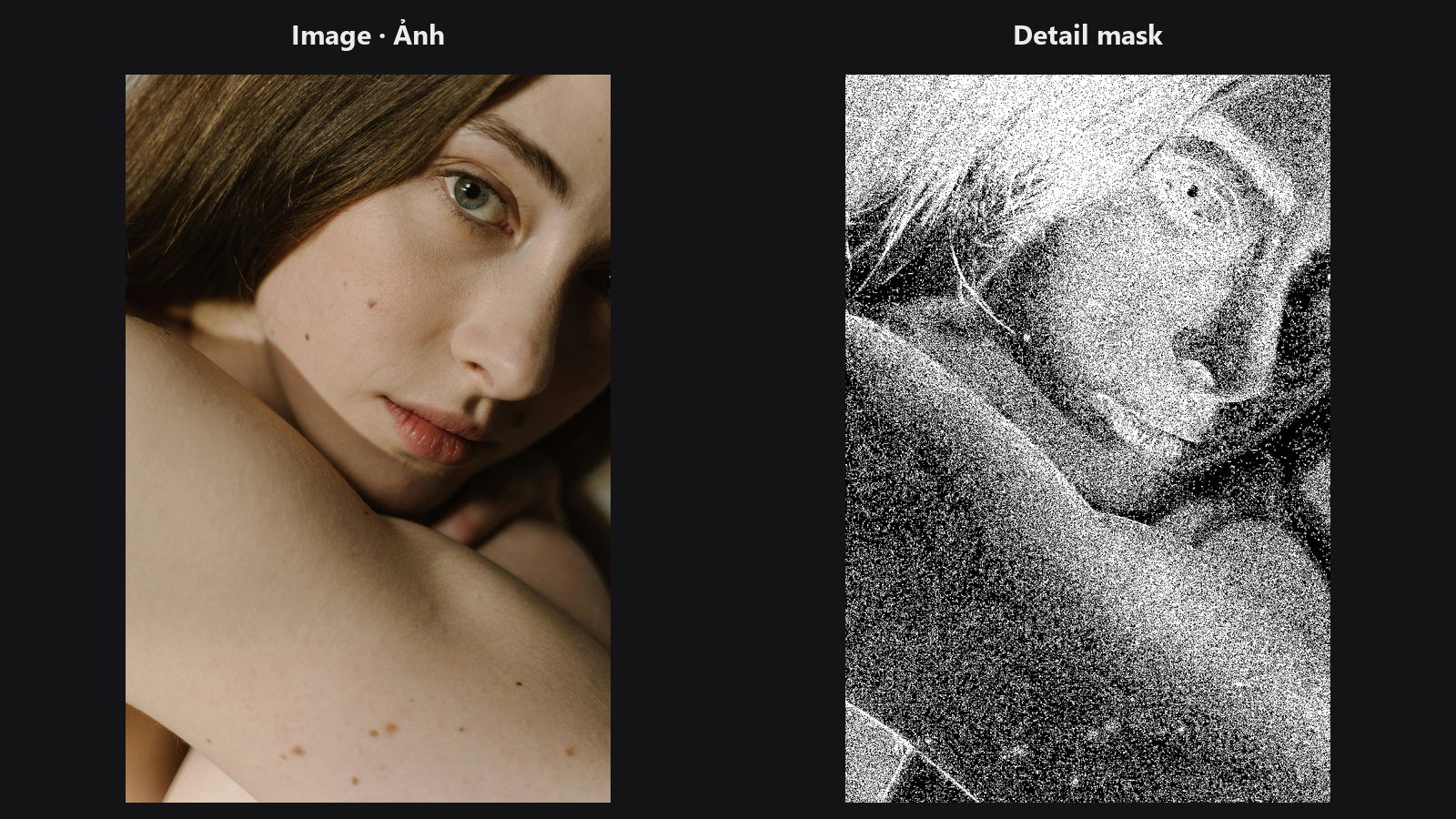
Selects the sharp, detailed parts of a photo.
-
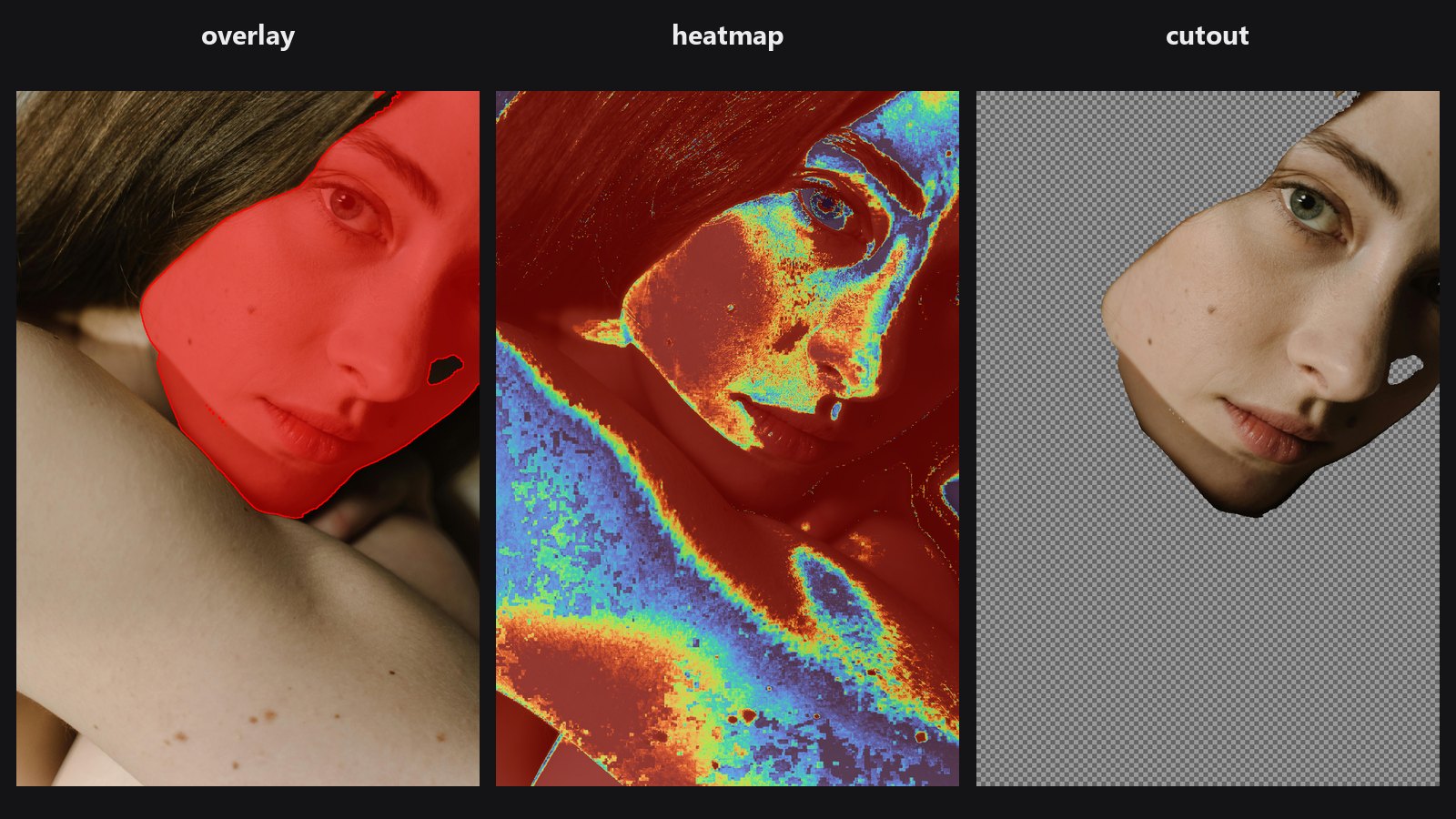
Shows a mask as an overlay, heatmap, black-and-white view or cutout.
-
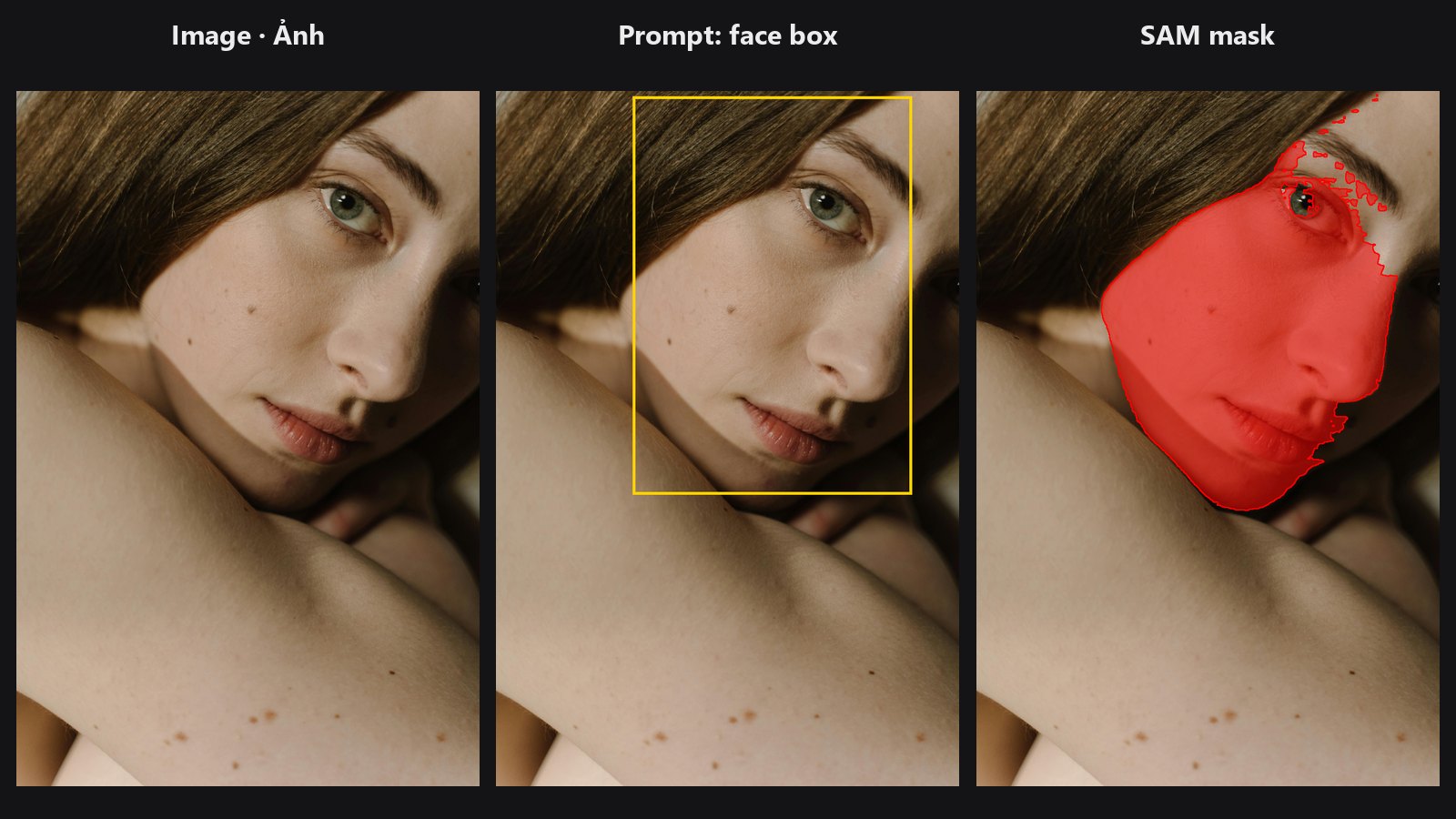
Segment Anything: one point, a face box or a rough mask gives a clean object mask.
Typical chains
- Clean AI cutout (product or portrait): Mask Cleanup → Edge-Aware Mask Refiner → Sub-Pixel Mask Refiner → Mask Preview
- Hair-quality cutout: rough mask → Mask Cleanup → Trimap Builder → Alpha Matte (with the photo as
guide) → Mask Preview incutoutmode - Edit only the textured areas: Detail Mask → Mask Combine with a subject mask (
intersect) → use as the gate for your sharpen or smooth step