Compositing
These nodes turn ComfyUI into a Photoshop-style layer stack: a background, layers on top with blend modes, opacity, fill, masks and clipping, groups, and a final flatten. They are meant for deterministic finishing passes after generation or retouching, where you want to adjust one layer without redoing the rest. Pyramid Blend is the odd one out: it joins two images through a mask so the seam disappears.
-
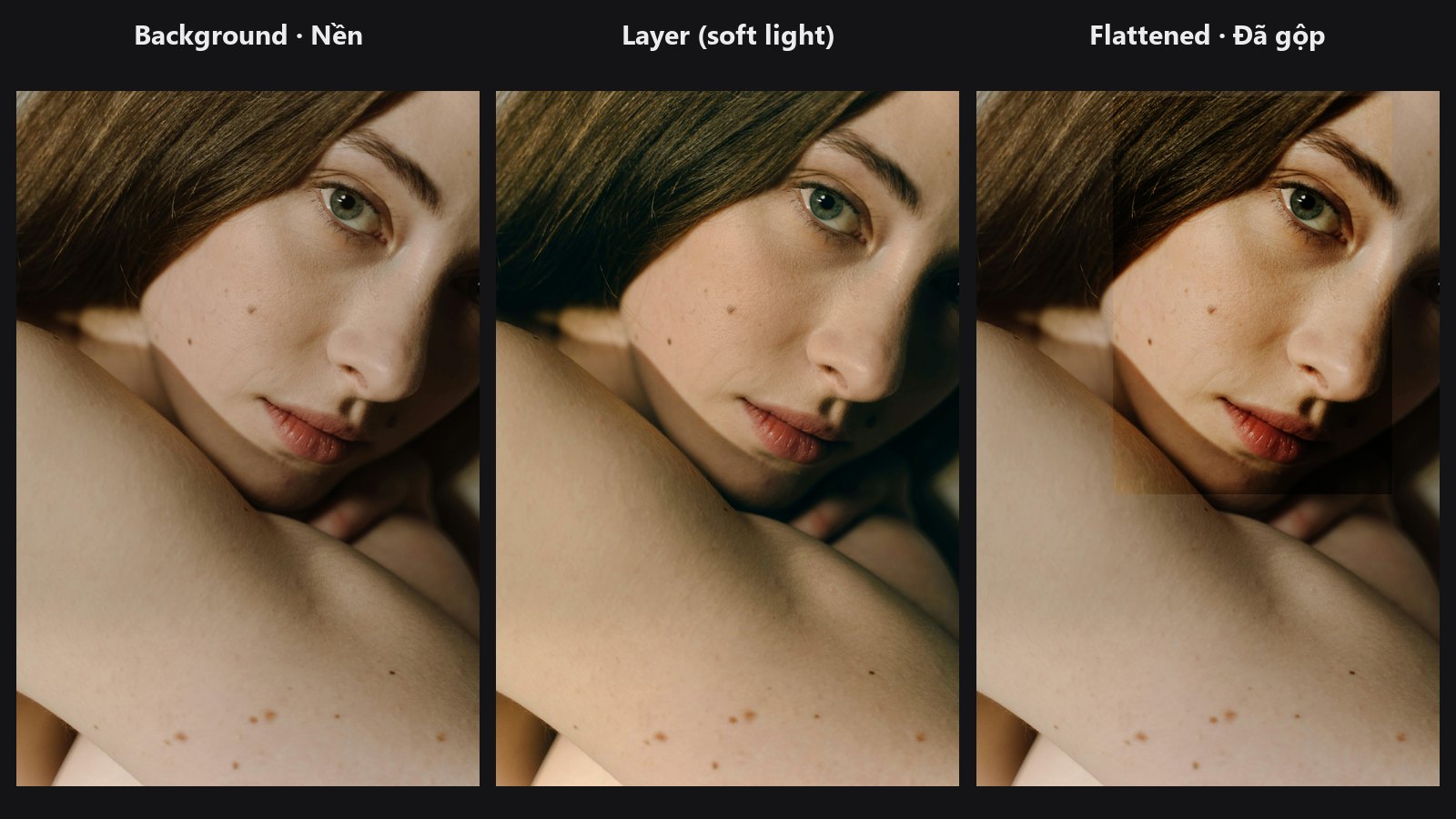
Makes the background layer of a stack from an image.
-
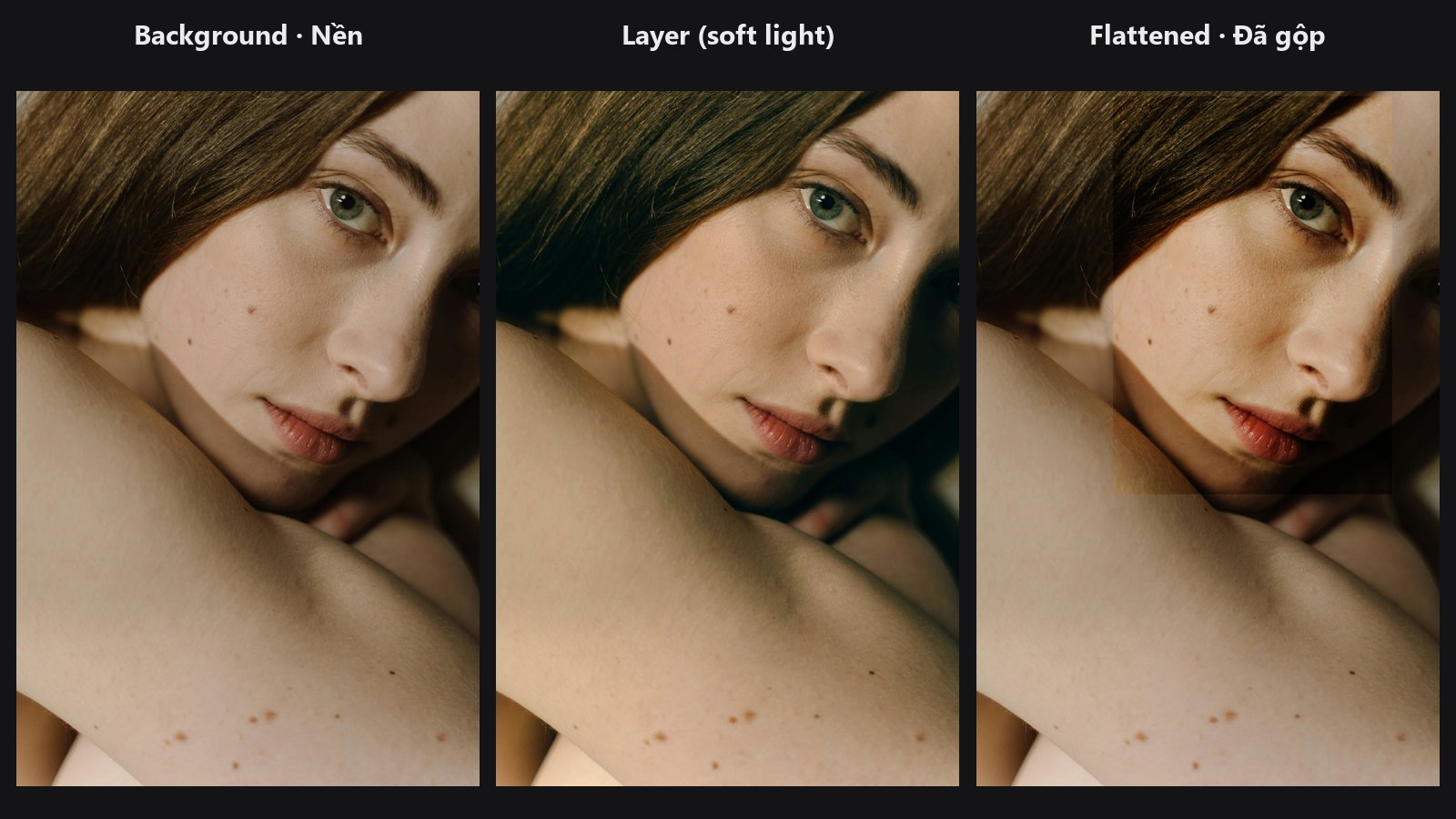
Adds a layer with blend mode, opacity, fill, mask and clipping.
-
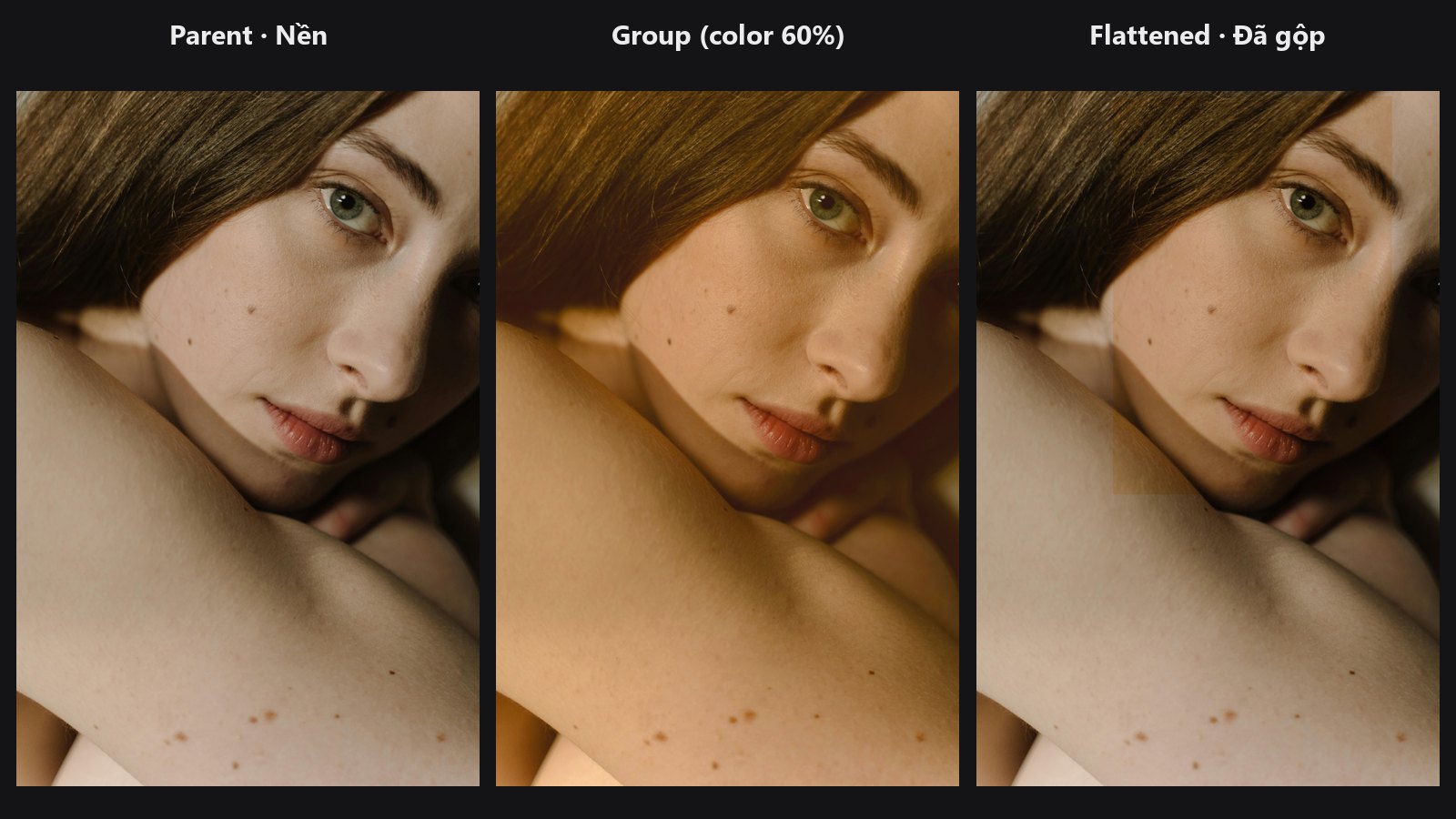
Merges a sub-stack into one layer, like a Photoshop group.
-
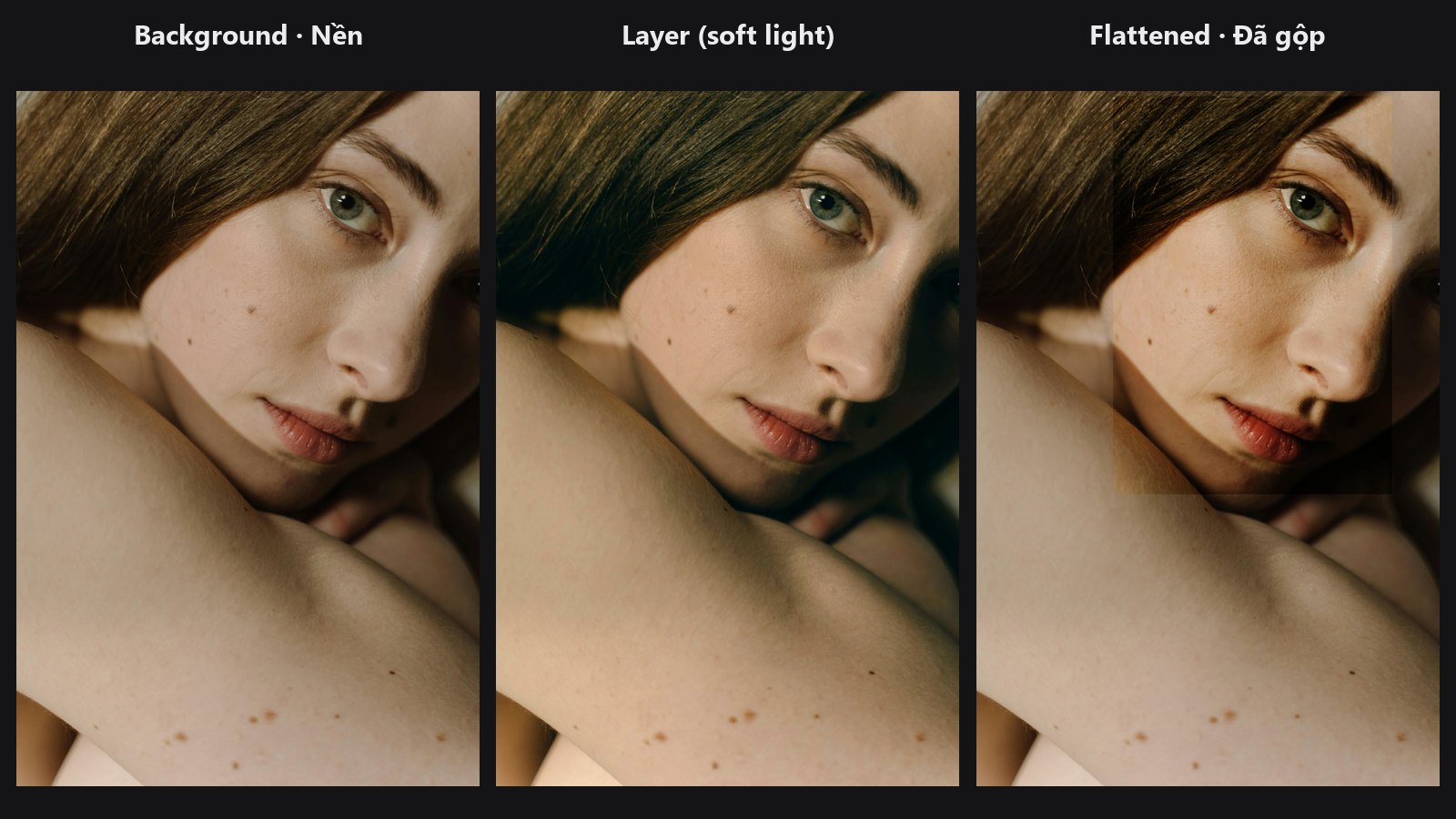
Renders the stack back into a normal image.
-
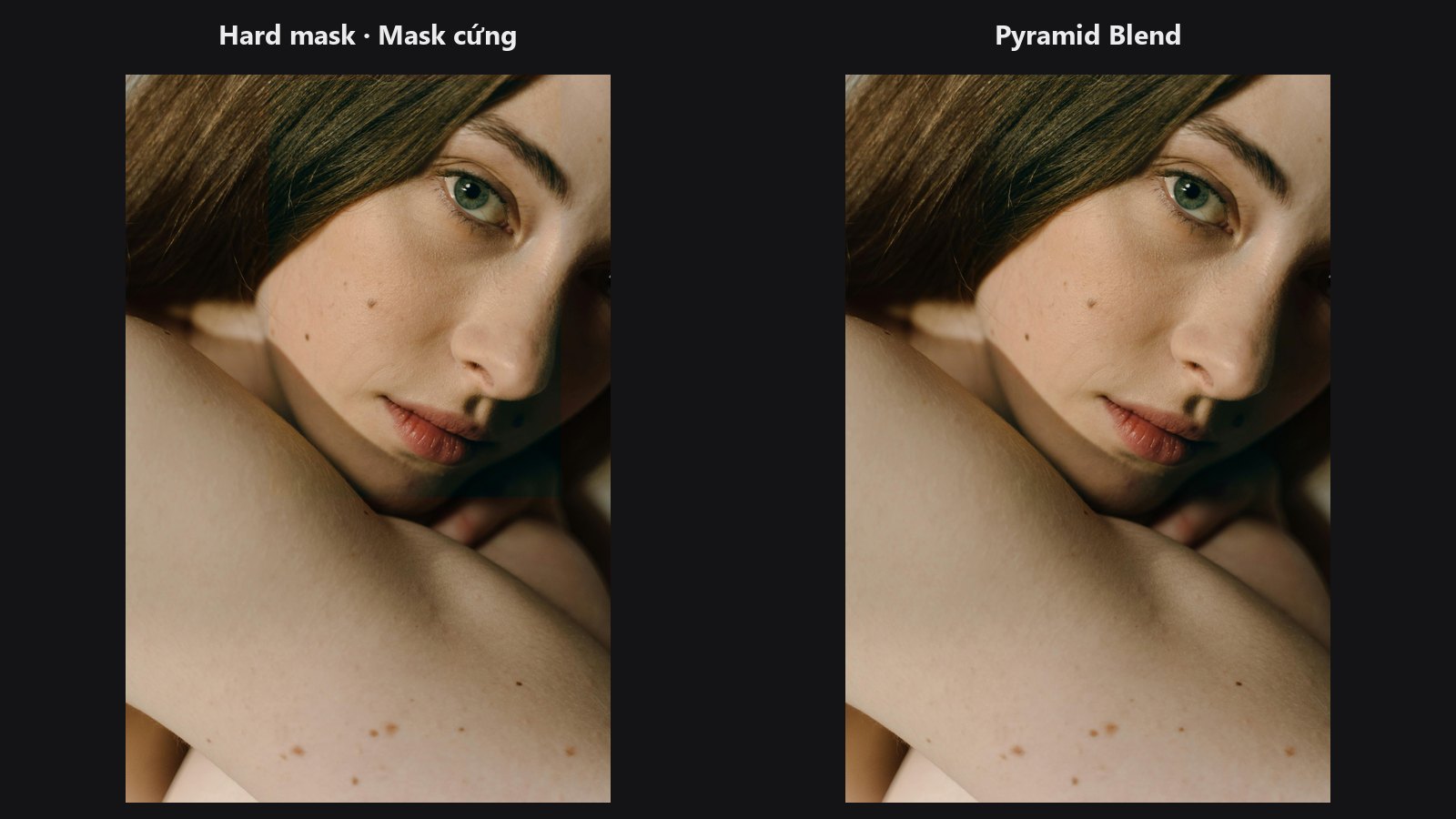
Seamless two-image composite through a mask using multi-band blending.
Typical chains
- Colour grade as layers: Load Image → Layer Stack Start → Layer Add (
soft_light) → Layer Add (screen) → Layer Flatten → Preview Image - A look as one group: two Layer Stack Start chains → Layer Group (
overlay, opacity 0.8) → Layer Flatten - Paste a retouched face back: LUT Preset on the face → Pyramid Blend through a face mask → Preview Image