Filters
Filters work on the picture itself: texture, edges and smoothness. Split detail from tone with frequency separation, soften skin without losing edges, and sharpen at the end. Together they cover the core of a portrait retouch.
-
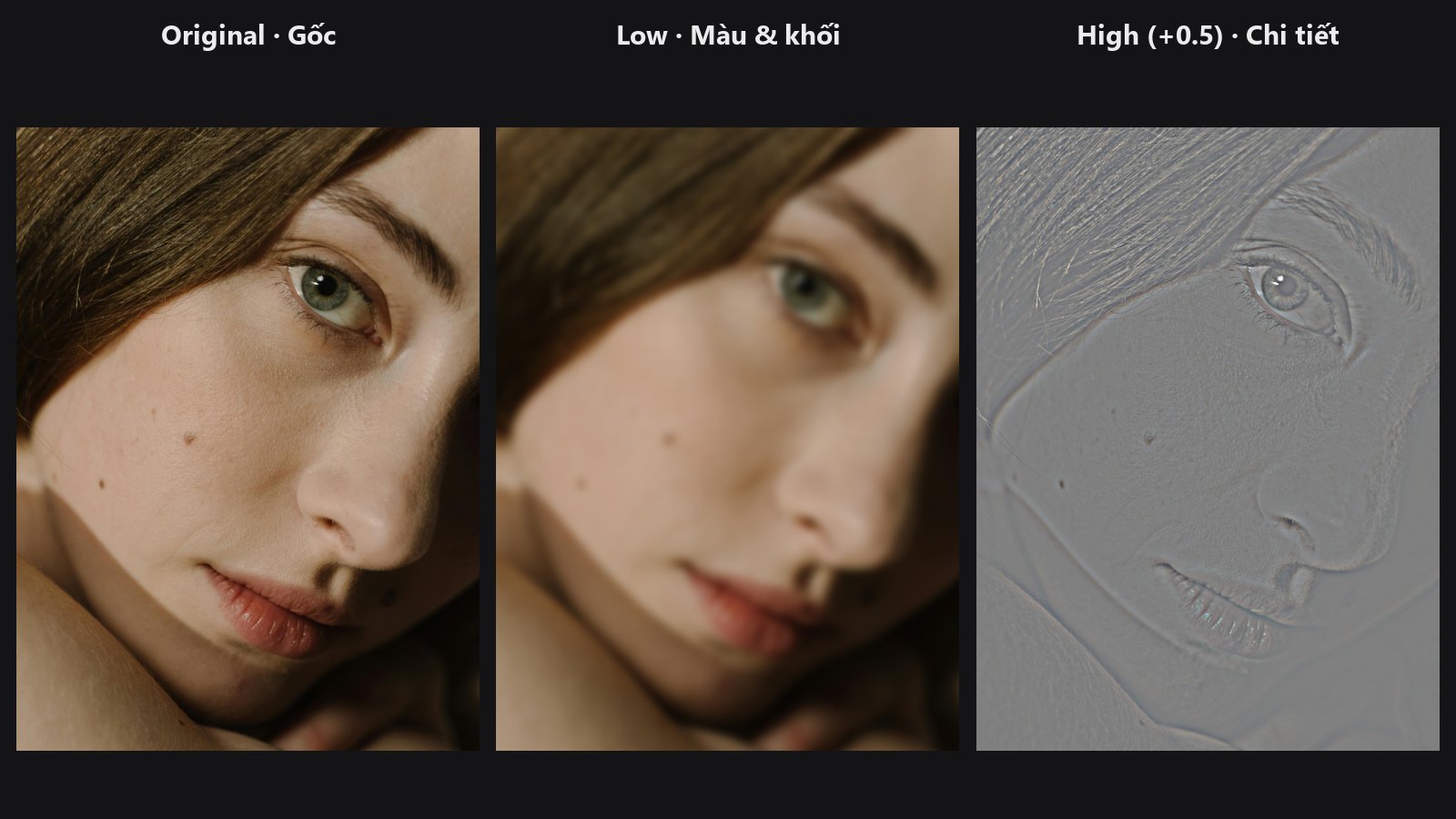
Splits an image into a smooth colour layer and a fine-detail layer.
-
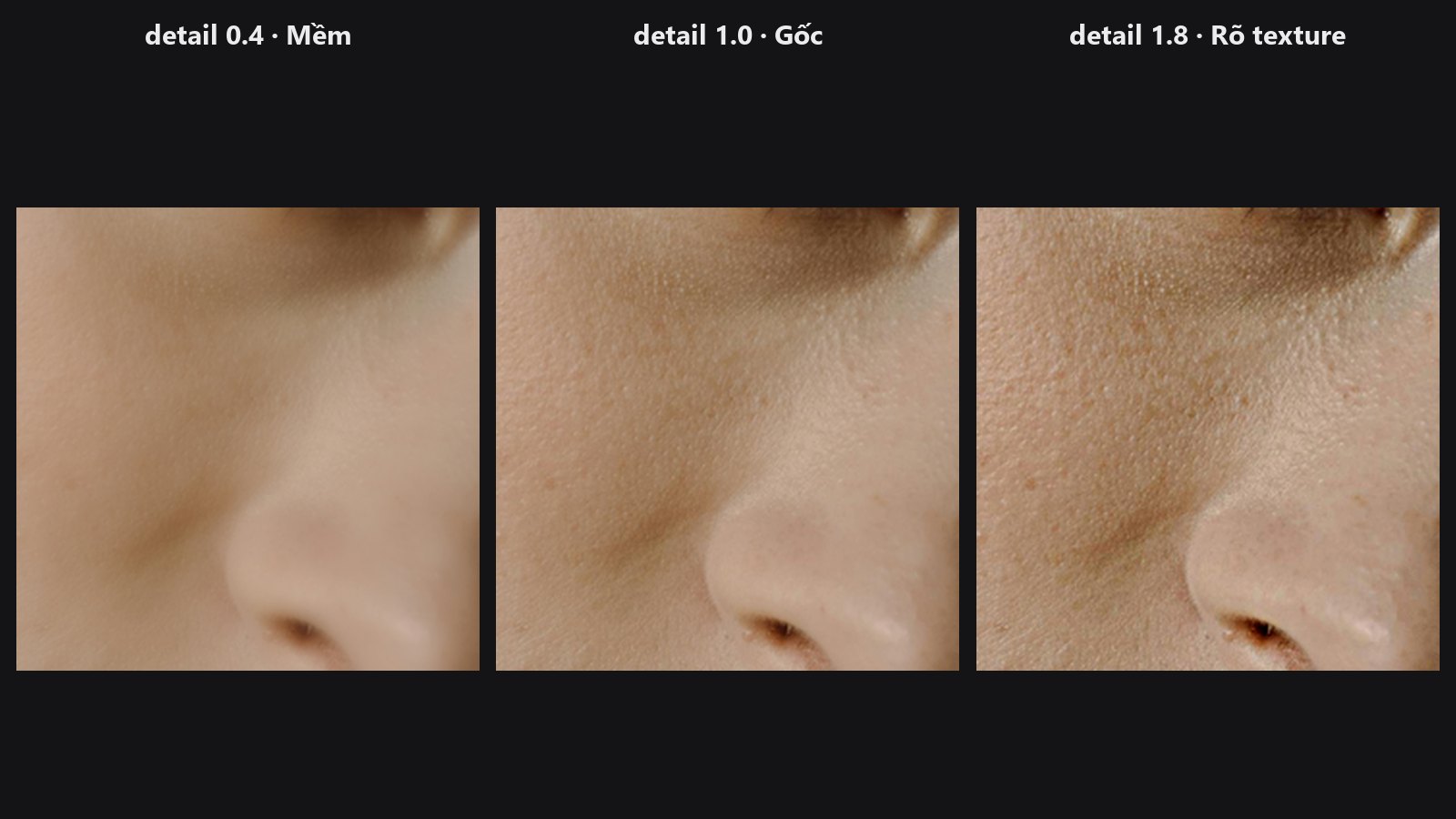
Puts the low and high layers back together, with a slider to boost or soften texture.
-
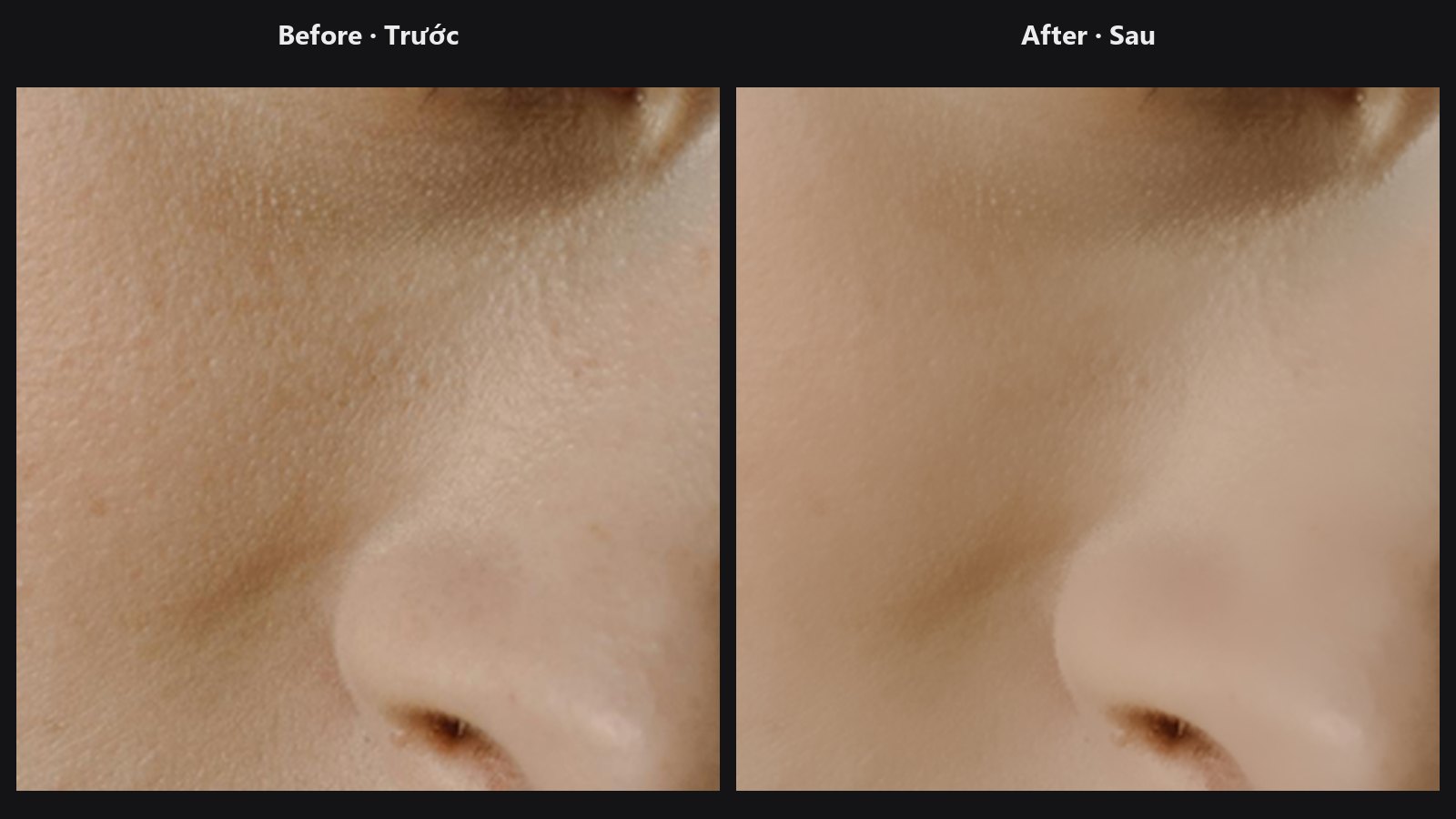
Smooths skin with an edge-preserving blur, with optional mask and tiled processing.
-
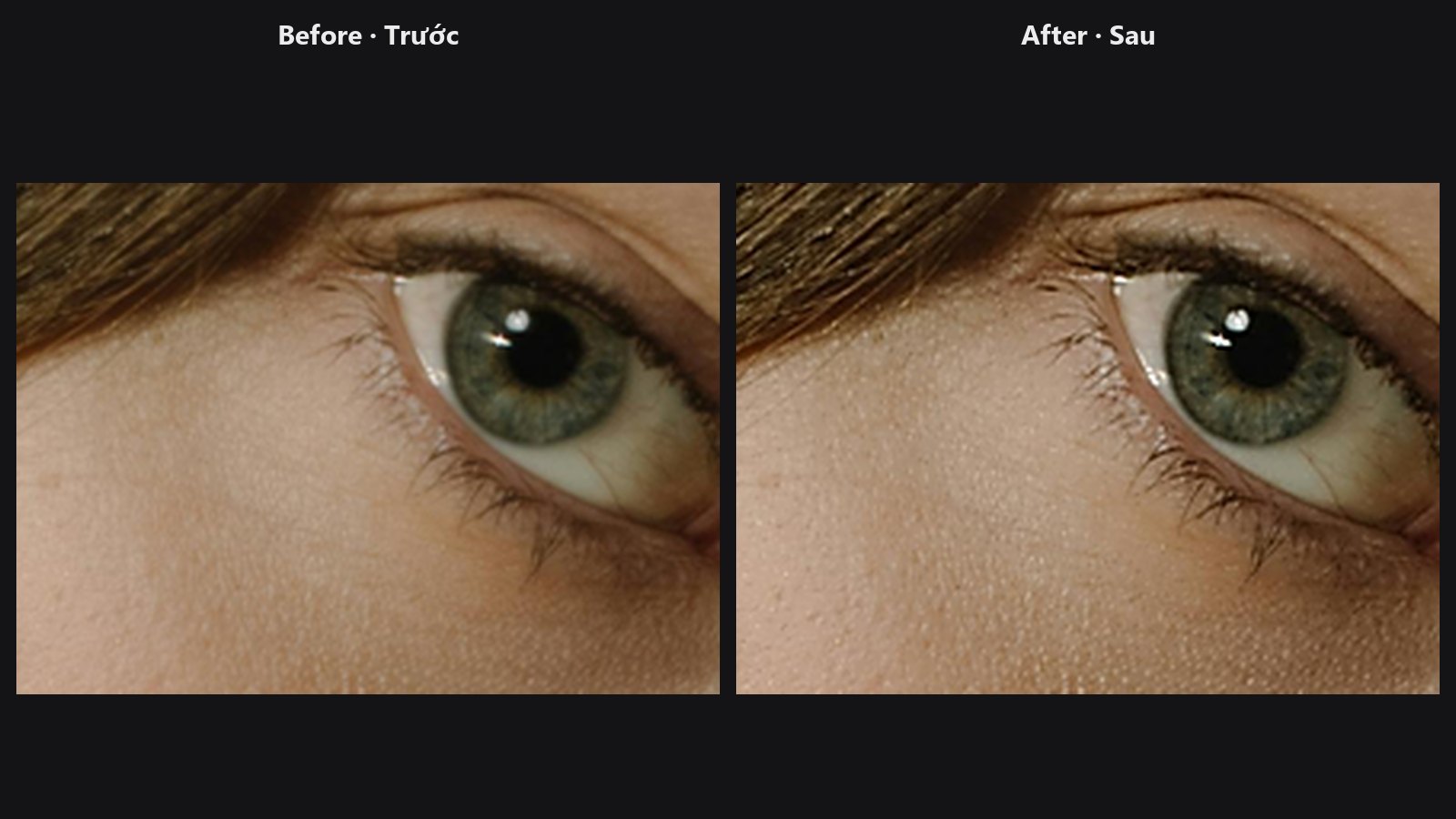
Unsharp mask with a noise threshold, luminance-only mode and a mask.
-
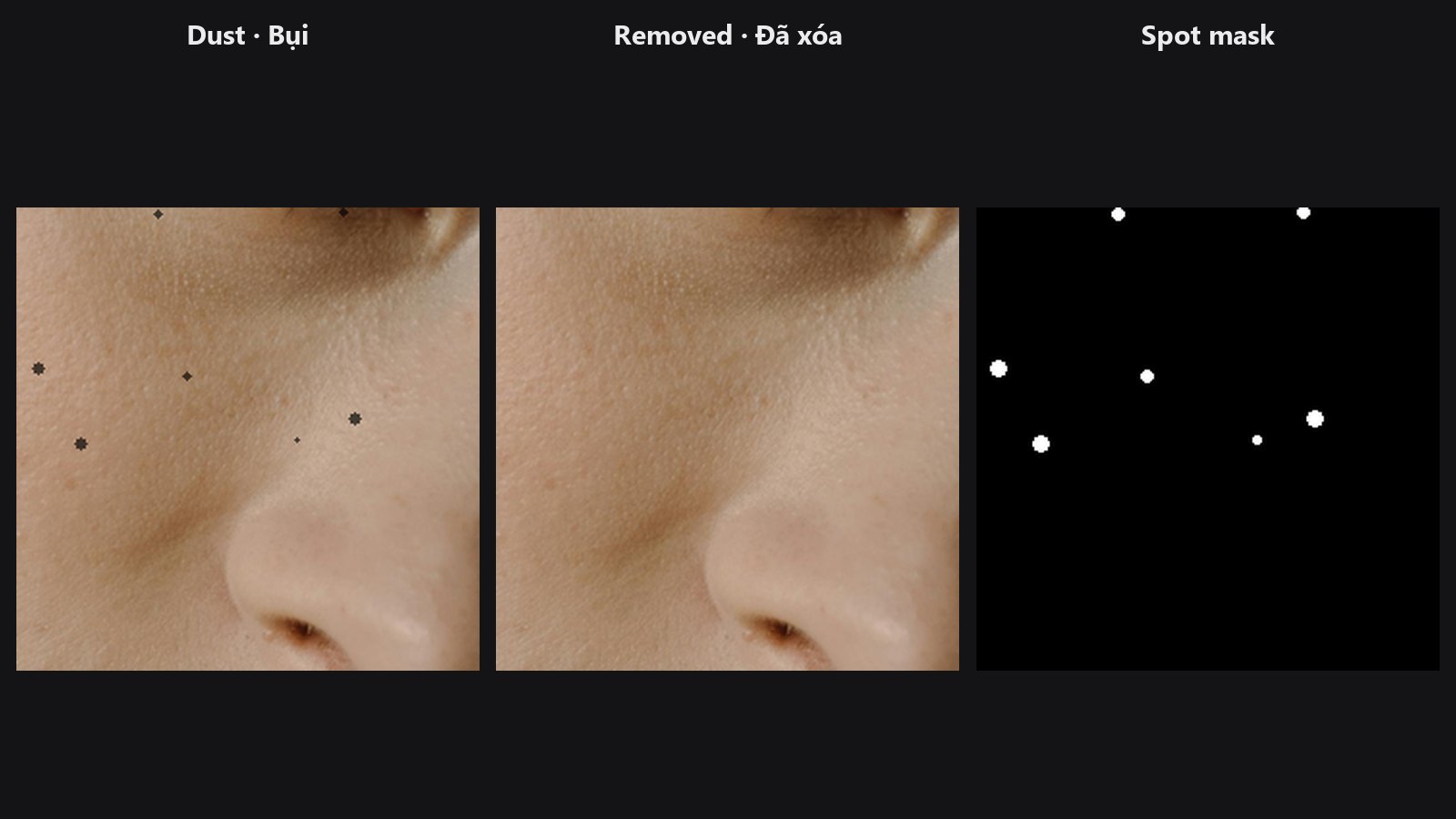
Find and heal small dark or bright specks (sensor dust, tiny blemishes), leaving larger shapes alone.
-
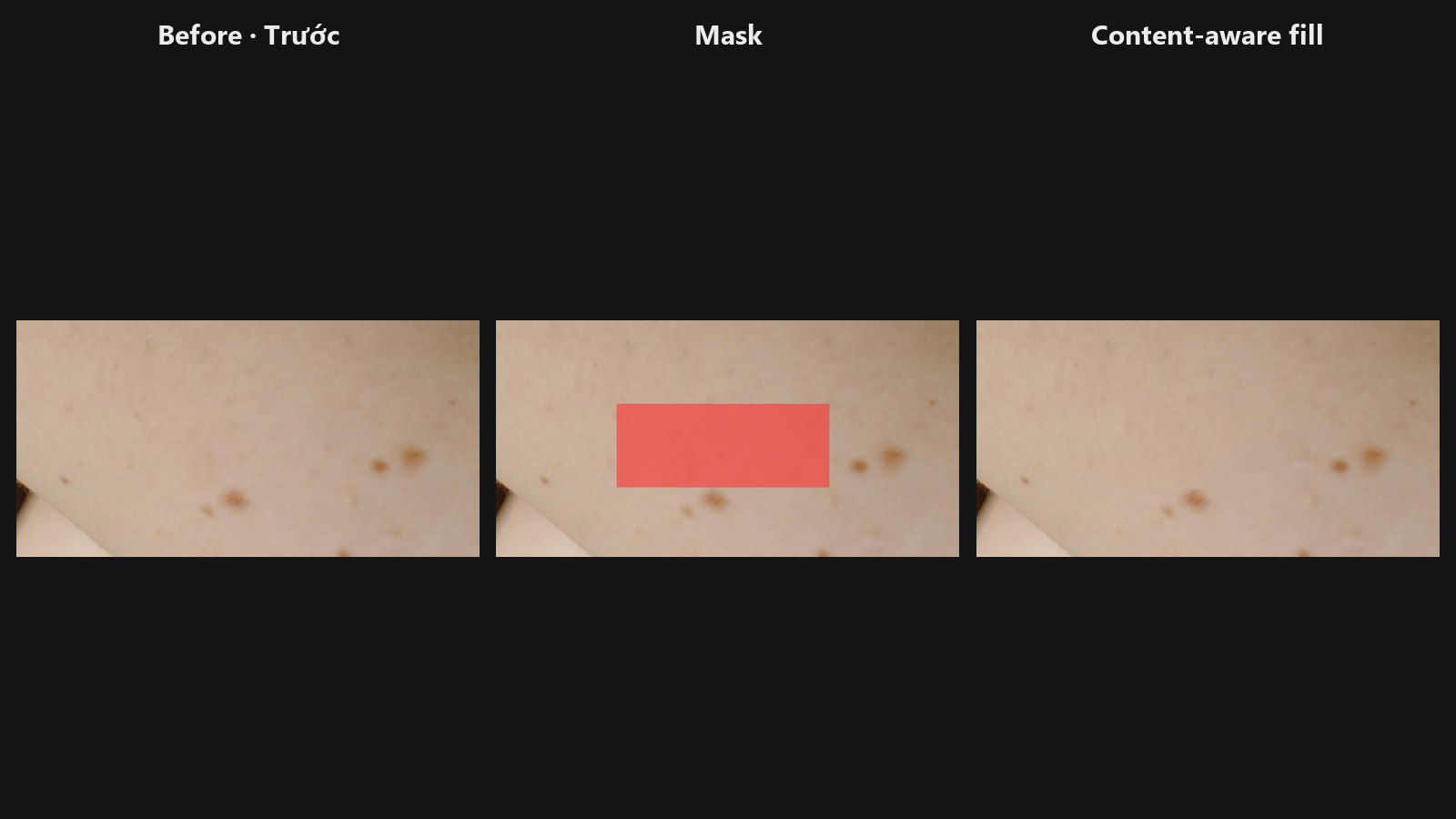
Paint what should go; it is rebuilt from the rest of the photo.
-
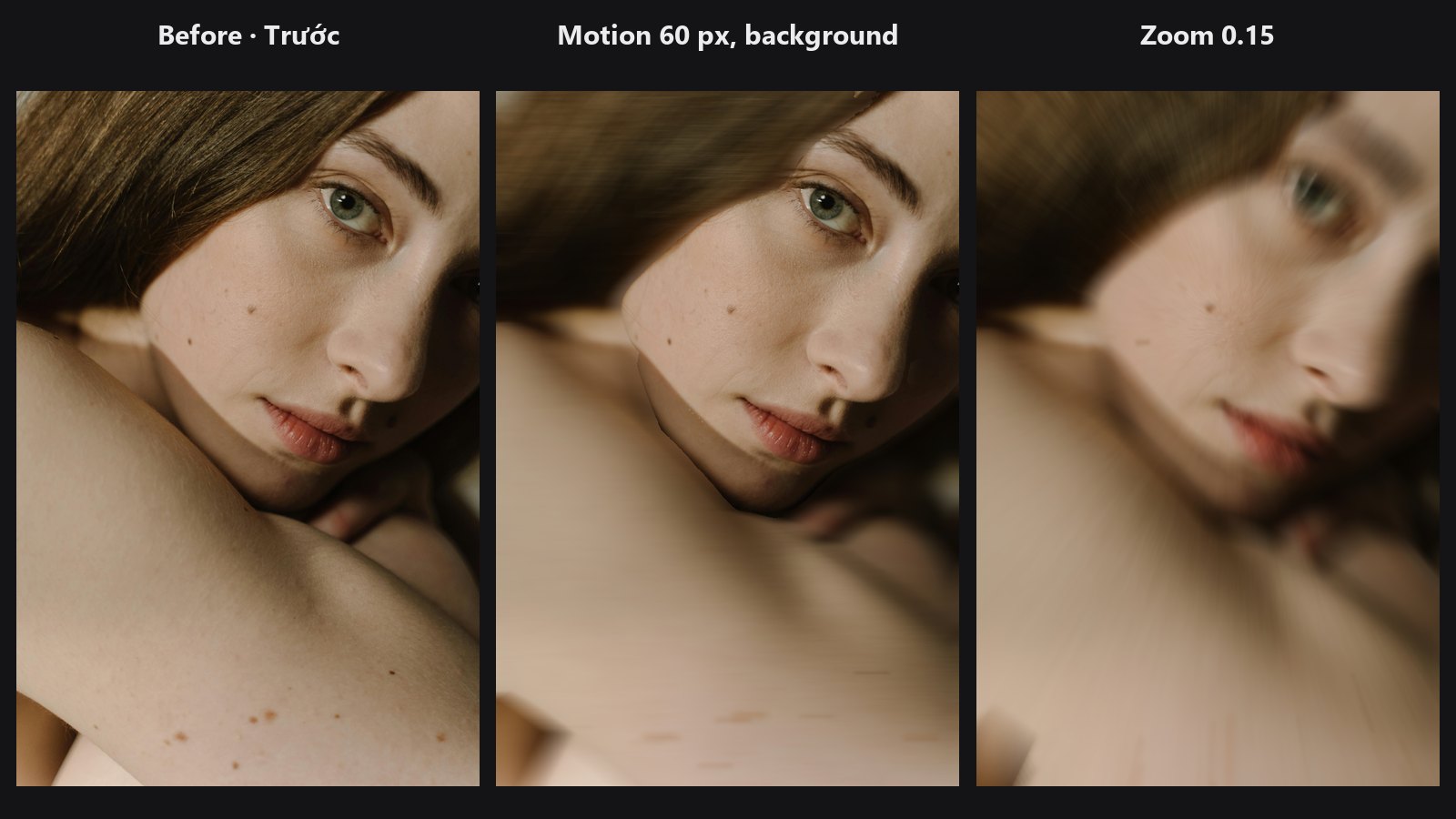
Motion blur along an angle, or a zoom burst toward a point, with a mask.
Typical chains
- Natural skin: Load Image → Skin Smoother (strength 0.3 to 0.5, with a skin mask) → Smart Sharpen → Preview Image
- Fix colour, keep pores: Load Image → Frequency Separation → edit
lowonly → Frequency Recombine - Sharpen only the detail: Detail Mask →
maskof Smart Sharpen