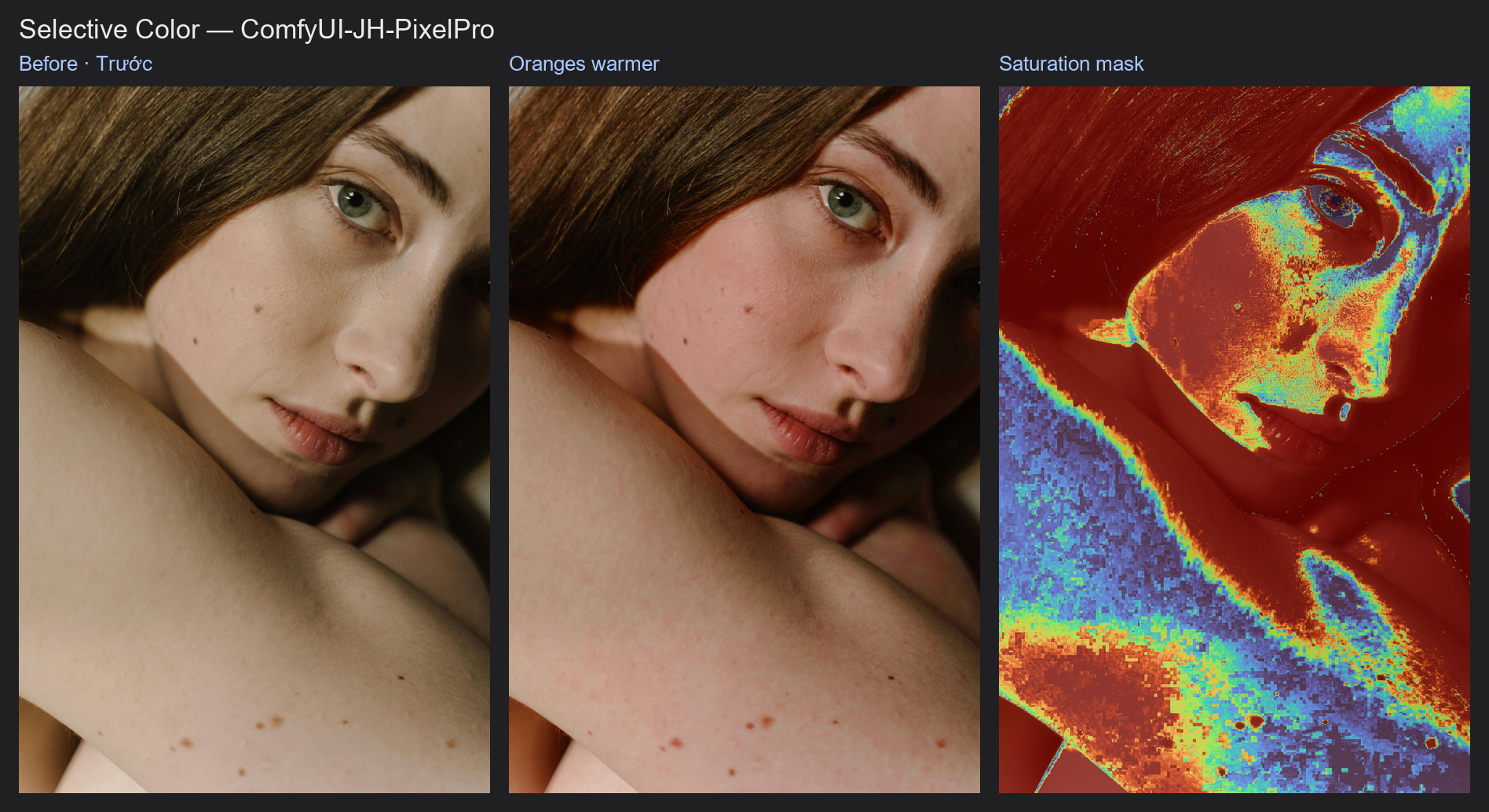
Hue/Saturation per Range
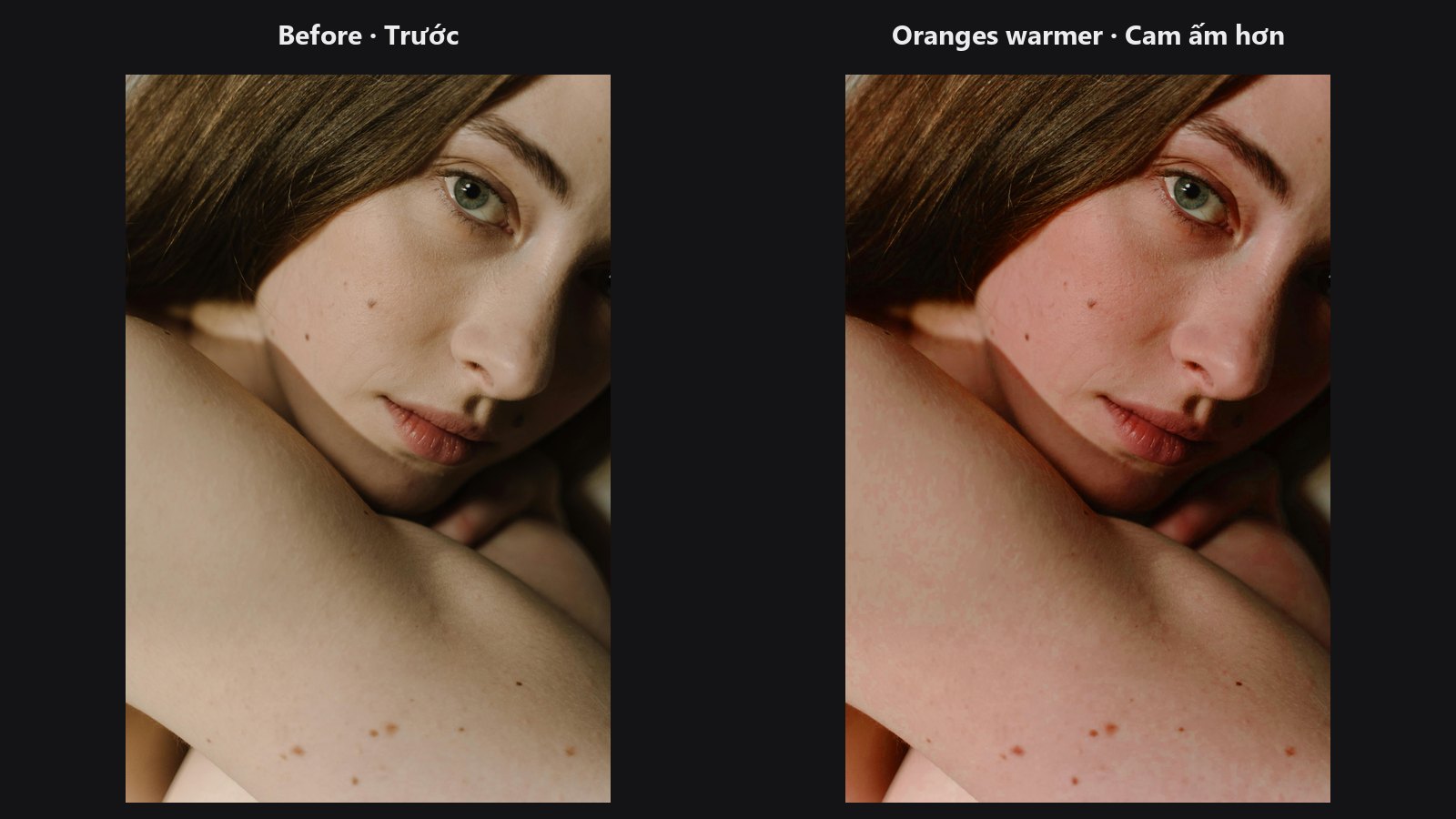
Picks one colour on the hue wheel and changes only that colour: turn greens a little more yellow, mute a loud red, or make the blues deeper.
| In ComfyUI | Add Node → ComfyUI-JH-PixelPro → color → Hue/Saturation per Range |
| Good for | Calming a colour that is too loud, fixing foliage or sky colour, shifting a product colour, selective desaturation |
When to use it
This is the selective-colour move from a photo editor's Hue/Saturation panel. You choose a centre colour in degrees on the hue wheel and a band width. Pixels near that hue are affected most; the effect fades smoothly to nothing at the band's edge, and grey pixels are left alone. Colours outside the band do not move at all, and brightness is never changed.
Hue wheel positions: 0 red, 60 yellow, 120 green, 180 cyan, 240 blue, 300 magenta.
Quick start
- Load Image → Hue/Saturation per Range → Preview Image.
- Set
hue_centerto the colour you want to change (for example 120 for green) andband_widthto about 30. - Move
hue_shiftorsat_multand watch only that colour respond.
Settings
| Setting | Default | What it does | Tip |
|---|---|---|---|
image |
required | The picture to adjust. | |
hue_center |
0 (0 to 360) | The colour to target, in degrees on the hue wheel. | 0 red, 60 yellow, 120 green, 180 cyan, 240 blue, 300 magenta. |
band_width |
30 (0 to 180) | Half-width of the band in degrees. Full effect at the centre, fading to none at this distance. | 30 narrow, 60 medium, 180 the whole wheel. |
hue_shift |
0 (-180 to 180) | Rotates the hue inside the band, in degrees. | Small values (5 to 20) look natural. |
sat_mult |
1.0 (0 to 2) | Multiplies saturation inside the band. 1 is unchanged, 0 removes colour, 2 doubles it. | 0.6 to calm a loud colour. |
sat_add |
0 (-1 to 1) | Adds or subtracts saturation after the multiplication. | Useful to colour up pale areas. |
Output: image, the adjusted picture.
Tips from retouching
- Widen
band_widthto 45 to 60 for natural-looking results; very narrow bands can leave visible edges in smooth gradients. - To calm red patches in skin, target 0 to 10 with a gentle
sat_multof about 0.8. - To push a sky deeper without touching skin, target 220 to 240 and raise
sat_mult. - For several colours, chain more than one Hue/Saturation per Range. For a full panel with eight bands, see ColorLab.
- Use Saturation Mask to protect already-strong colours from further boosting.
Under the hood
The image goes to HSV (Kornia). A band mask is built from the circular hue distance to hue_center: it is 1 at the centre and falls linearly to 0 at band_width; pixels with no saturation get 0. Hue is rotated by hue_shift × mask, saturation becomes s × (1 + (sat_mult − 1) × mask) + sat_add × mask clamped to 0..1, value is unchanged, and the result is blended with the input by the same mask. With band_width = 0 only pixels exactly at the centre hue are selected.
Related nodes
- ColorLab: eight colour bands plus tone and grading
- Saturation Mask: build masks from colour strength
- Color Matcher: match overall colour to a reference
- Luminosity Masking: limit the change to shadows, midtones or highlights
Example workflow
Hue/Saturation per Range example workflow. It shifts and boosts one colour band of the portrait and shows the matching Saturation Mask. Copy workflows/sample_portrait.jpg into ComfyUI/input/. It uses only core ComfyUI nodes and this pack.