Face
The face group covers everything a portrait retouch needs around the face itself: finding it, reshaping it, pasting an edited version back, and splitting skin into tone ranges. Most chains follow one pattern, described below, so you can send a small, upright face crop to an AI or retouch pass and return it to the full photo without touching the rest of the image.
-
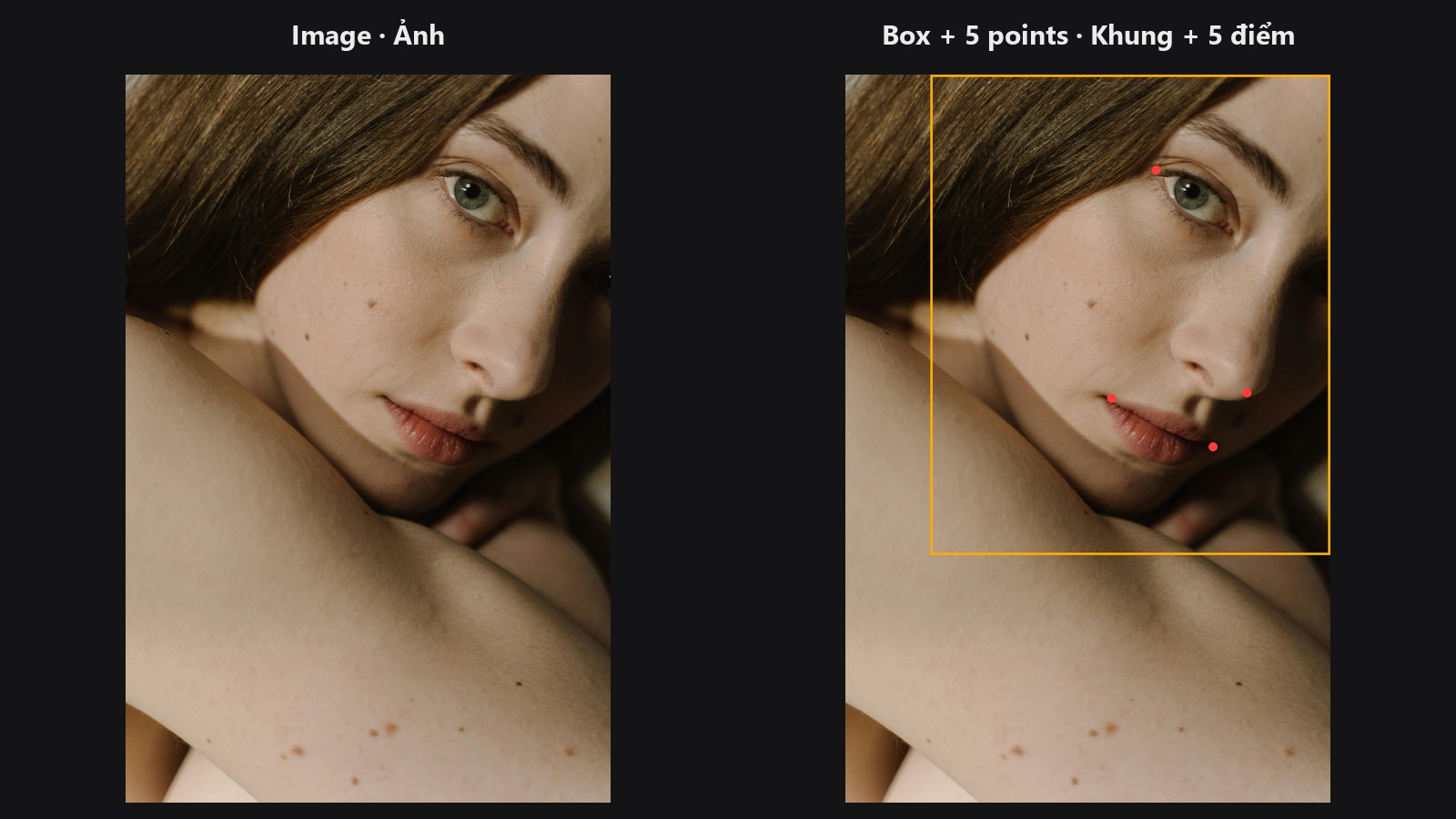
Finds faces with MediaPipe and returns five key points per face.
-
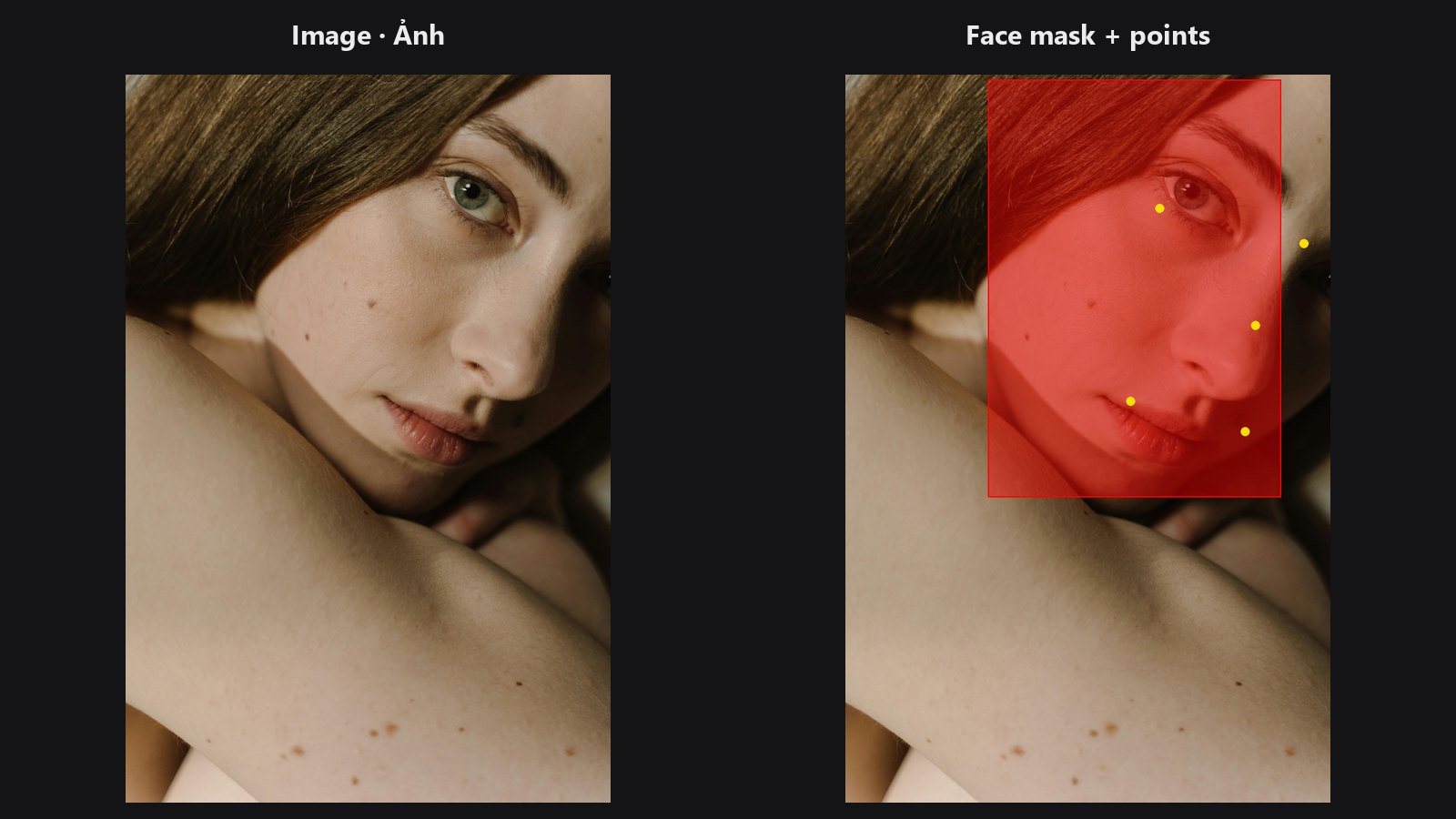
Fast YuNet detector with five key points, real confidence and a face mask.
-
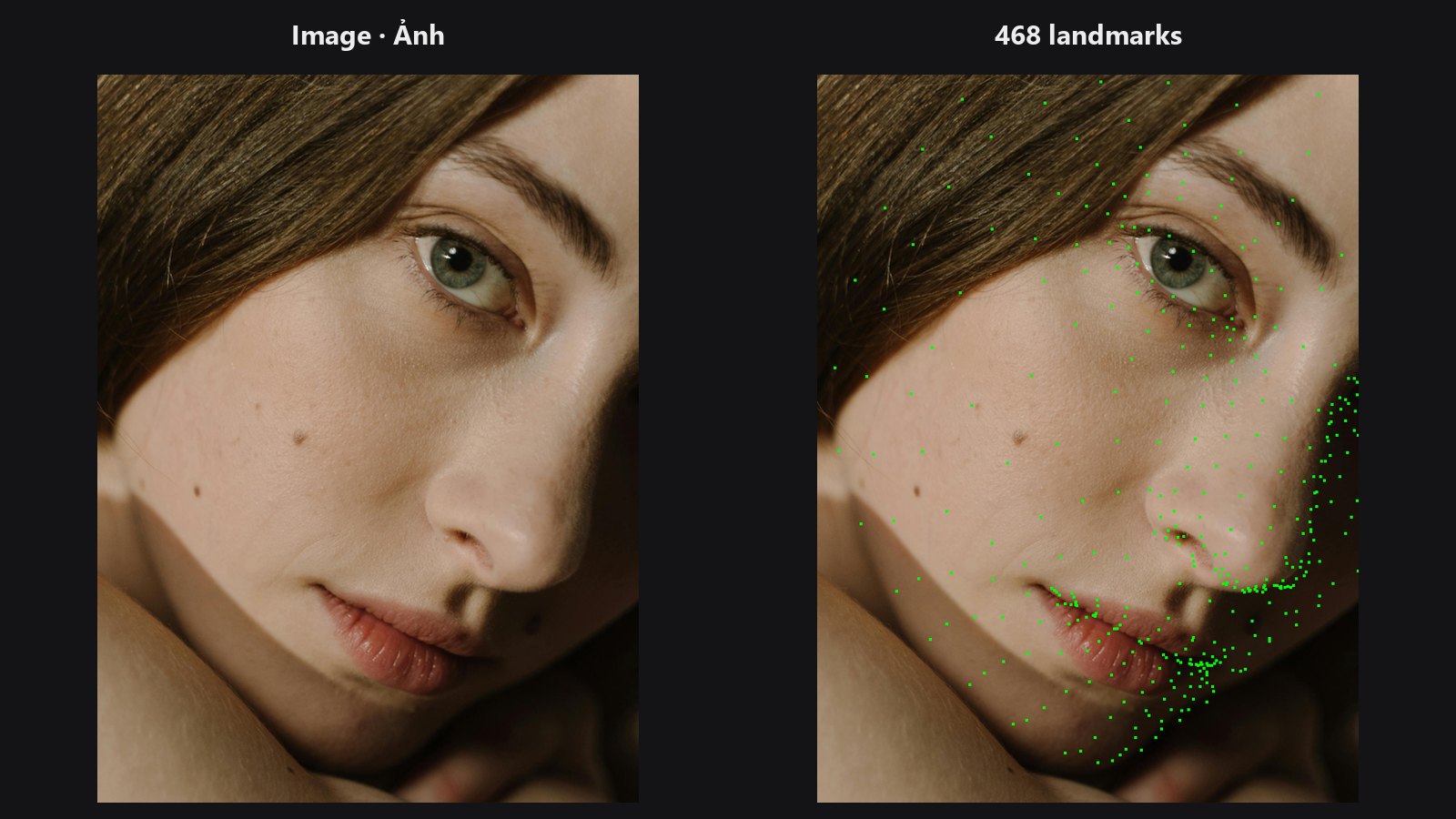
A dense 468-point map of the face, with a preview overlay.
-
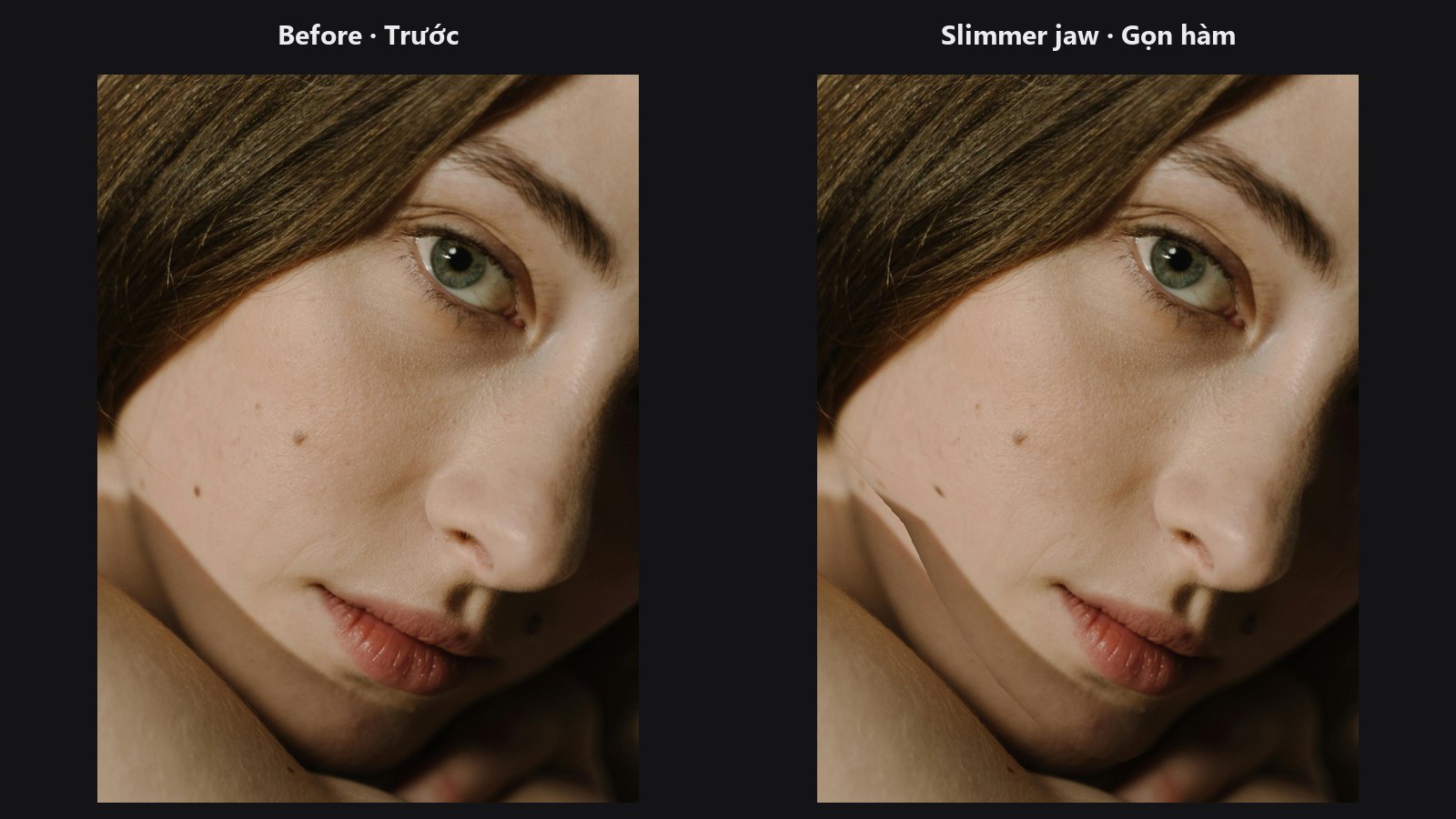
Reshapes the face triangle by triangle, strictly inside the face mesh.
-
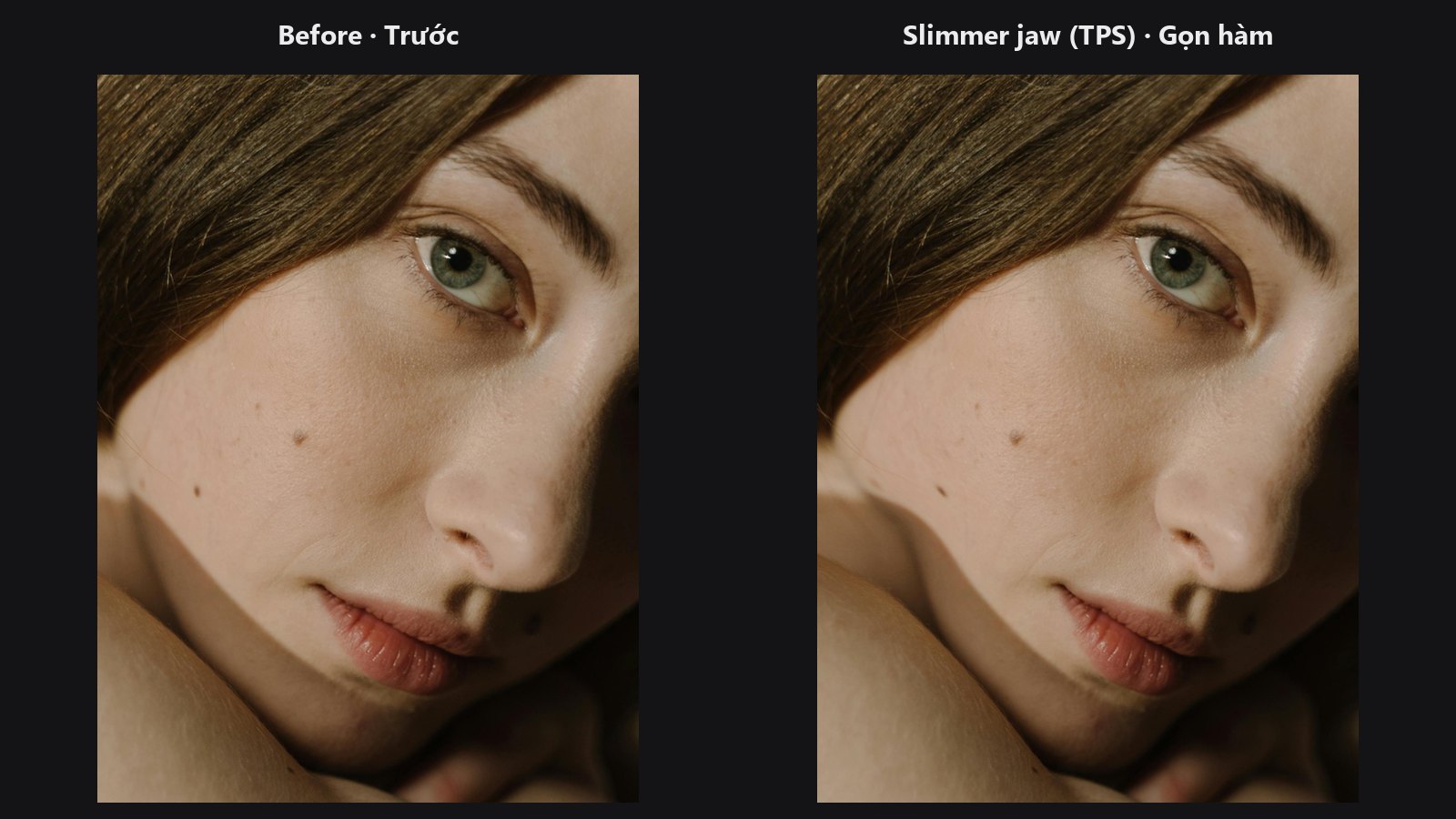
Reshapes the face with one smooth field, no triangle seams.
-
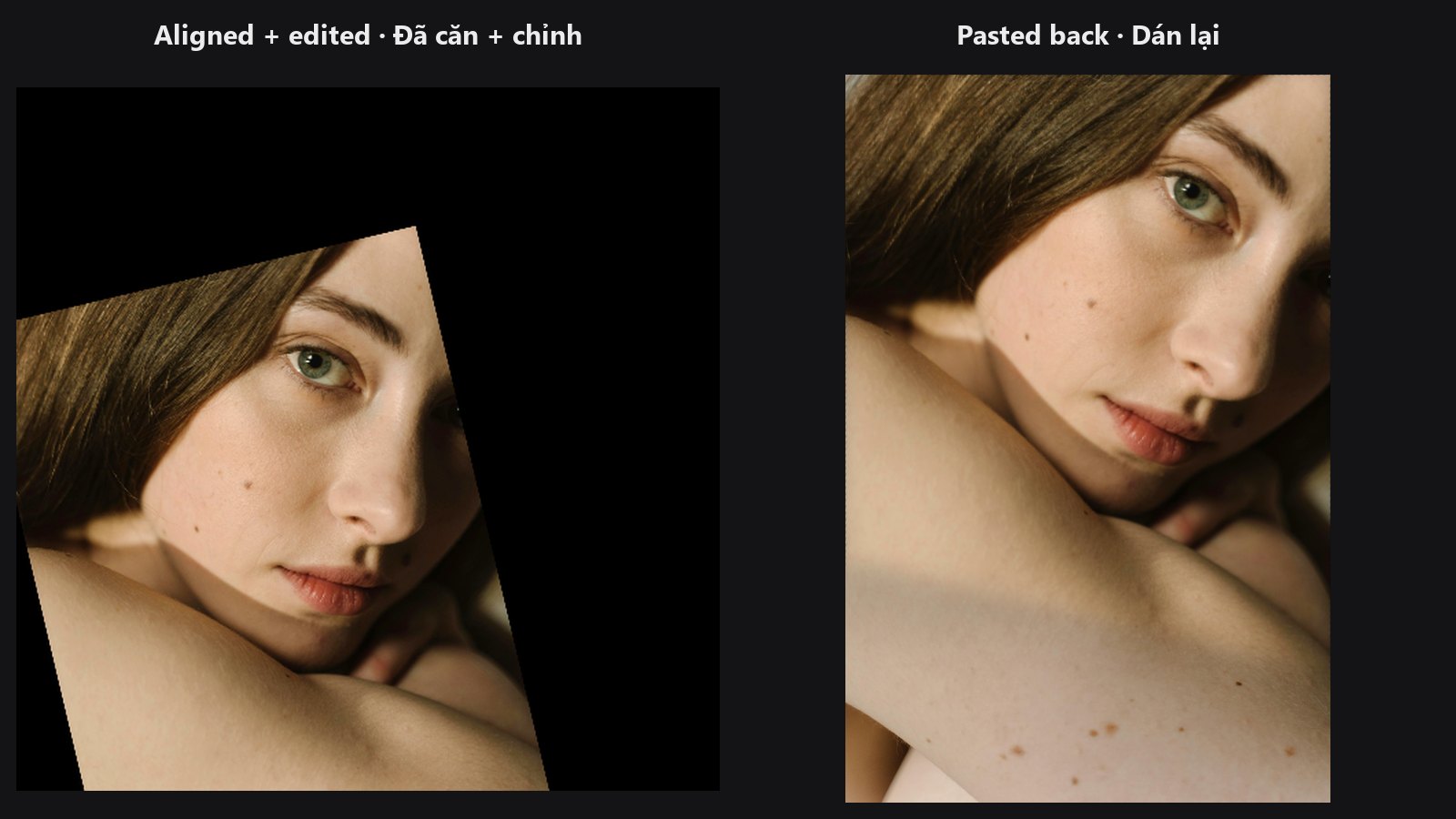
Pastes an edited, straightened face crop back into the original photo.
-
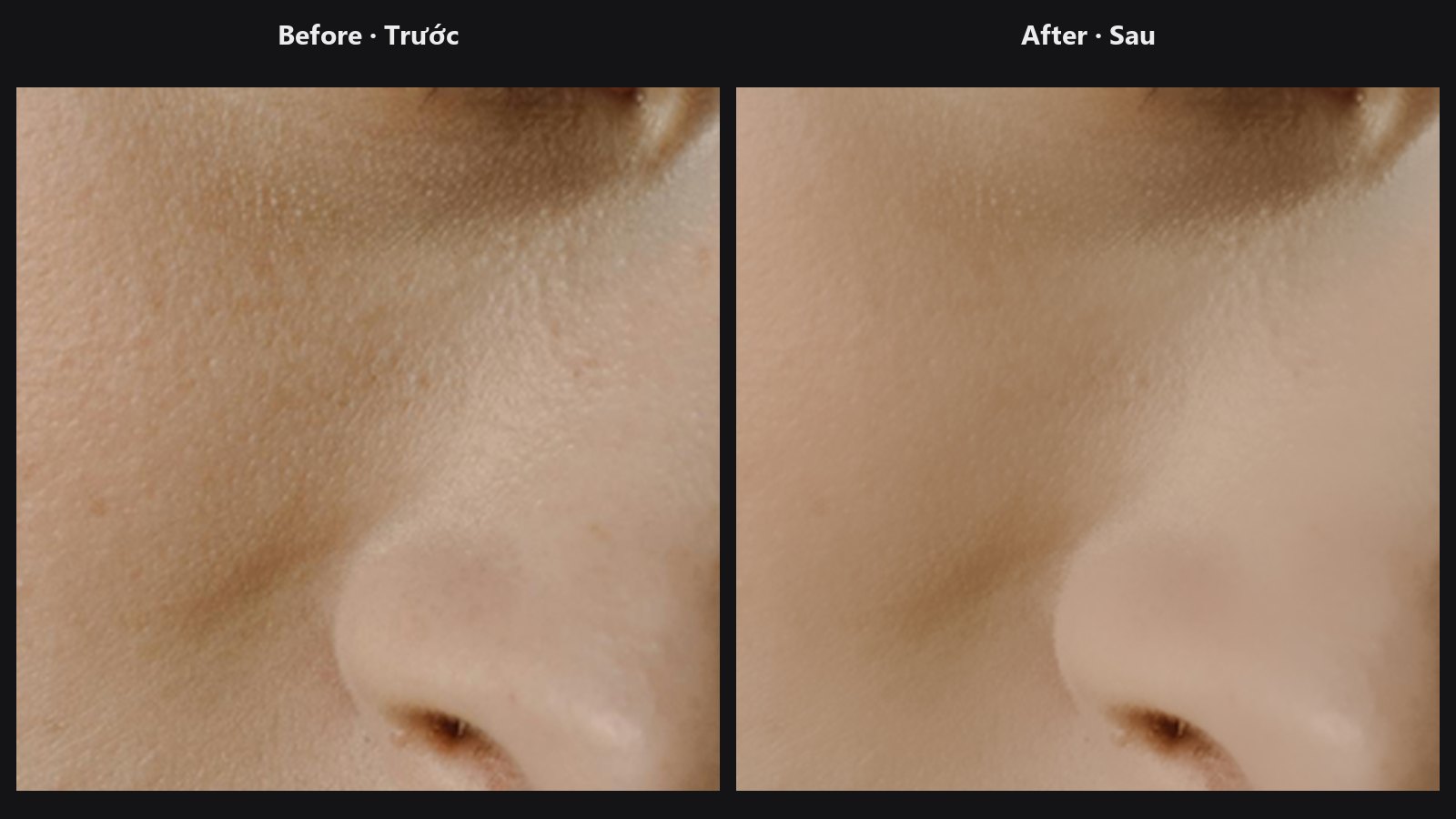
Blends a retouched picture over the original through a mask and strength.
-
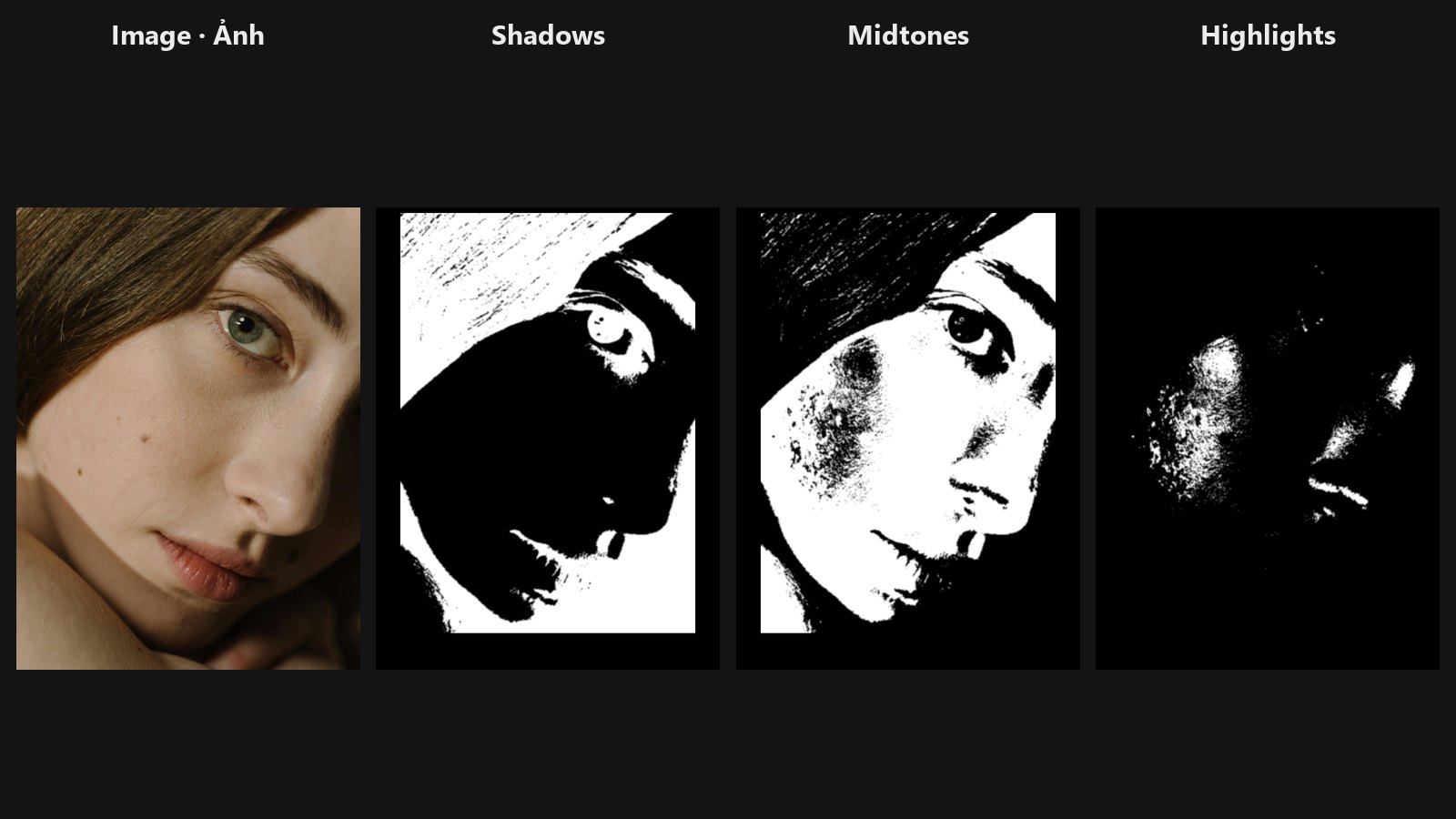
Splits skin into shadow, midtone and highlight masks.
-
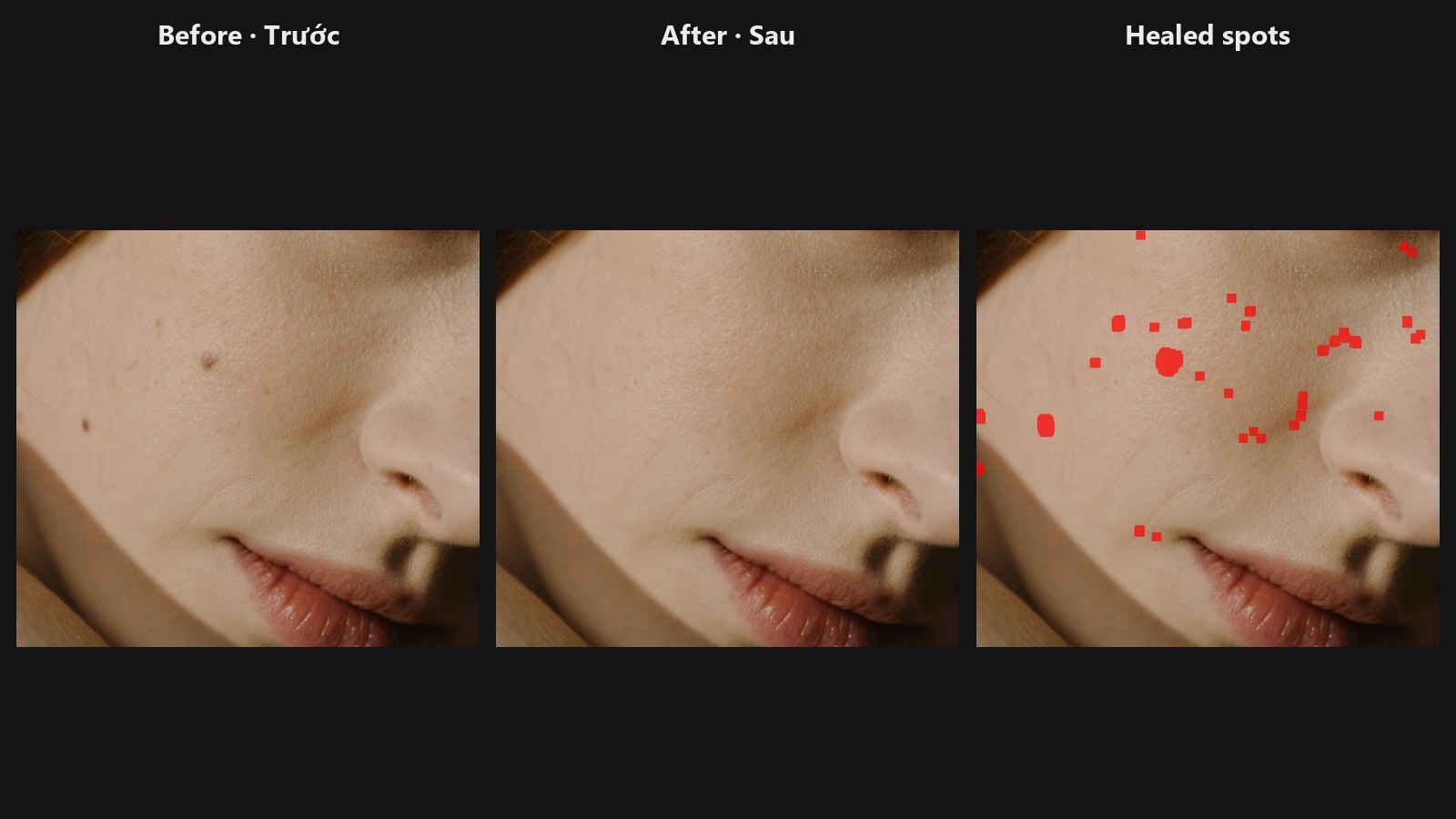
Finds faces and heals pimples and small marks, keeping skin texture.
The align → edit → paste-back pipeline
AI skin passes, face restoration and detail enhancers work best on a small, upright face. The standard chain gives them exactly that and then puts the result back:
- Detect. Face Detect or Face Detect Lite finds the face and outputs five landmarks as
landmarks_json. - Align. Facial Aligner (in the Geometry group) turns the face into a straight, square crop (
image_aligned) and also outputsinverse_matrix_json, the recipe for undoing the move. - Edit. Run your AI or retouch pass on the aligned crop.
- Paste back. Unwrap Face takes the edited crop, the original photo and
inverse_matrix_json, and returns the full photo with only the face area changed. - Polish (optional). Face Beauty Blend mixes the result over the original through a mask, with a strength slider, so the retouch looks natural.
Keep the original image wired to both Unwrap Face and Face Beauty Blend. The untouched pixels outside the face come from there.
Which node should I pick?
MediaPipe Face Detect or YuNet Face Detect Lite?
| Choose | When |
|---|---|
| Face Detect Lite | You want speed (batches, previews), a face mask, a real confidence score, or you do not have MediaPipe installed. It uses the GPU when available. |
| Face Detect | You already use MediaPipe, you want its eye-corner points, or you also run Face Landmarks and want both to agree. |
Both give the same five-point output, and both work with the aligner. Neither feeds the warp nodes directly: those need the 468-point output of Face Landmarks.
Delaunay Face Warp or TPS Face Warp?
| Choose | When |
|---|---|
| Face Warp TPS | You want gentle, natural reshaping (slimming, eye or jaw tweaks) with no triangle seams, GPU speed, or you are matching landmarks from another photo (it has a smoothness control for detector noise). |
| Face Warp | The change must stay strictly inside the face mesh, or you want every one of the 468 points honoured locally. It runs on the CPU. |
Typical chains
- AI skin pass, pasted back: Load Image → Face Detect Lite → Facial Aligner → your AI pass → Unwrap Face → Face Beauty Blend.
- Subtle reshaping: Load Image → Face Landmarks (source) and a second Face Landmarks (target) → Face Warp TPS → Preview Image.
- Tone-targeted retouch: Load Image + skin mask → Skin Tone Tri-Region → one mask into Face Beauty Blend. See the Skin Tone Retouch example.