QA
QA nodes measure a result instead of changing it. Add them at the end of a retouch chain to see how much an edit moved the image, to confirm that a change stayed inside the area you masked, or to compare two settings on the same input.
-
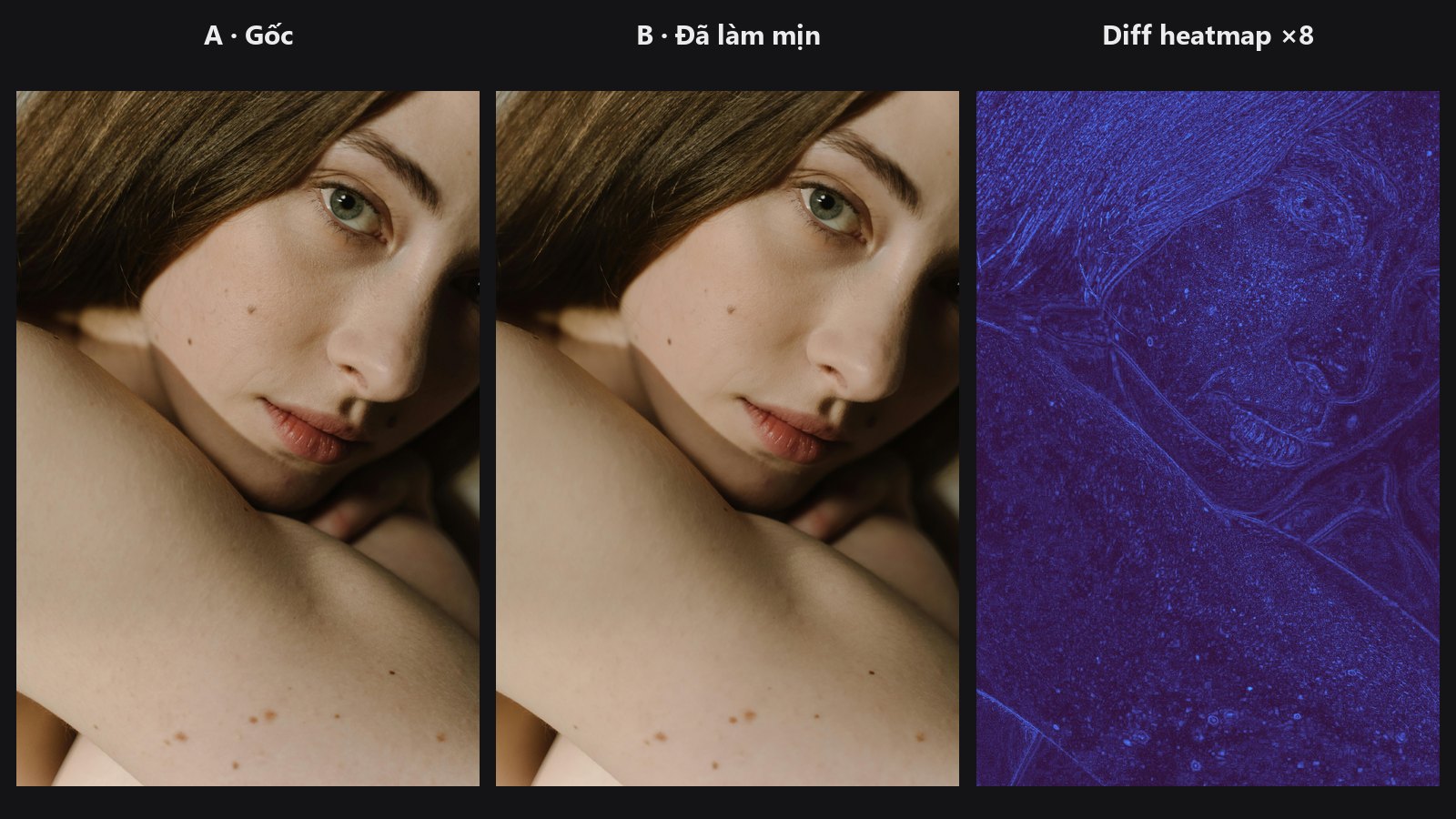
Compares two images with SSIM, PSNR and MAE and draws a heatmap, absolute or SSIM-map difference.
-
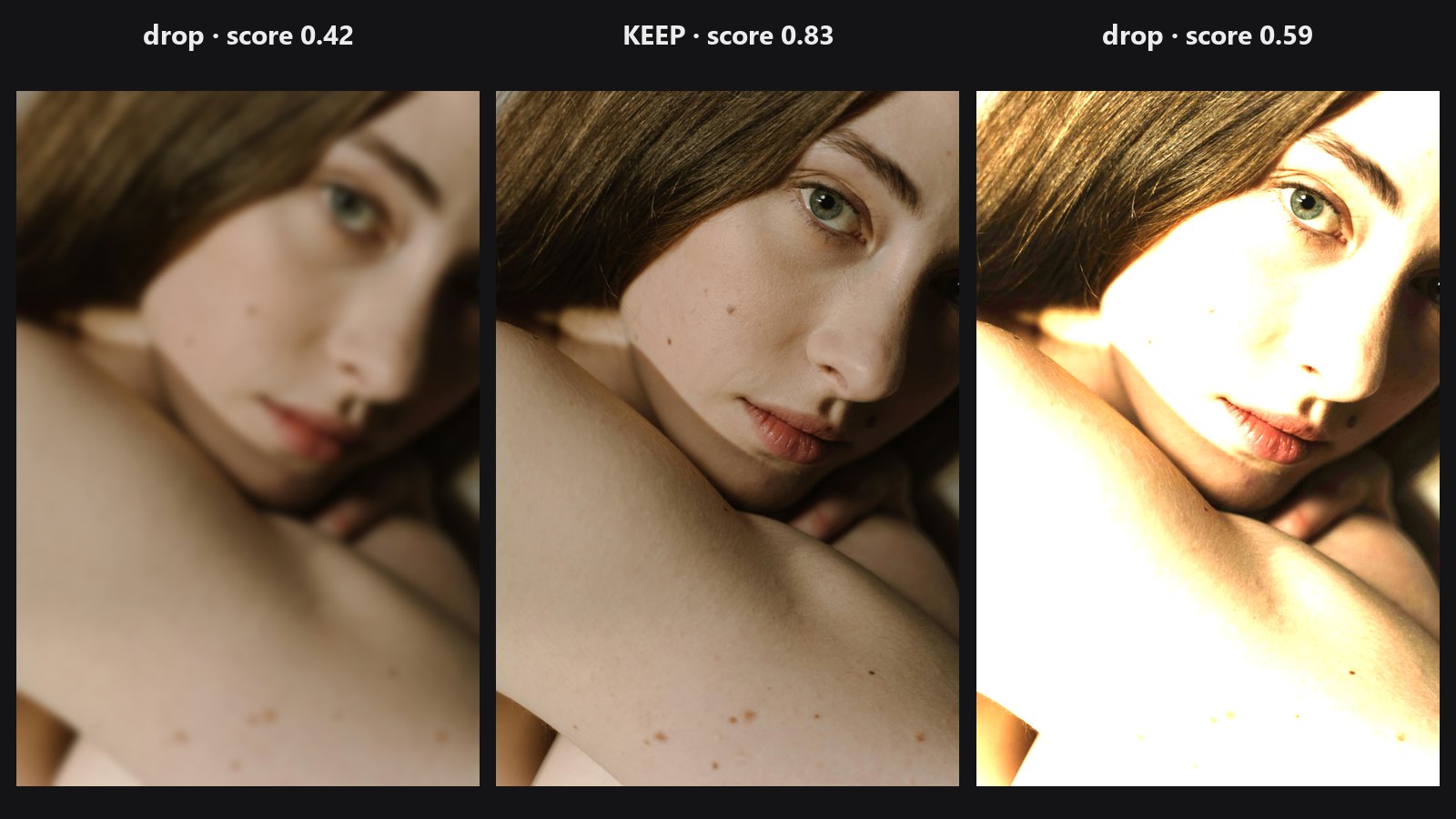
Ranks a batch by sharpness, exposure, closed eyes and duplicates; keeps the best.
For checking a mask rather than an image, use Mask Preview from the Masks group.
Typical chains
- Did my retouch only change the skin? original and retouched image → QA Image Diff (add the skin mask to limit the numbers to that area) → read the
changed_pctand the heatmap. - Compare two settings: run the same photo through two versions of a node → feed both results to QA Image Diff in
ssim_mapmode to see where the structure differs. - Check a smoothing pass: Skin Smoother → QA Image Diff against the original, then use Mask Preview on your skin mask to confirm they line up.